Setting the next departure time
You can set an anticipated departure time for scheduled charging and target temperature.
Scheduled charging and climate is activated based on the departure time.
-
On the infotainment screen, move to Home screen and select Electric vehicle > Next departure.
-
Set the anticipated departure schedule.
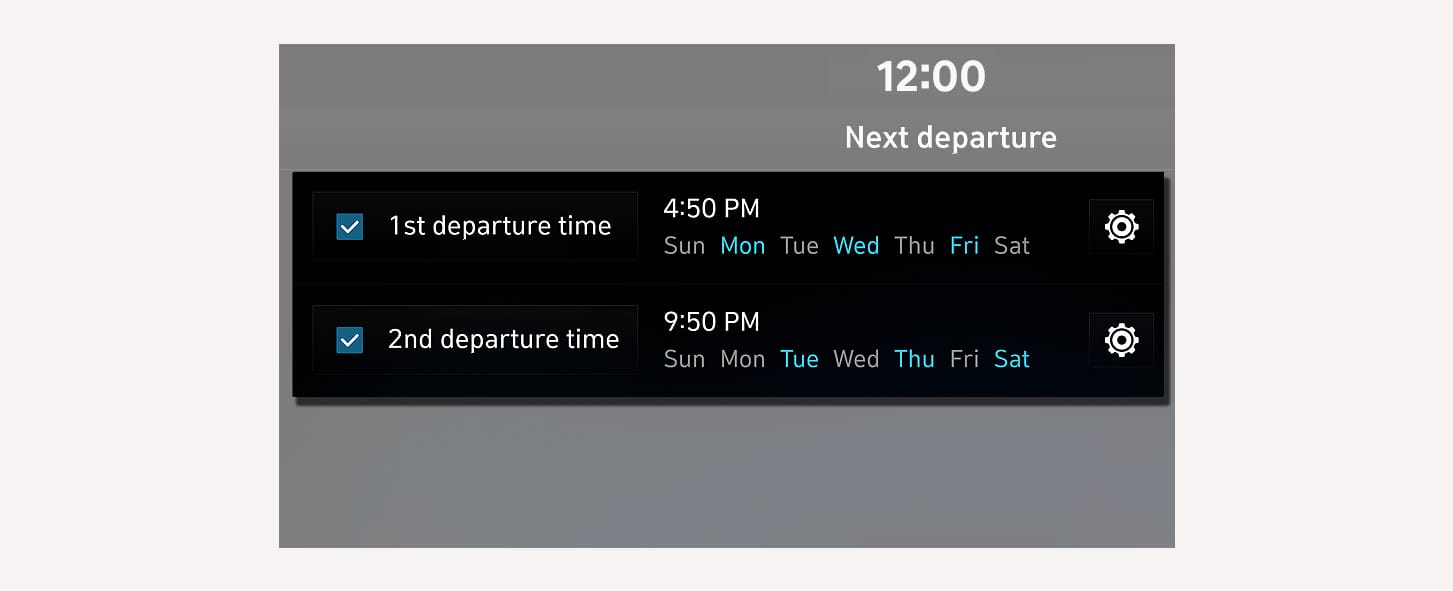
1C_NextDepartureSettings
-
Set anticipated departure time (1) and select the day of the week (2).
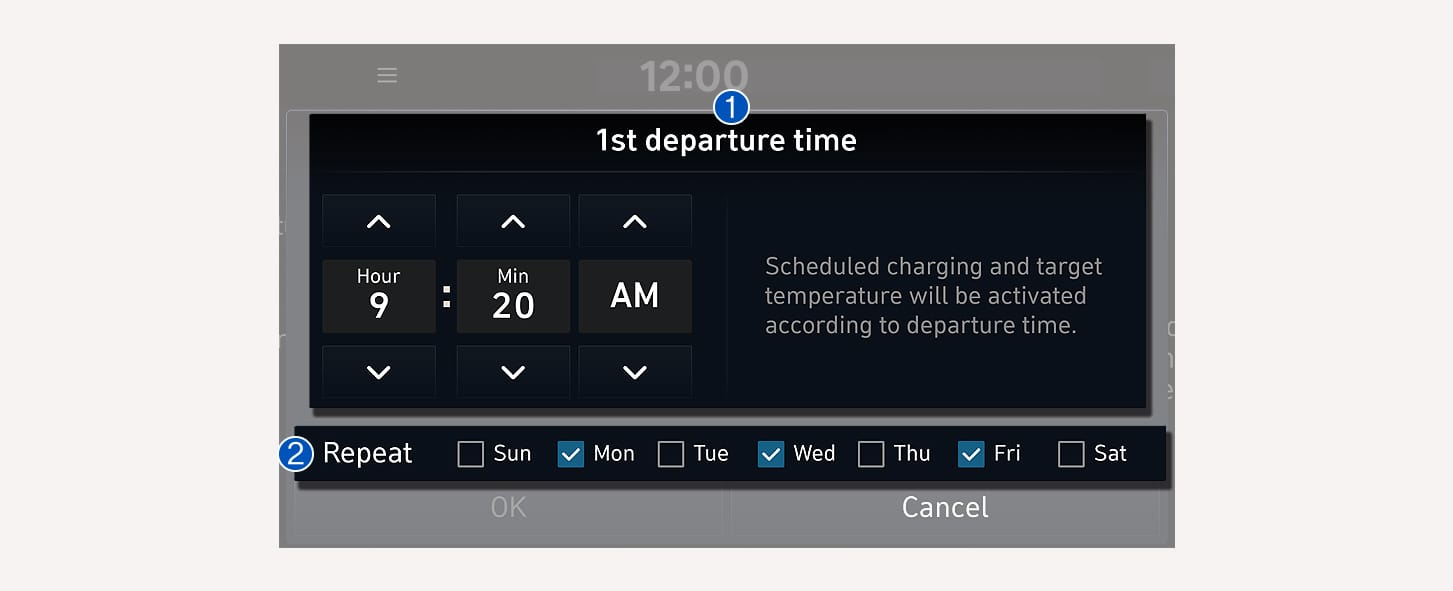
1C_NextDepartureSettings_2
-
Scheduled charging and climate is activated based on the departure time.