Highway Driving Assist Settings
2C_HDASettings
With the vehicle on, press the
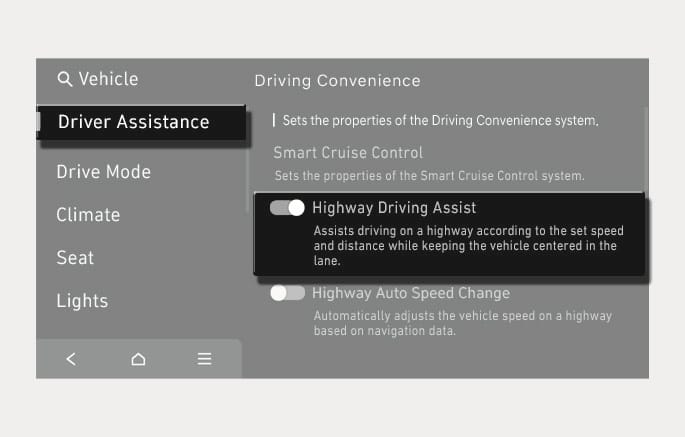
If Highway Driving Assist is selected, it helps maintain distance from the vehicle ahead, maintain the set speed, and helps center the vehicle in the lane.
2C_WarningTypeSetInfo_6
With the vehicle on, press the
-
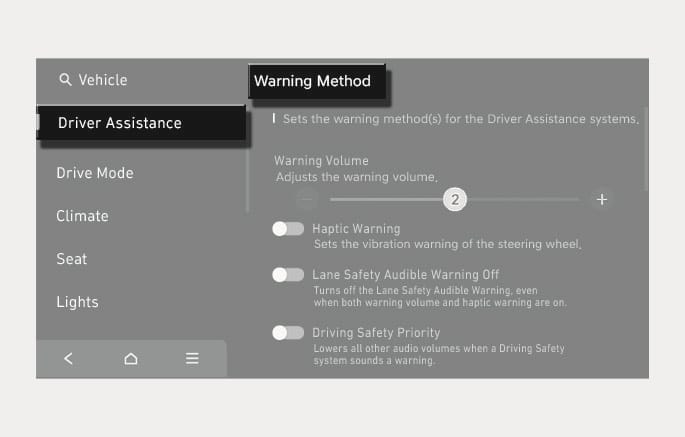
Warning Volume: The warning volume can be adjusted. If you turn off the Warning Volume, for your safety, the function may warn you with a low volume.
-
Haptic Warning: The steering wheel vibration can be set.
-
Driving Safety Priority: Your vehicle lowers all other audio volumes when the Driver Assistance system warning sounds.
-
If you change the Warning Method, Warning Method of other Driver Assistance systems may change.
-
Warning Method will maintain the last setting even if the vehicle is restarted.
-
The setting menu may not be available for your vehicle depending on the vehicle features and specifications.