Welcome System
2C_WelcomeSystem
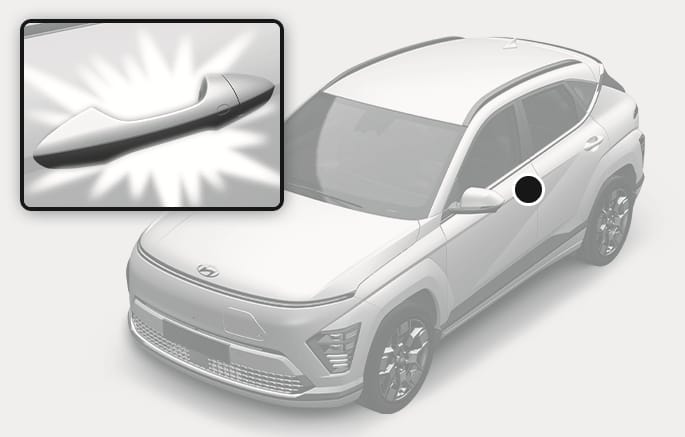
Welcome system helps keep the driver visible by turning on vehicle lights when the driver approaches the vehicle.
When all the doors (and liftgate) are closed and locked, the door handle light turns on for about 15 seconds if:
-
Press the
Ų button, and then Vehicle > Lights > Welcome mirror/light > On door unlock is selected in the infotainment system.-
The door lock button is pressed on the smart key.
-
The button of the outside door handle is pressed while carrying the smart key.
-
You put your hand in the outside door handle while carrying the smart key.
-
-
The smart key is detected, and both Lights > Welcome Mirror/Light > On door unlock and Lights > Welcome Mirror/Light > On driver approach are selected.
You can activate or deactivate the Welcome Light function in the infotainment system.
When the headlight switch is in the headlight, parking light or AUTO position and all the doors (and liftgate) are closed and locked, the parking lights and headlights come on for about 15 seconds when the door unlock button is pressed on the smart key.
If you press the door lock or unlock button, the parking lights and headlights turn off immediately.
Press the
When the interior light switch is in the
-
The door unlock button is pressed on the smart key.
-
The button of the outside door handle is pressed while carrying the smart key.
-
You put your hand in the outside door handle while carrying the smart key.
If you press the door lock or unlock button on the smart key, the lights turn off immediately.
The infotainment system may change after software updates. For more information, refer to the manual provided in the infotainment system and the quick reference guide.