Driver Attention Warning Settings
Leading Vehicle Departure Alert
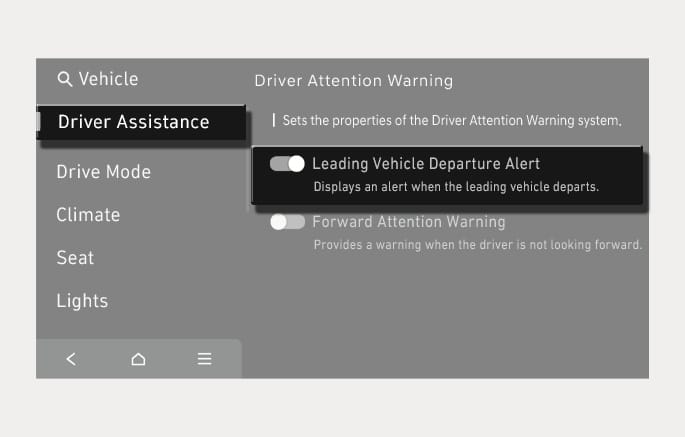
2C_LeadingVehicleDepartureSettings
With the vehicle on, press the
-
If 'Leading Vehicle Departure Alert' is selected, the function will inform the driver when a detected vehicle in front departs from a stop.