Checking energy information
You can check the energy consumption and energy economy history.
-
On the infotainment screen, move to Home screen and select EV.
-
Check the Energy information.
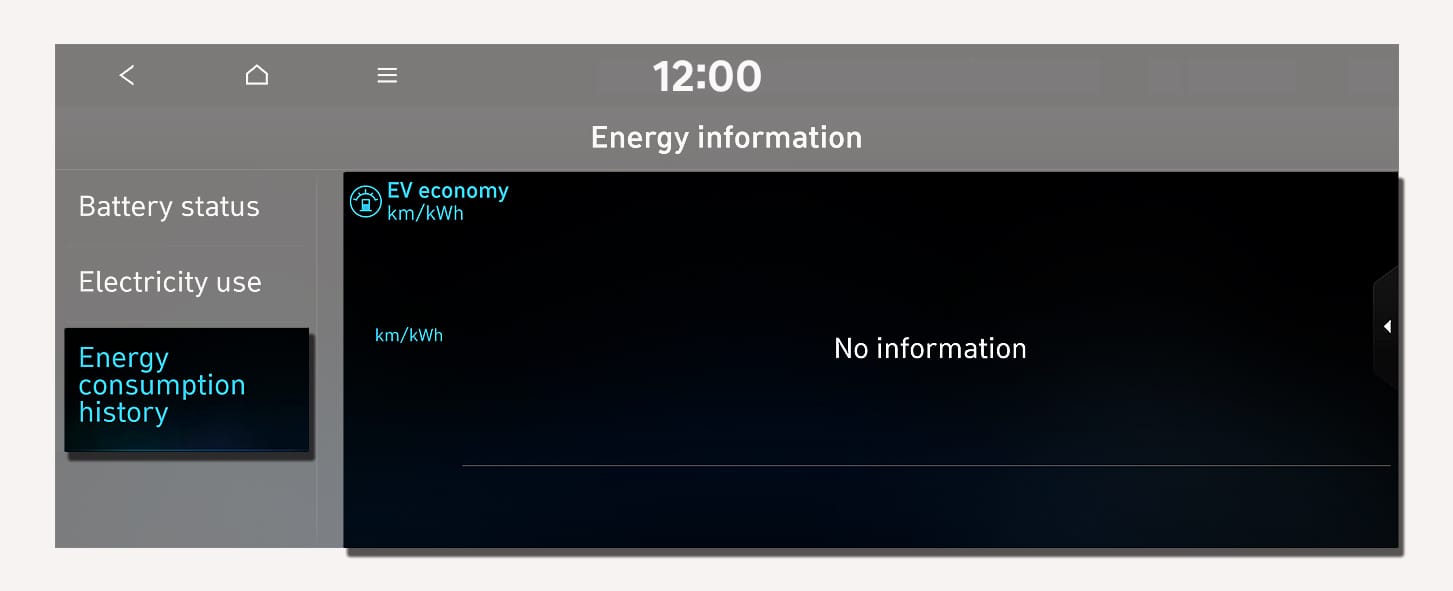
1C_EVEconomyHistory
On the infotainment screen, select Energy information.
-
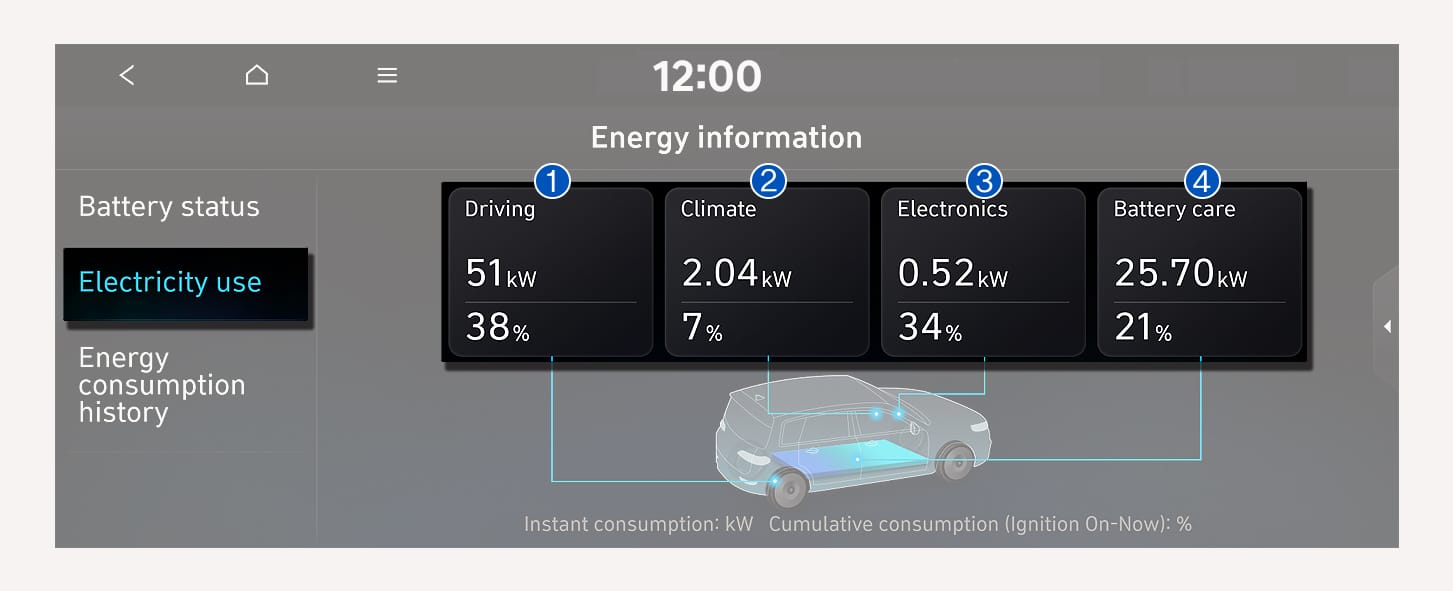
You can check the current energy consumption for each vehicle system.
1C_ElectricyUse
|
No. |
Name |
Description |
|
(1) |
Driving |
Shows the percentage of instantaneous and regenerative energy consumed by the motor to drive the vehicle and the percentage of the power driving system used in total power used since starting the vehicle. |
|
(2) |
Climate |
Shows the power and energy consumption used by the air conditioner or heater and the percentage of the power climate system used in total power used since starting the vehicle. |
|
(3) |
Electronics |
Shows the power and energy consumption used by the vehicle system, including the instrument cluster, infotainment system (speaker and navigation), headlight, vehicle control unit, etc., and the percentage of the power vehicle system used in total power used since starting the vehicle. |
|
(4) |
Battery care |
Shows the momentary power and energy consumption used when increasing and cooling down the battery temperature to maintain optimal battery performance and the percentage of battery temperature control mode (Battery Care mode) used in the total power used since starting the vehicle. |