Heated steering wheel
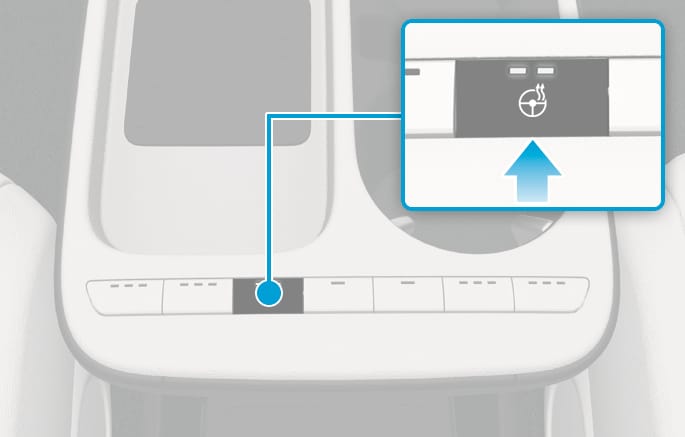
2C_SteeringWheelWarmerButton
Press
-
Manual temperature control
Each time you press the
Ŀ button, the temperature changes as follows:-
HIGH > LOW > OFF
-
Pressing the
Ŀ button when in LOW, the heated steering wheel turns off.
-
-
Automatic temperature control
The heated steering wheel starts to automatically control the steering wheel temperature after being manually turned ON.
-
When HIGH is manually selected:
The heated steering wheel automatically changes to the LOW position after 30 minutes. You can turn off the heated steering wheel by pressing the button to the OFF position.
-
When LOW is manually selected:
The heated steering wheel is not controlled automatically.
-
-
Do not install any cover or accessories on the steering wheel to prevent damage to the heated steering wheel system.
-
Do not strike the steering wheel surface with a sharp-pointed object. This may damage the heating element in the steering wheel.