Setting the Next Departure Time
You can set an anticipated departure time for scheduled charging and target temperature.
-
Scheduled charging and climate will be activated based on the departure time.
-
To use scheduled charging and climate function, the vehicle must be connected to the charger at the scheduled time.
-
The scheduled climate function directly uses the power of the connected charger. It can maintain a pleasant environment and enhance vehicle performance by controlling the temperature of the vehicle and the battery without using the high voltage battery power.
-
On the infotainment system, swipe the Home screen to the left to display the All menus screen.
-
On the All menus screen, select EV > Next Departure Time.
-
Set the anticipated departure schedule.
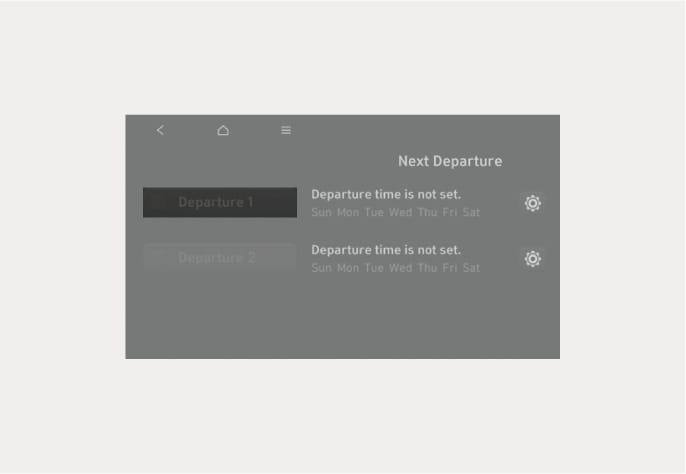
B0001801
-
Set anticipated time the vehicle will departure after charging.
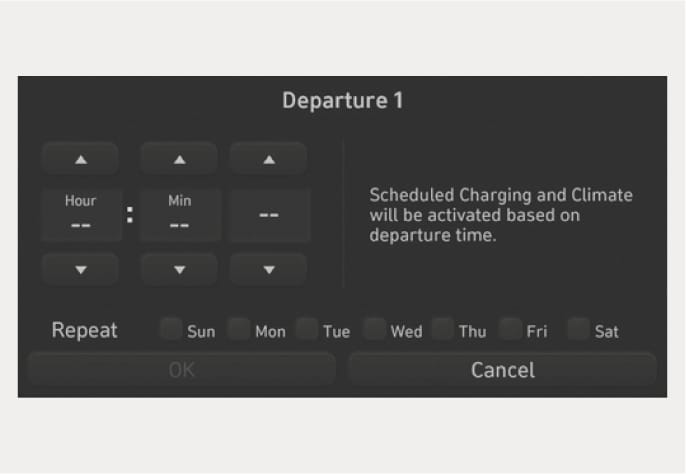
B0001802
-
At Repeat option, select the day of the week to activate scheduled charging and target temperature for the departure time.