Operating the Power Liftgate
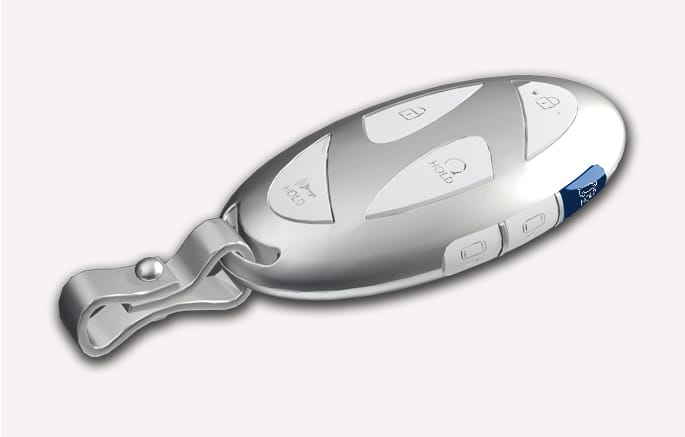
2C_SmartKeyTailgateOpenButton
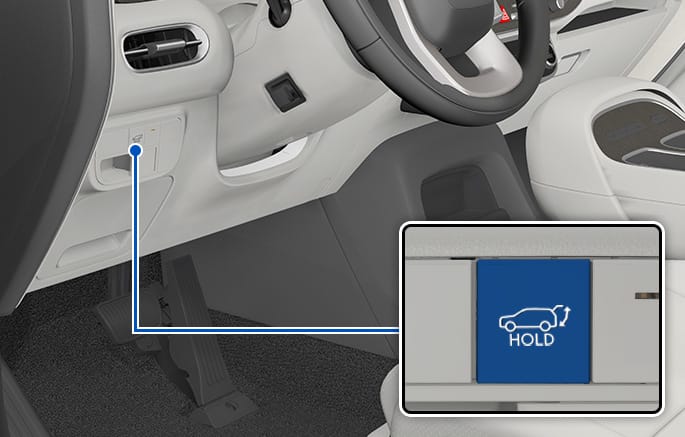
2C_CrashPadTailgateOpenButton
When the liftgate is closed, press the power liftgate open/close button for 1.5 seconds. The power liftgate opens with a warning sound.
While the liftgate is opening, press the button to stop liftgate operation.
When the power liftgate is opened, press and hold the power liftgate open/close button to close the liftgate. If you release the button while the liftgate is closing, power liftgate operation will stop with a warning sound for 5 seconds. If you press the button again when the liftgate is stopped, power liftgate operation will resume and the liftgate will be opened again.
Make sure that there are no people or objects in the path of the liftgate before pressing the open/close button inside the power liftgate and the smart key. Otherwise, this may cause serious injury or damage to the vehicle or object.
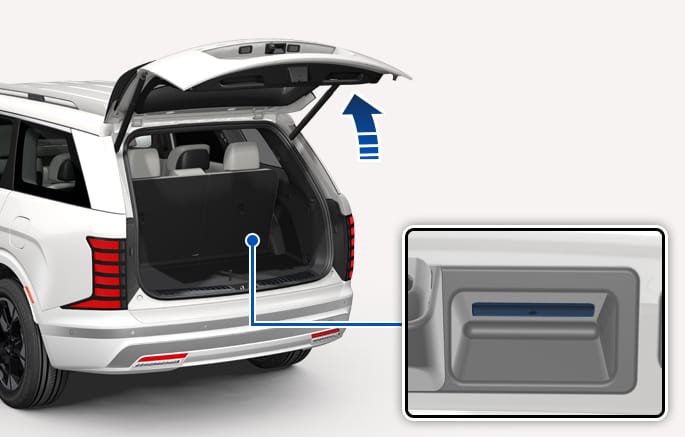
2C_OutsideTailgateOpenButton
When the liftgate is closed, press the power liftgate open/close button to open the liftgate.
If the vehicle is locked, press the power liftgate open/close button with the smart key in your possession.
If the liftgate is unlocked, the liftgate will open or close with a warning sound when the power liftgate open/close button is pressed without carrying the smart key. If you press the button again when the liftgate is stopped, power liftgate operation will resume and the liftgate will be opened again.
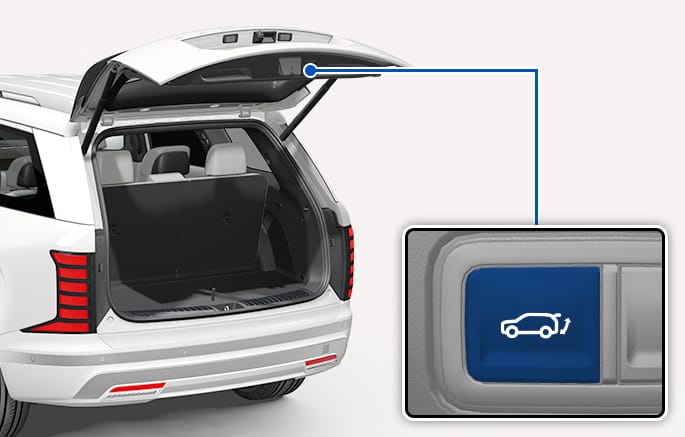
2C_PowerTailgateTrimTailgateOpenButton
When the liftgate is opened, press and hold the liftgate open/close button to close the power liftgate. If you release the button while the liftgate is closing, power liftgate operation will stop.
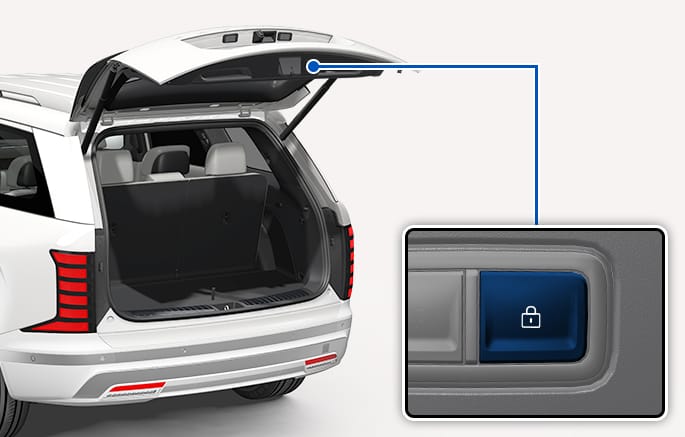
2C_TrunkTrimTailgateLockButton
Press the power liftgate lock button while carrying the smart key. The liftgate closes and locks automatically. Additionally, all doors will lock.
The liftgate can be closed and locked, and all doors locked only when the button is pressed while the engine is off.