Cluster Display View Modes
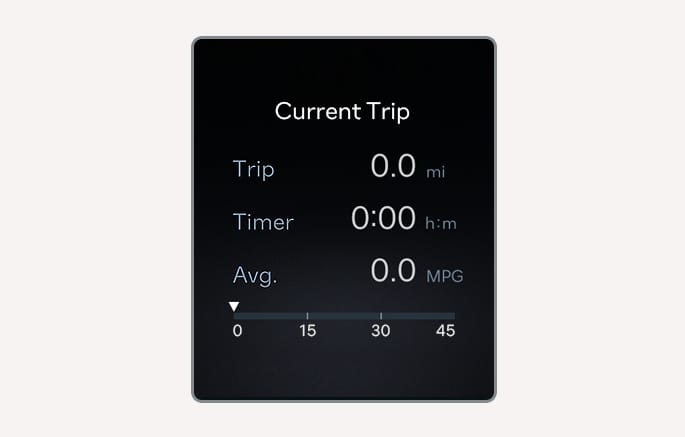
Current trip
2C_CurrentDrivingInfo
The trip computer mode displays information related to vehicle driving parameters including fuel economy, tripmeter information, and vehicle speed.
Current trip is initialized when the vehicle is turned off and the driver's door is open, or when the vehicle is turned on 3 minutes after the vehicle is turned off.
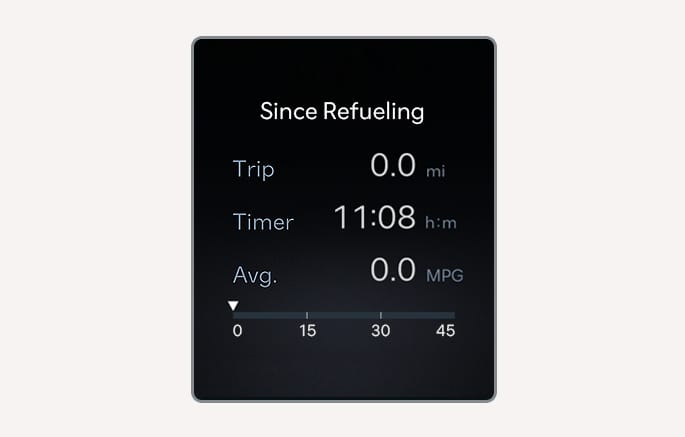
Since Refueling
2C_InfoAfterRefuel
After the vehicle has been refueled, the trip distance, total driving time and average fuel economy appear.
To reset manually, press the OK button on the steering wheel for more than 1 second when 'Since Refueling' appears.
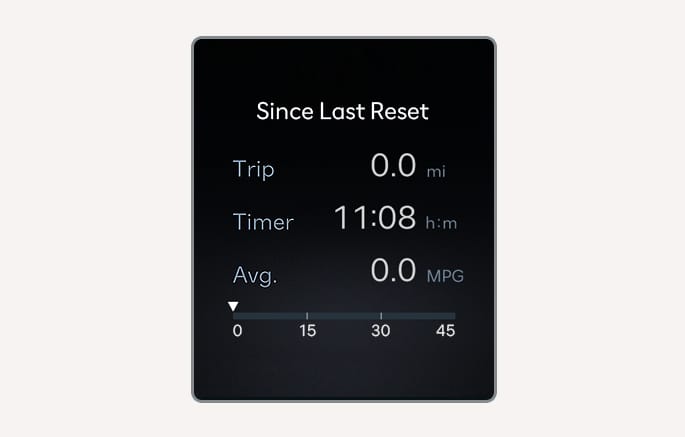
Since Last Reset
2C_AccumulatedInfo
Accumulated trip distance, total driving time, and average fuel economy appear.
The information is accumulated starting from the last reset.
To reset manually, press the OK button on the steering wheel for more than 1 second when 'Since Last Reset' appears.
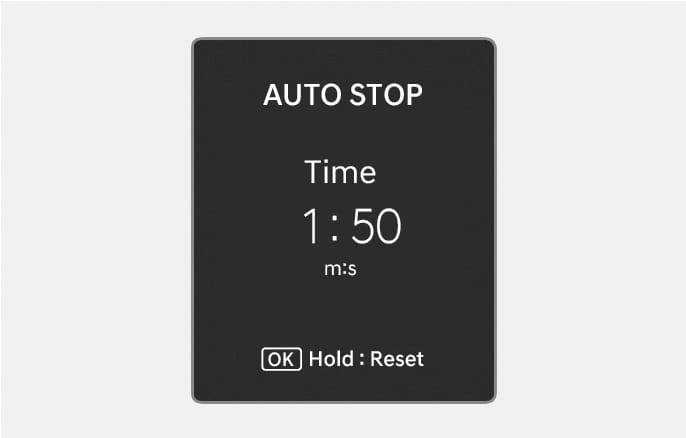
Auto stop
2C_ISGAcuumResetInfo
AUTO STOP display shows the elapsed time of engine stop by Idle Stop and Go system.
For more details, refer to Idle Stop and Go (ISG).
For more details, refer to 'Idle Stop and Go (ISG)' section in chapter 6 of the complete Owner's Manual.
Tire pressure
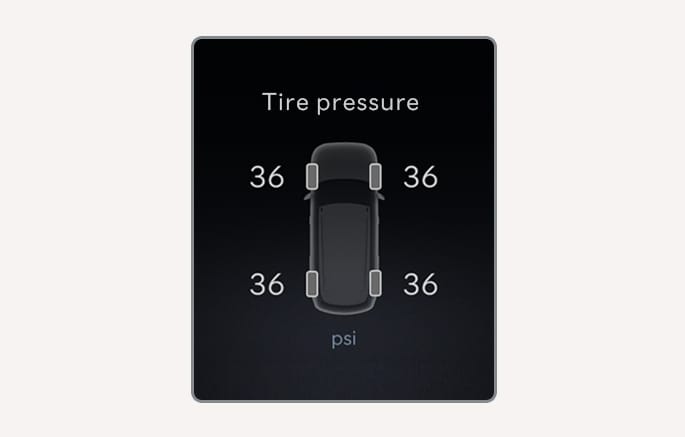
2C_TireLowPressureInfo
The tire pressure of each tire appears.
For more information, refer to Tire Pressure Monitoring System (TPMS).
Driving force distribution (AWD)
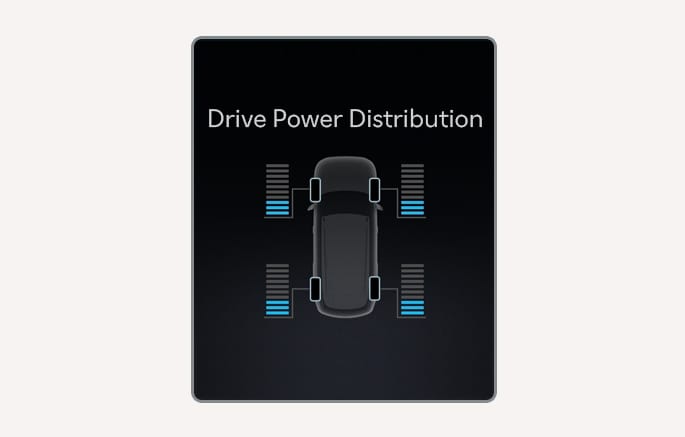
2C_4WDInfo
Information related to AWD driving force appears.
If the vehicle is in AWD lock state, this mode is not displayed.
For more information, refer to All Wheel Drive (AWD).
For more information, refer to 'All Wheel Drive (AWD)' section in chapter 6 of the complete Owner's Manual.
Digital speedometer
2C_DigitalSpeedmeter
Digital speedometer display shows the speed of the vehicle.
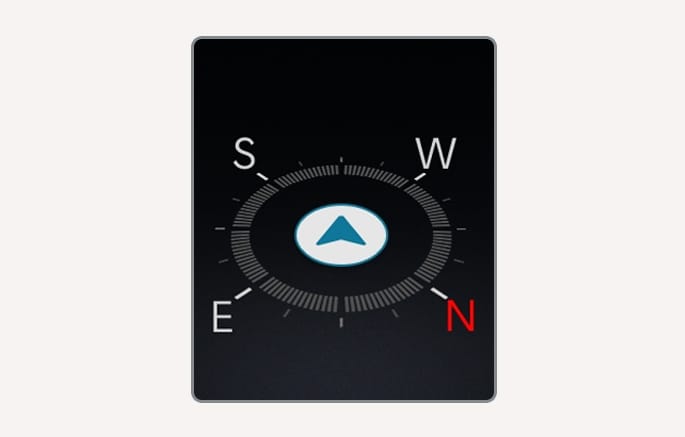
2C_TurnByTurnMode
TBT navigation and distance/time to destination appear when TBT mode is selected.
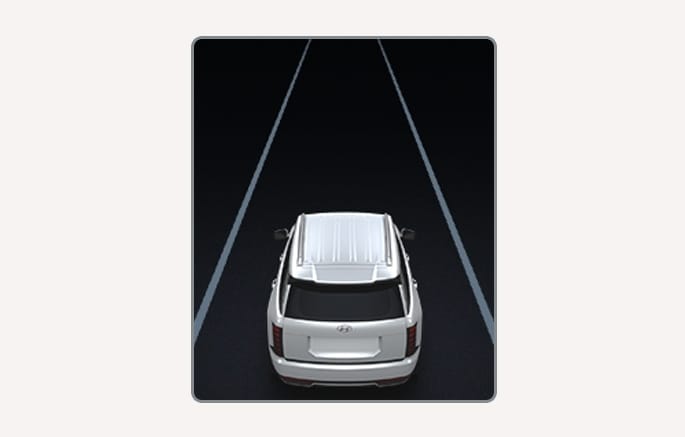
2C_DrivingAssistMode
Displays the state of Lane Keeping Assist, Smart Cruise Control, Lane Following Assist and Highway Driving Assist (if equipped). For more information, refer to each system information in chapter 7.
Driver assistance
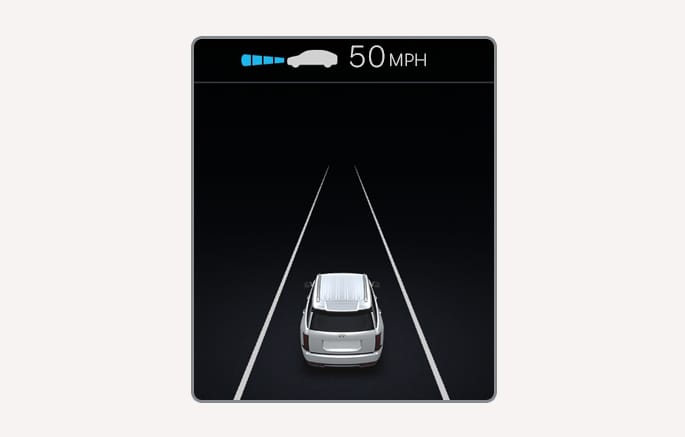
2C_ADASInfo
The current operation condition of Manual Speed Limit Assist, Smart Cruise Control, Lane Following Assist, etc. appears.