FAW Settings
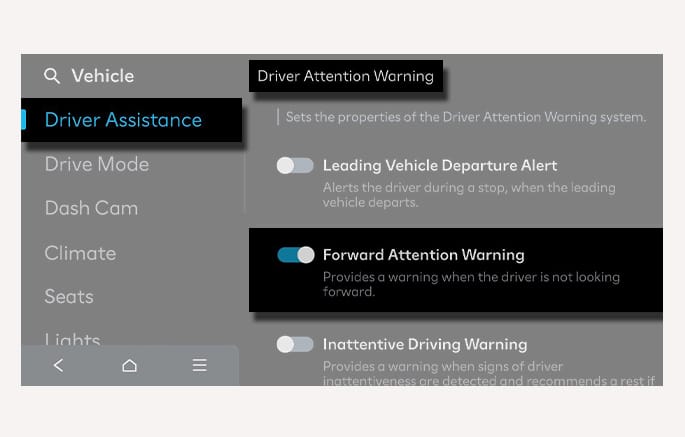
2C_ForwardAttentionWarningSettings
With the vehicle on, select Setup > Vehicle > Driver Assistance > Driver Attention Warning > Forward Attention Warning in the infotainment system to set whether to use the function.
If Forward Attention Warning is enabled, the function warns the driver when the driver's gaze is not focused on the road.
-
When the vehicle is restarted, Forward Attention Warning always turns on.
-
The Warning method for FAW can not be changed.
-
Even if FAW is turned off, the in-cabin camera still operates to detect the driver's forward attention under the condition Emergency Stop can operate (for example, if Smart Cruise Control and Lane Following Assist are turned on).
When the vehicle is restarted, FAW maintains the last setting.