Turning LKA on/off
With the vehicle on, press and hold the Lane Driving Assist
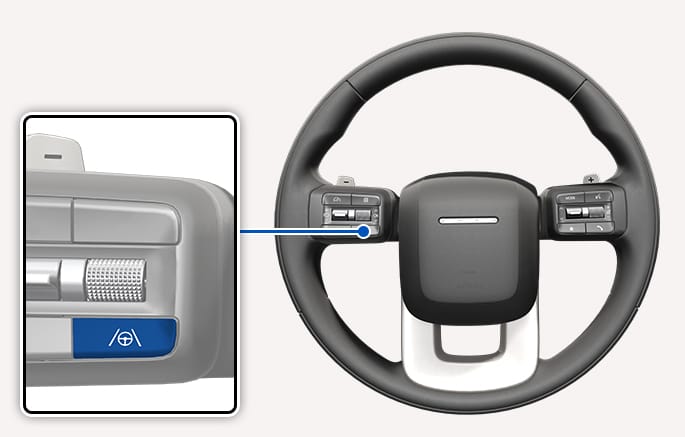
2C_LaneSafetyButton
-
When the operating conditions of LKA are met, the cluster is illuminated with a green
S indicator. -
When the operating conditions are not met, a gray
S indicator is illuminated. -
When LKA is turned off, the
S indicator turns off. -
When LKA is not working properly, the
S indicator turns yellow.If the indicator remains illuminated after vehicle inspection, have your vehicle inspected by an authorized HYUNDAI dealer.
Automatic activation
Lane Keeping Assist automatically turns on when either of the following driving convenience features:
-
Both LFA and SCC turn on
-
HDA turns on
If LKA has automatically turned on and the driver attempts to turn it off, a warning message appears and LKA does not turn off.
LKA will return to the previously set state when the driving convenience feature is turned off.