HUD Settings
2C_HUDSetInfo
-
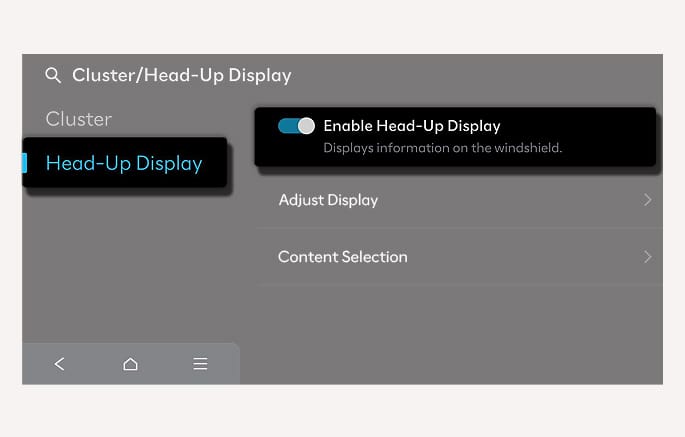
HUD can be enabled from the Settings menu in the infotainment system. Select Setup > Cluster/Head-Up Display > Head-Up Display > Enable Head-Up Display.
-
After turning on the HUD, you can change the settings of Adjust Display and Content Selection of the HUD.
The infotainment system may change after software updates. For more information, refer to the user's manual provided in the infotainment system and the quick reference guide.