Manual Temperature Control Mode
The heating and cooling system can be controlled manually by selecting functions other than AUTO. In this case, the system works sequentially according to the order of the functions selected.
When selecting any other functions except AUTO while using automatic operation, the functions not selected will be controlled automatically.
-
Start the vehicle.
-
Set the mode to the desired position.
To improve the effectiveness of heating and cooling, select the mode according to the following:
-
Heating:

-
Cooling:

-
-
Set the temperature control to the desired value.
-
Set the air intake control to Fresh or Recirculation mode.
-
Set the fan speed control to the desired speed.
-
If air conditioning is desired, turn the air conditioning system on.
-
Select AUTO to revert back to full automatic control of the system.
ONE1051103
ONE1051117
Air flow direction
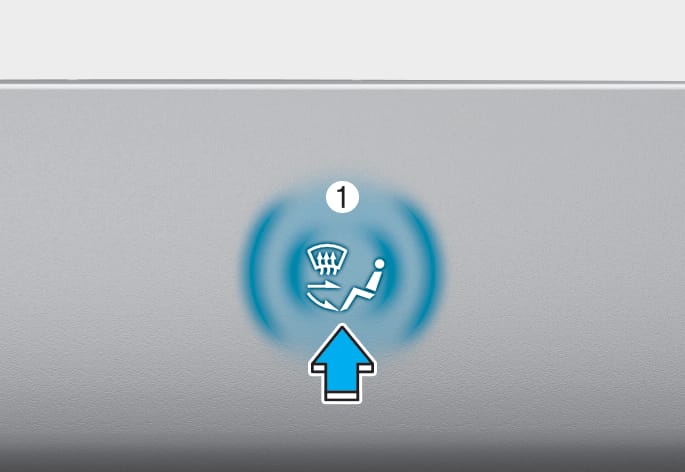
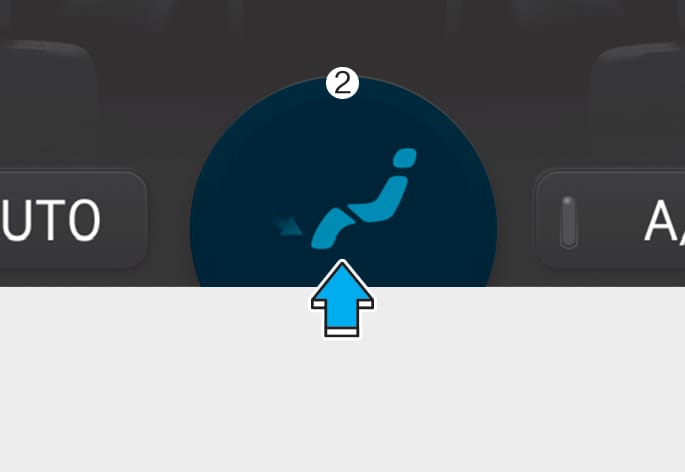
Touch the air flow direction icon (1) or (2) in the infotainment screen to select the desired air flow direction. The selected air flow direction will be displayed on the infotainment screen.
Air flow direction
ONE1051104
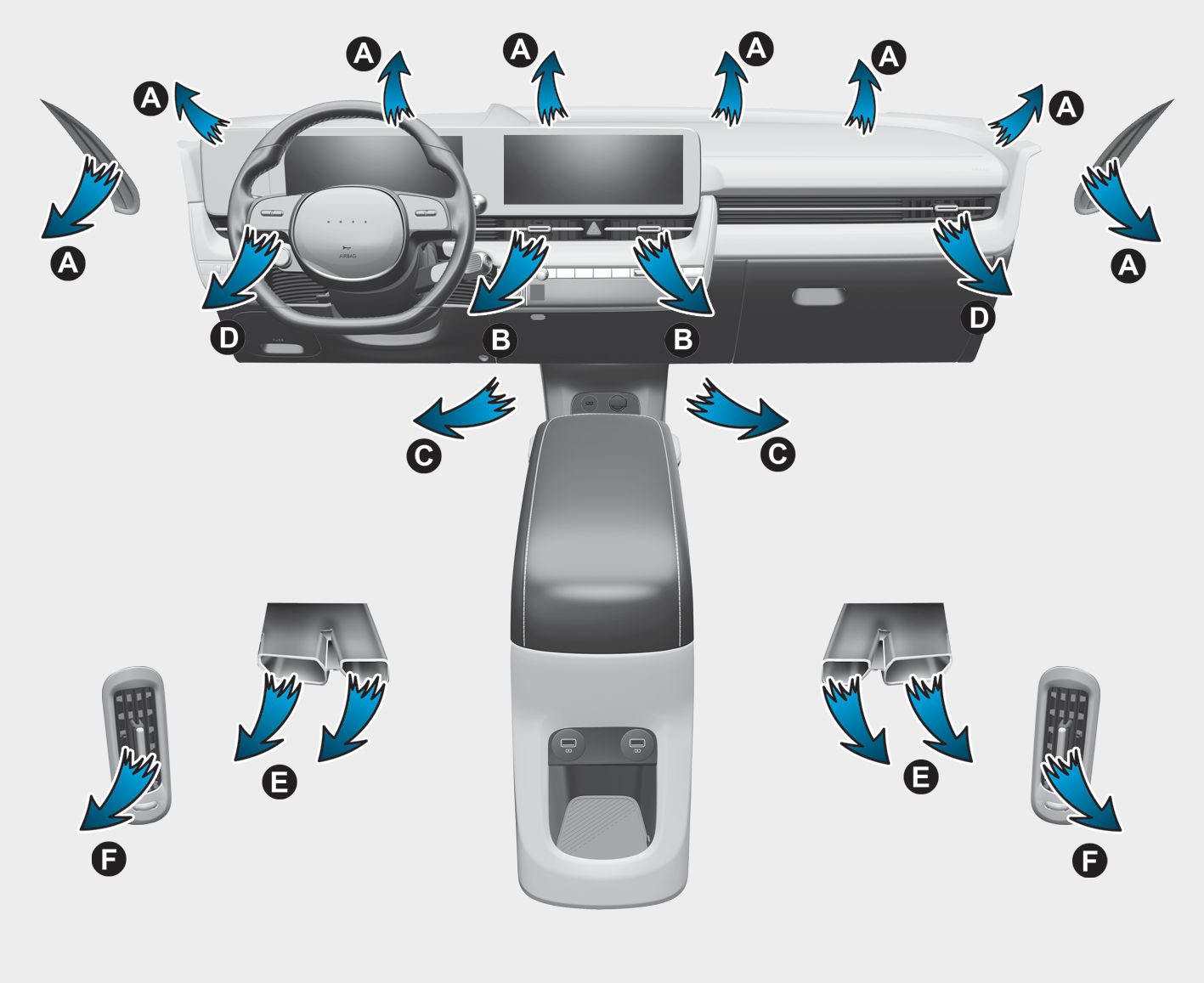
The mode selection Icon or button controls the direction of the air flow through the ventilation system.
Face-Level (B, D, F)

Air flow is directed toward the upper body and face. Additionally, each outlet can be controlled to direct the air discharged from the outlet.
Bi-Level (B, D, C, E, F)

Air flow is directed towards the face and the floor.
Floor-Level (A, C, D, E)

Most of the air flow is directed to the floor, with a small amount of the air being directed to the windshield and side window defrosters.
Floor/Defrost-Level (A, C, D, E)

Most of the air flow is directed to the floor and the windshield with a small amount directed to the side window defrosters.
Defroster-Level (A, D)

Most of the air flow is directed to the windshield with a small amount of air directed to the side window defrosters.
ONE1051105
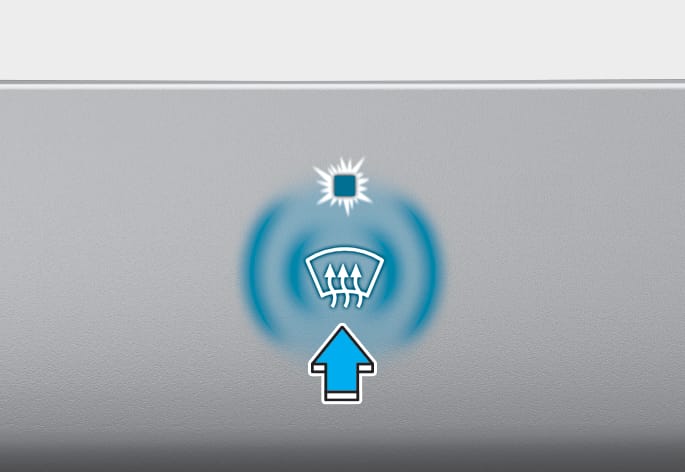
Defrost-level (A, D)
Press the icon, and the indicator light will illuminate and the windshield defroster indicator will appear on the climate control panel.
Most of the air flow is directed to the windshield with a small amount of air directed to the side window defrosters.
When Defogging logic is enabled, Fresh mode is selected and air conditioning is selected according to outside temperature.
If the icon is pressed again, the indicator light will turn off and the previous settings will be selected.
ONE1051106
ONE1051107
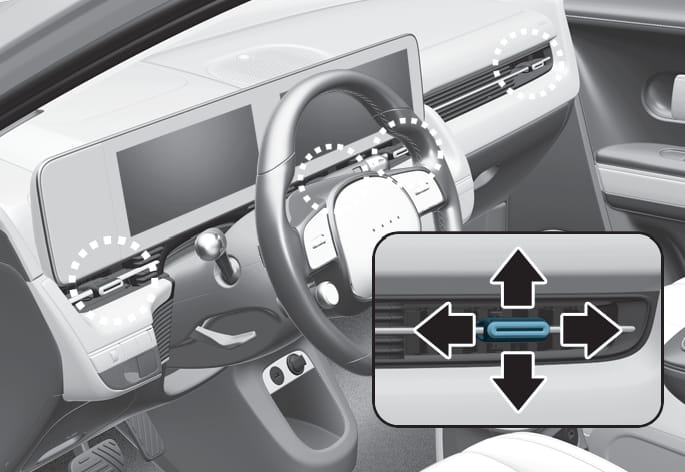
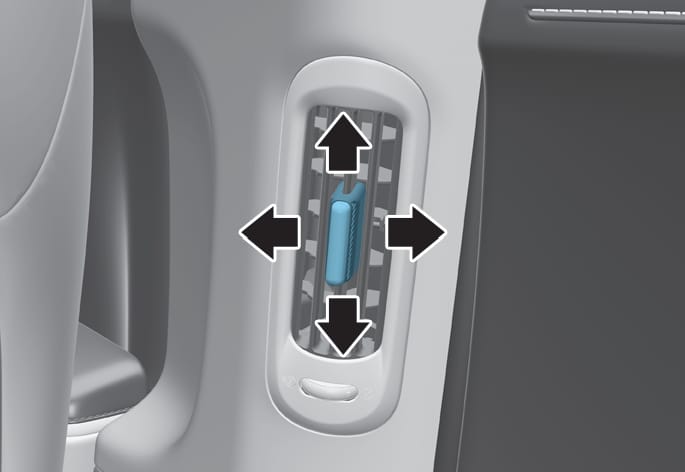
The instrument panel vent air flow can be directed up/down or left/right using the vent adjustment lever.
The air flow can also be CLOSED using the vent adjustment lever.
Front seat
-
Move the lever away horizontally from the seat to close until the levers click and lock. Slightly move the lever toward the seating position to unlock and open.
Rear seat
-
Move the lever downward to close the air flow. Move the lever upward to open the air flow.
ONE1051102
ONE1051118N
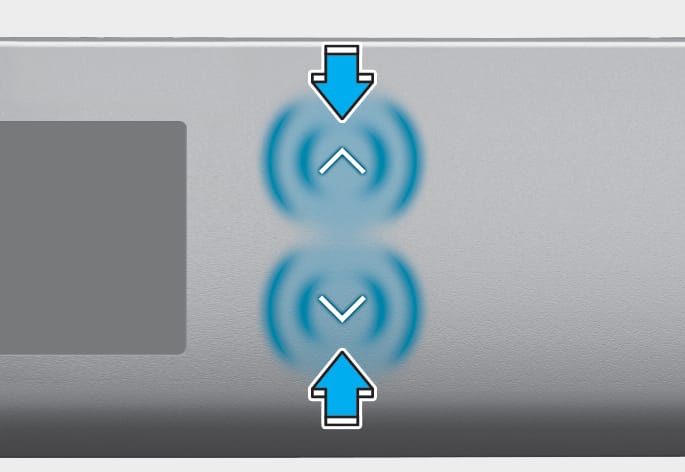
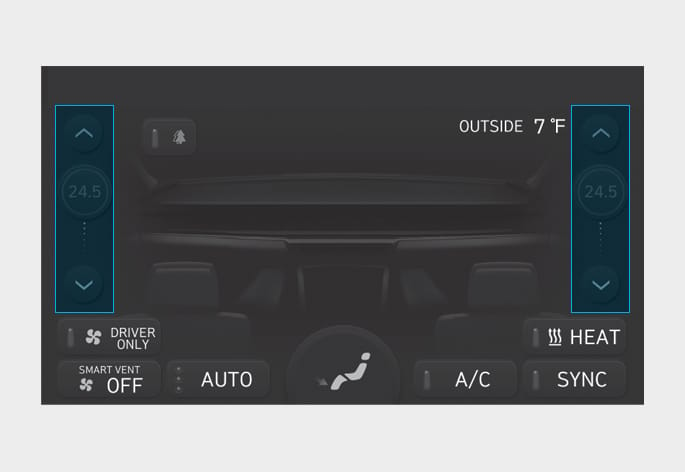
Touch the  or
or  icon to select the temperature.
The temperature can be increased or decreased by increments of 1°F (0.5°C) for each incremental location. When set to the lowest temperature setting, the air conditioning will operate continuously to quickly cool the interior of the vehicle initially. After interior temperature has been cooled down sufficiently, select AUTO and set the temperature to 72 °F (22 °C).
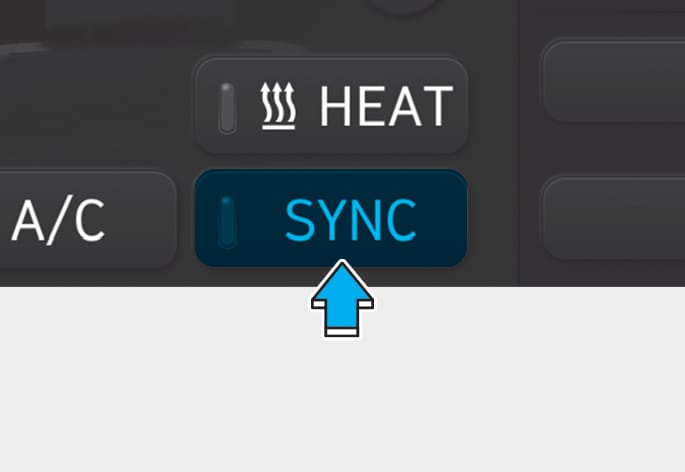
ONE1051120
Adjusting the temperature and air flow direction equally
Press SYNC (indicator light ON), the passenger’s temperature and air flow direction will be adjusted same as the driver’s control.
Adjusting the temperature and air flow direction individually
Press SYNC (indicator light OFF), all seats temperature and air flow direction will be adjusted individually.
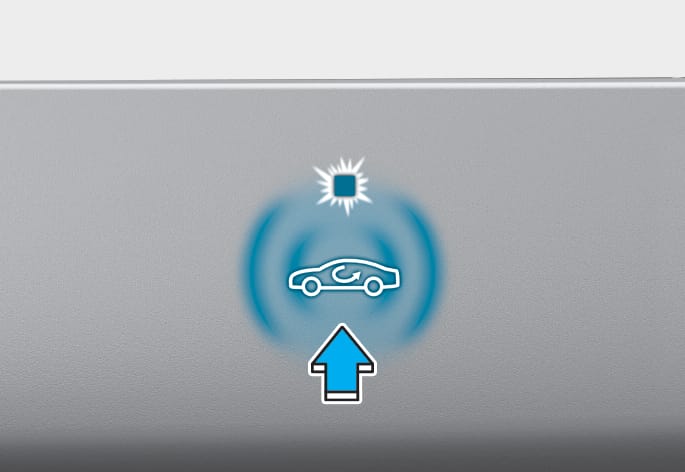
ONE1051126
Air intake control is used to select either Fresh mode (outside air) or Recirculation mode (cabin air).
Recirculation mode
When Recirculation mode is selected, air from the passenger compartment will be recirculated through the system and heated or cooled according to the function selected.
Fresh mode

When Fresh mode is selected, air enters the vehicle from outside and is heated or cooled according to the function selected.
Operating the system primarily in Fresh mode is recommended. Use Recirculation mode temporarily only when needed. Prolonged operation of the heater in Recirculation mode and without the air conditioning ON can cause fogging of the windshield. In addition, prolonged use of the air conditioning ON in Recirculation mode may result in excessively dry, dehumidified air in the cabin and may promote formation of musty vent odor due to stagnant air.
-
Continued use of the climate control system operation in Recirculation mode for a prolonged period of time may cause drowsiness to the occupants in the cabin. This may lead to loss of vehicle control which may lead to an accident.
-
Continued use of the climate control system operation in Recirculation mode with the air conditioning OFF may allow humidity to increase inside the cabin. This may cause condensation to accumulate on the windshield and obscure visibility.
-
Do not sleep in your vehicle or remain parked in your vehicle with the windows up and either the heater or the air conditioning ON for prolonged periods of time. Doing so may increase the levels of carbon dioxide in the cabin which may lead to serious injury or death.
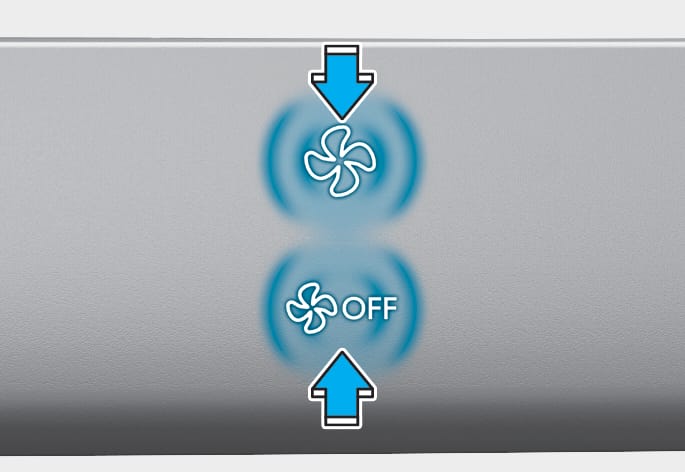
ONE1051109
ONE1051121
The fan speed can be set to the desired speed by adjusting the  icon in the climate control panel.
More air is delivered with higher fan speeds.
Pressing the OFF icon or button turns off the fan.
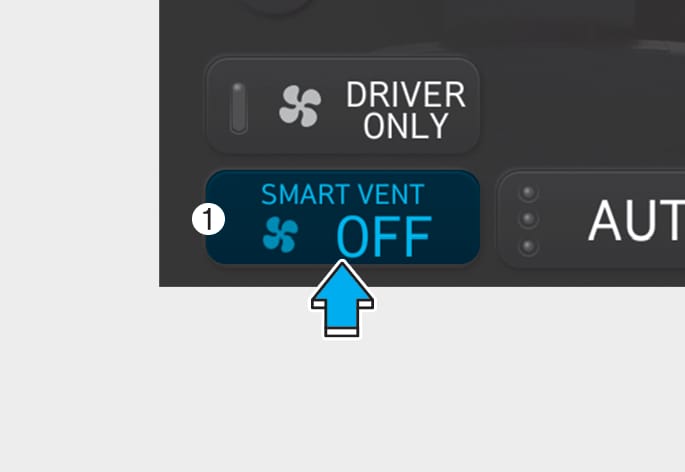
You can check the fan speed and auto air circulation mode in the climate information screen icon (1) in the infotainment system.
To help improve microphone voice input sound, fan speed may automatically slow down for a couple of minutes when you activate voice recognition or hands free.
Operating the fan when the Start/Stop button is in the OFF position could cause the battery to discharge. Operate the fan when the vehicle is running.
ONE1051122
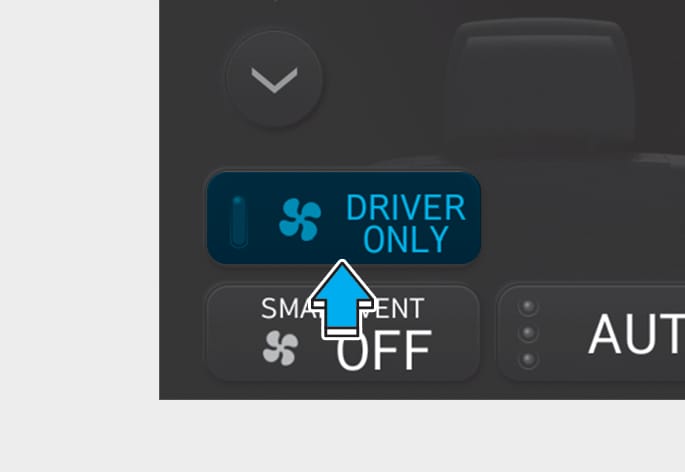
If you touch the DRIVER ONLY icon ( ) and the indicator light illuminates in the infotainment climate control screen, cold air mostly blows in the driver’s seat. However, some of the cold air may come out of other seating position ducts to keep indoor air pleasant.
If you use the icon with no passenger in the front passenger seat, energy consumption will be reduced.
DRIVER ONLY icon will be turned off under the following conditions:
-
Defrost on
-
DRIVER ONLY button re-touch
ONE1051123
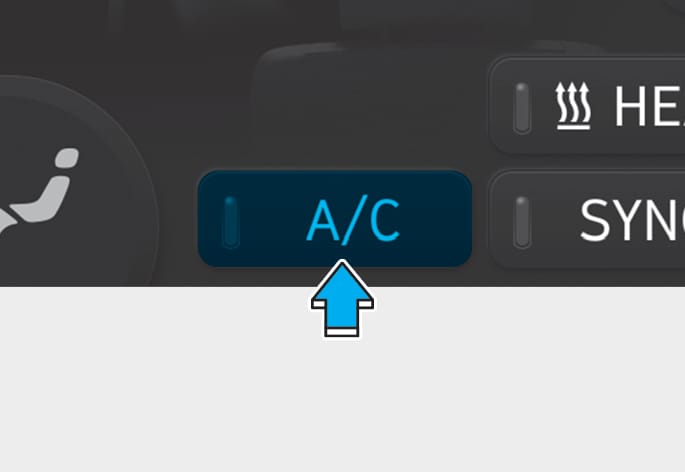
Touch the CLIMATE icon in the climate control panel. The climate information screen will appear on the infotainment screen. Touch the A/C icon in the infotainment screen to turn the air conditioning on (indicator light ON) and off.
ONE1051124
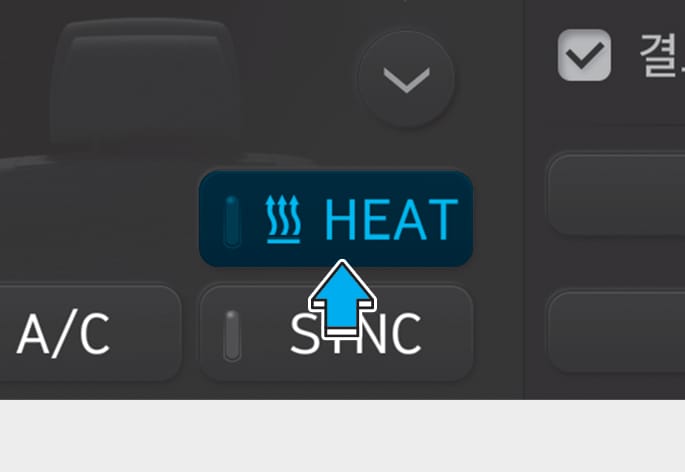
Touch CLIMATE icon in the climate control panel. The climate information screen will appear on the infotainment screen. Touch the HEAT icon in the infotainment screen to turn the heater on (indicator light will illuminate).
Touch the button again to turn the heater off.
The air conditioner and heater uses energy from the battery. If you use the heater or air conditioner for too long, distance to empty can be reduced due to too much power consumption.
Turn off the heater and air conditioner if you do not need them.
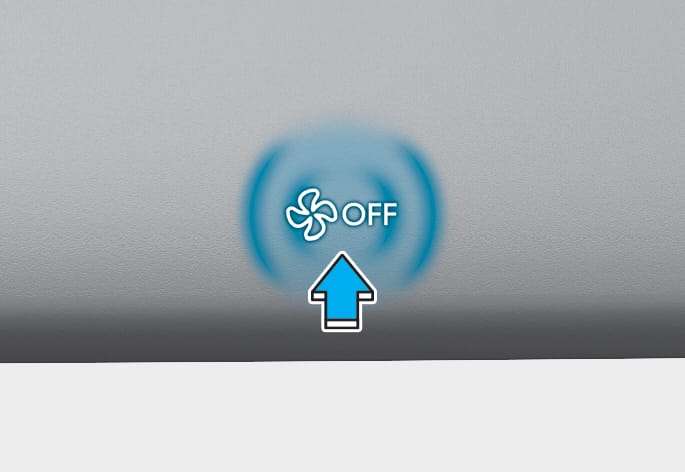
ONE1051110
Touch the OFF icon to turn the climate control system off. You can still operate mode selection and air intake control as long as the Start/Stop button is in the ON position.