EV Settings
ONE1Q011027N
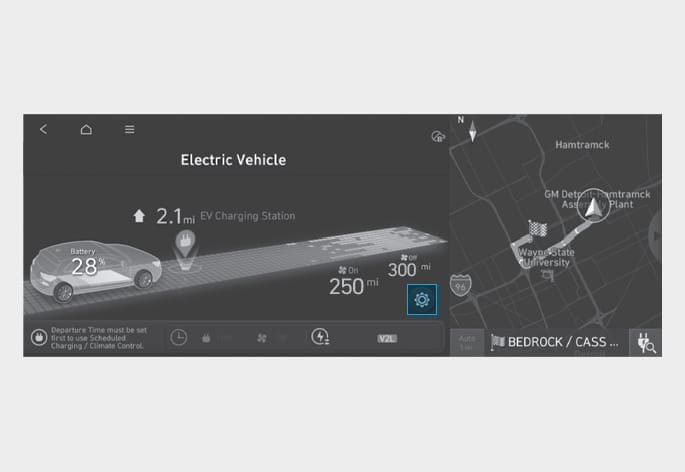
Select EV > EV Settings on the screen. You can set the charging limit, charging current, winter mode and utility mode functions.
ONE1Q012028L
ONE1Q012029L
-
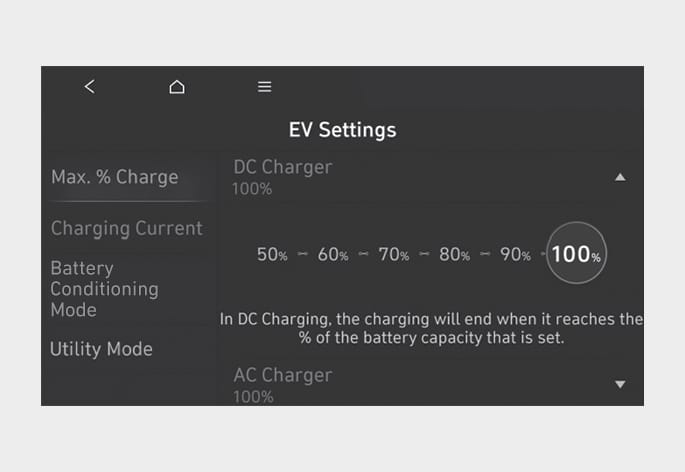
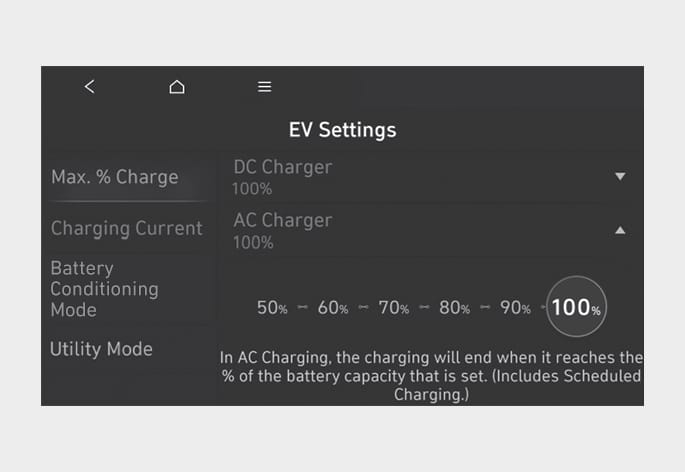
The target battery charge level can be selected when charged with AC charger or DC charger.
-
The charging level can be changed by 10%.
-
If the target battery charge level is lower than the high voltage battery charge level, the battery will not be charged.
ONE1Q012030L
-
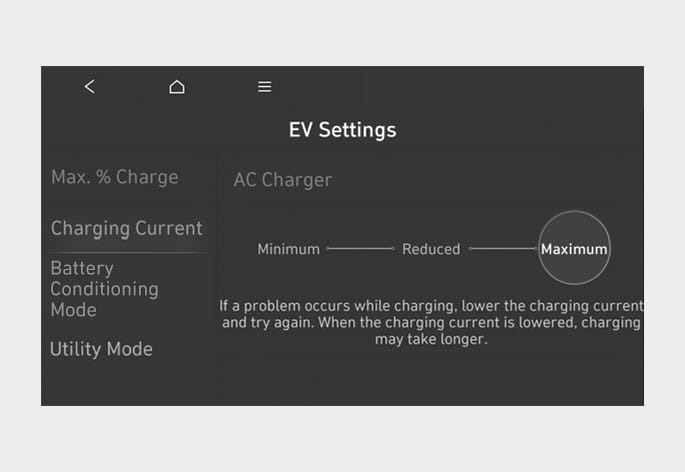
You can adjust the charging current for an AC charger. Select an appropriate charging current.
-
If the charging process does not start or abruptly stops in the middle, reselect another proper current and re-try charging the vehicle.
-
Charging time varies depending on which charging current is selected.
ONE1Q012102L
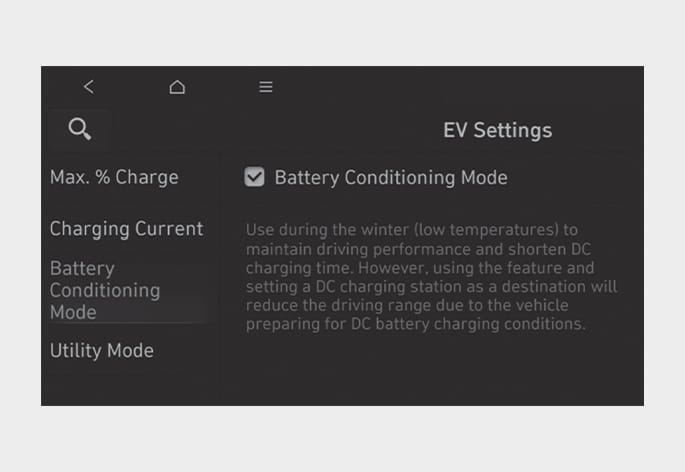
You can select or deselect the Battery Conditioning mode.
The Battery conditioning mode is efficient during the winter time when the high voltage battery temperature is low. The Battery Conditioning mode is recommended to maintain driving and DC charging performance during winter by raising the battery temperature to an adequate level. However, the driving distance may be reduced as the energy is required to increase battery temperature. Also, if the battery temperature is low during driving or when the scheduled air conditioner/heater is activated, this mode is operated to improve driving performance. However, the mode does not operate to ensure driving distance when the battery level is low.
If you set the DC charging station as your destination while using the battery conditioning mode, the battery temperature is optimized for charging, and charging time may be maintained to the level being charged in room temperature. To optimize battery temperature, sufficient time is necessary.
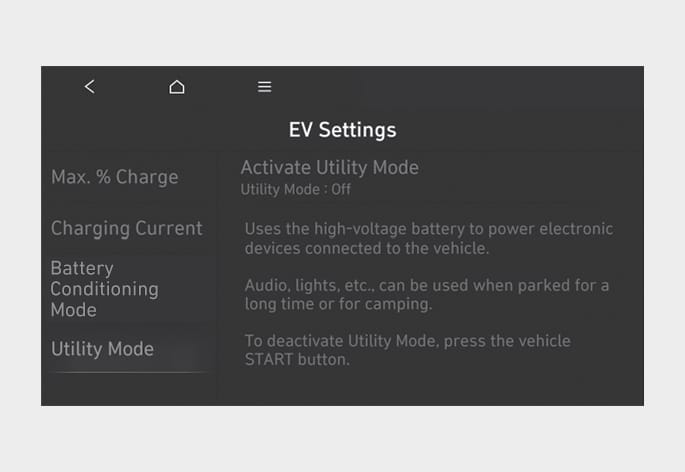
The high voltage battery is used instead of the 12V auxiliary battery for operating the convenient features of the vehicle. When driving is not necessary such as while camping or when stopping the vehicle for a long time, it is possible to use the electrical devices (audio, lights, air conditioner, heater, etc.) for long hours.
ONE1Q012032L
System Setting and Activation
System setting
The driver can activate the Utility mode function when the following conditions are satisfied.
-
The vehicle is in the ready (
 ) mode and the gear is shifted to P (Park).
 -
The EPB (Electronic Parking Brake) is not a malfunction.
-
EV settings > Utility mode is selected on the infotainment system screen.
System Activation
When the system is activated:
-
The (
) indicator will turn off, and the ( ) indicator will illuminate on the instrument cluster and the EPB is applied.
 -
All electric devices are usable but the vehicle cannot be driven.
-
The EPB can be canceled by pressing the EPB switch.
Gear cannot be shifted out of P (Park). If a shift attempt is made, a message “Shifting conditions not met” will be displayed on the infotainment system screen.
System Deactivation
The Utility mode can be deactivated by pressing the Start/Stop button to the OFF position. The function cannot be deactivated from the EV settings.
The infotainment system may change after software updates. For more information, refer to the user’s manual provided in the infotainment system and the quick reference guide.