Head-Up Display settings
2C_HUDSetting
-
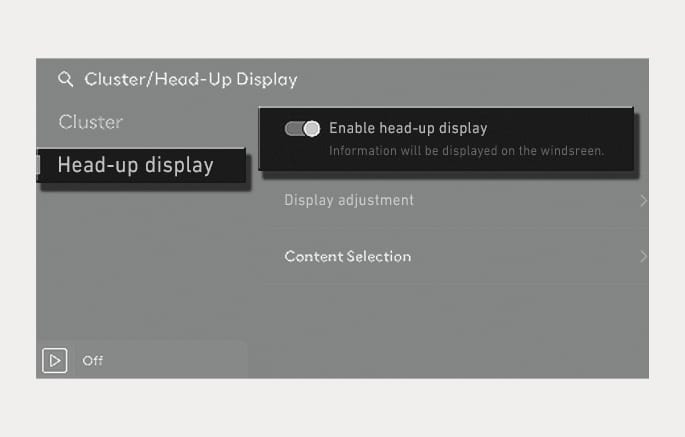
Head-up display can be enabled from the Settings menu in the infotainment system.
Select Settings > Cluster/Head-up display > Head-up display > Enable head-up display.
-
After turning on the head-up display, you can change the settings of Display adjustment and Content selection of the head-up display.
The infotainment system may change after software updates. For more information, refer to the manual provided in the infotainment system and the quick reference guide.