Auto defogging system
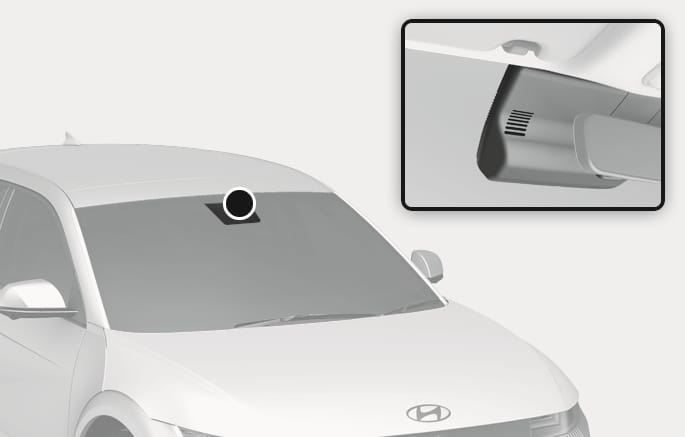
2C_RainSensor
The Auto defogging reduces the likelihood of fogging up the inside of the windscreen by automatically sensing moisture on inside of the windscreen.
The Auto defogging system operates when the heater or air conditioning is on.
The Auto defogging system may not operate normally, when the outside temperature is below -10 °C.
When the Auto defogging system operates, the
If high amount of humidity is detected in the vehicle, the Auto defogging system is enabled.
The following steps are performed automatically:
Step 1. Air conditioning turns on and outside (fresh) position is selected.
Step 2. Defrost level is selected.
Step 3. Fan speed is set to the highest level.
If the air conditioning is off or recirculated air is manually selected whilst Auto defogging system is ON, the Auto defogging system
Climate control system
Press the front windscreen defroster button for 3 seconds when the Start/Stop button is in the ON position. When the Auto defogging system is turned off, the
When the Auto defogging system is turned on, the
Infotainment system
Auto defogging system can be turned on and off by selecting Settings > Vehicle > Climate > Defog/Defrost options > Auto defog in the infotainment system.
-
Do not select recirculated air whilst the Auto defogging system is operating.
-
When Auto defogging system is operating, fan speed adjustment, temperature adjustment, and air intake control selection are all disabled.
Do not remove the sensor cover located on the top of the windscreen glass. Damage may not be covered by your vehicle warranty.