View modes
|
View modes |
Explanation |
|
Driving Assist |
This mode displays Driver Assistance system such as Lane Keeping Assist, Smart Cruise Control, and Lane Following Assist etc. |
|
Turn by Turn |
This mode displays the navigation guidance. |
|
Utility |
This mode displays driving information such as the trip distance, electric energy economy, etc. |
The information provided may differ depending on which functions are applicable to your vehicle.
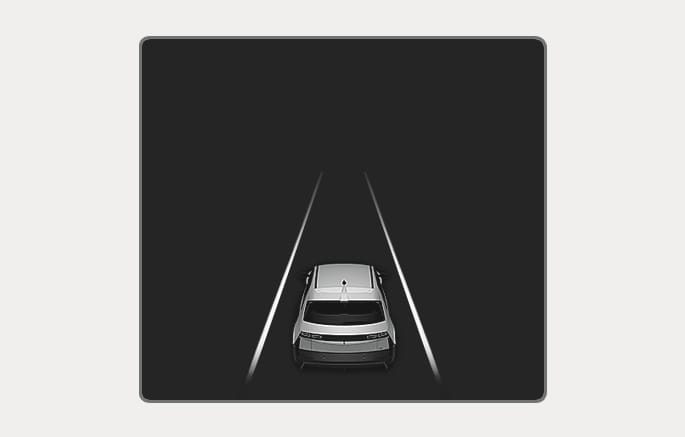
2C_LaneDetectionInfo_2
LKA/SCC/LFA
Displays the state of Lane Keeping Assist, Smart Cruise Control, Lane Following Assist, and Highway Driving Assist. For more information, refer to each system information in Chapter 7.
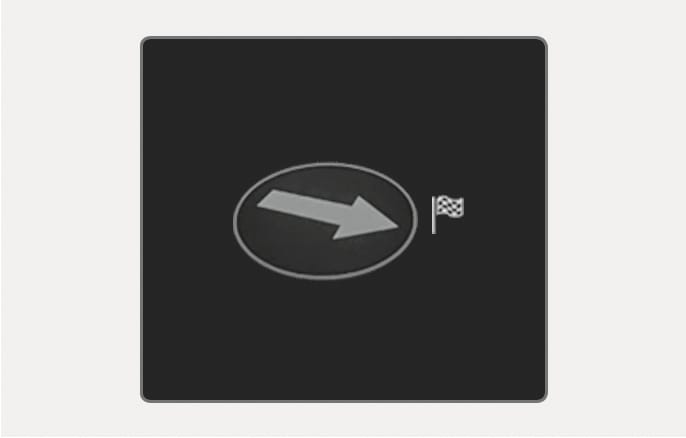
2C_TurnByTurnMode
Turn-by-turn navigation and distance/time to destination appear when Turn by Turn mode is selected.
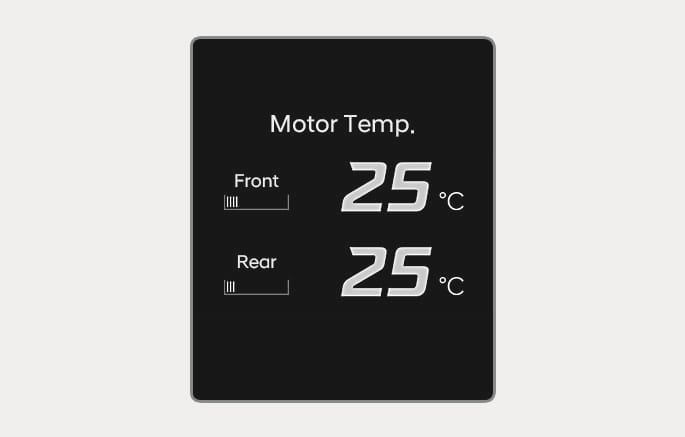
2C_FrontRearMotorTemperature
This mode displays information related to motor temperature.
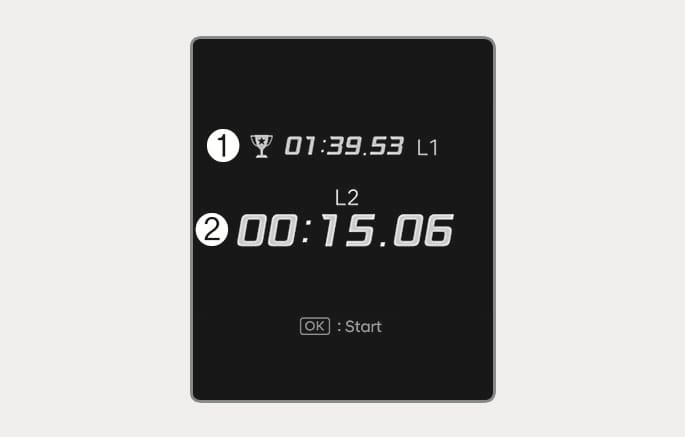
2C_LapTimer
- Best lap
- Current lap
-
To start
Press the OK button shortly on the steering wheel. The lap timer will start ccounting the current lap (2).
-
To stop
Press and hold the OK button for more than 1 second on the steering wheel whilst the lap timer is counting the current lap (2).
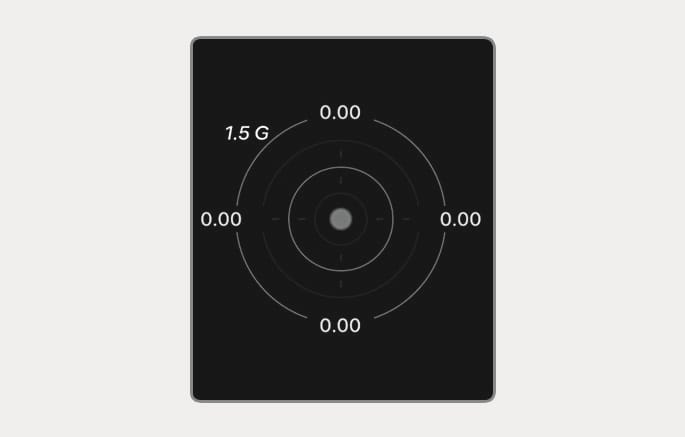
2C_GForce
This mode displays the force delivered to the vehicle laterally whilst the vehicle is in motion.
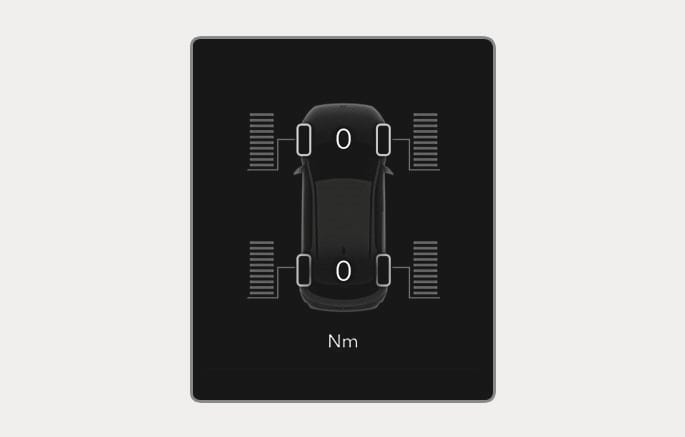
2C_EnergyFlowAWDDistribution
-
The electric vehicle system informs the drivers its energy flow in various operating modes.
-
The distribution status of the driving power of the front and rear wheels are displayed when Auto AWD mode is activated.
For more details, refer to "All Wheel Drive (AWD)" section in chapter 6.
In the Utility view, using the
Current trip
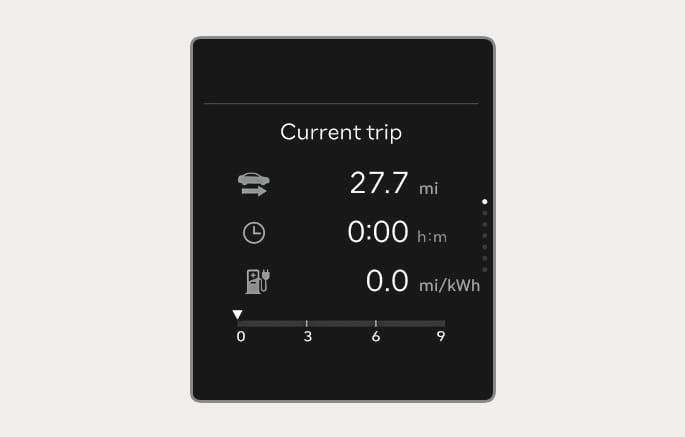
2C_CurrentTripInfo
Trip distance, total driving time, average energy consumption, and instant energy consumption are displayed.
The information is combined for each ignition cycle. However, when the vehicle has been OFF for 3 minutes or longer the Current trip screen is reset.
To reset manually, press the OK button on the steering wheel for more than 1 second when "Current trip" appears.
After charging
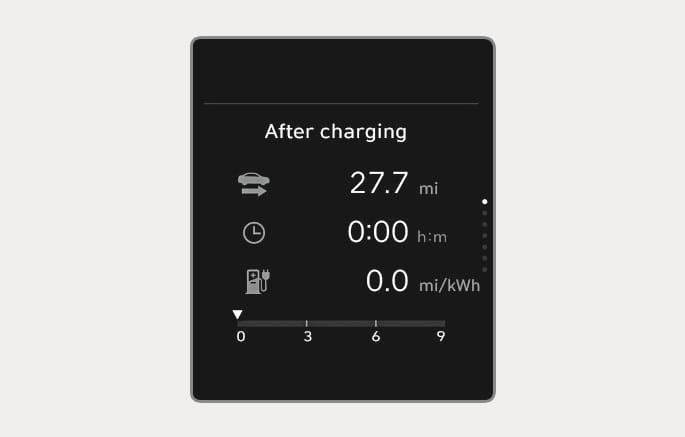
2C_AfterChargingInfo
Trip distance, total driving time, average energy consumption, and instant energy consumption after the vehicle has been recharged are displayed. To reset manually, press the OK button on the steering wheel for more than 1 second when "After charging" appears.
Since last reset
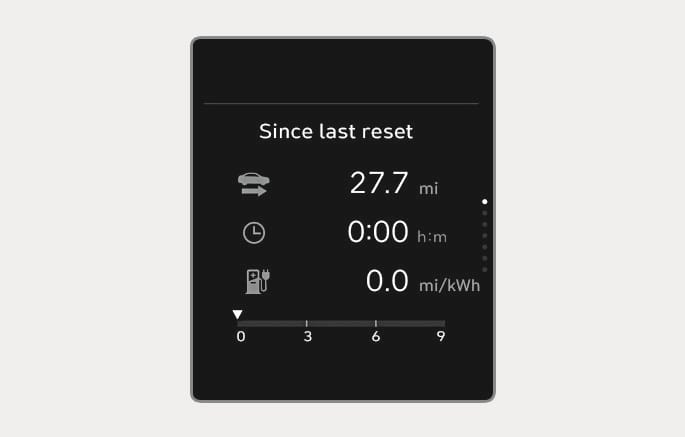
2C_SinceLastResetInfo
Accumulated trip distance, total driving time, and average energy economy are displayed.
The information is accumulated starting from the last reset.
To reset manually, press the OK button on the steering wheel for more than 1 second when "Since last reset" appears.
Tyre pressure
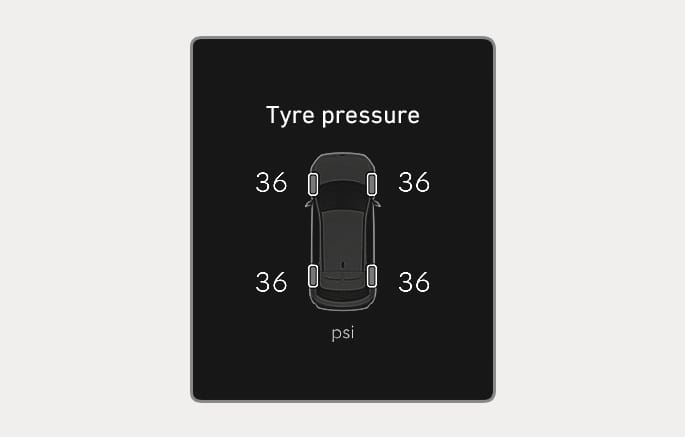
2C_TireLowPressureInfo
The tyre pressure screen appears to reset the TPMS system.
For more information, refer to the "Tyre pressure monitoring system (TPMS)" section in chapter 8.
Driver assistance
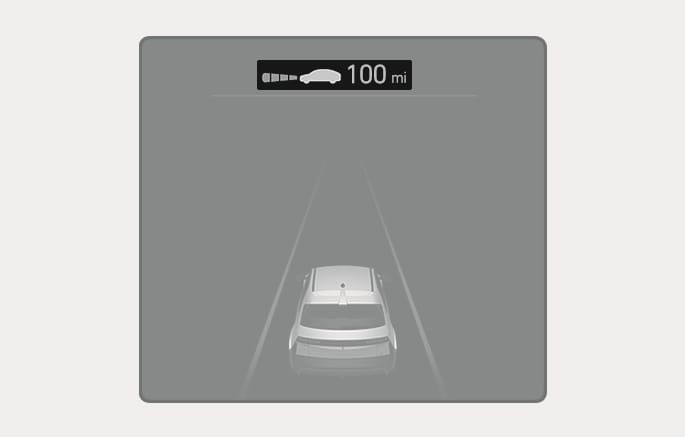
2C_ADASInfo
The current operation condition of Manual Speed Limit Assist, Smart Cruise Control, Lane Following Assist, etc. appears.