All Wheel Drive (AWD) Terrain mode
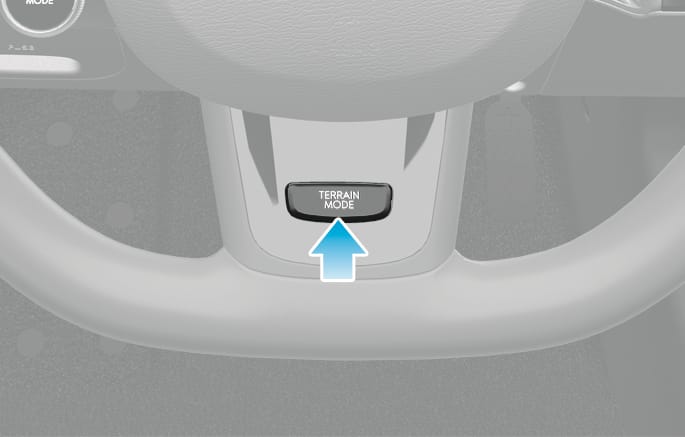
2C_TerrainModeButton
Press the TERRAIN MODE button to change from normal driving mode to multi terrain mode. Press the button to select SNOW, MUD, or SAND.
|
Selected mode |
Description |
|
|
SNOW |
|
|
|
MUD |
|
|
|
SAND |
|
|
If terrain modes are used, the regenerative level will be reset to a 1 (or kept at 0 if 0 was already set). This is to prevent excessive regeneration from causing wheel slippage in slippery conditions.
Maintain DRIVE mode when driving on roads in normal conditions. Driving in TERRAIN mode on normal roads may damage the AWD system and cause mechanical vibration or noise.
When driving (especially when cornering) under normal road conditions in TERRAIN mode, a driver may find minor mechanical vibration or noise, which is extremely normal phenomenon, not a malfunction. When TERRAIN mode is released, such noise or vibration will be immediately gone. When you turn off TERRAIN mode, it can lead to little shocks but this is normal phenomenon that lasts until the traction forces on the front and rear wheels of the vehicle are released.