Forward Attention Warning malfunction and limitations
2C_ForwardAttentionMalfunction
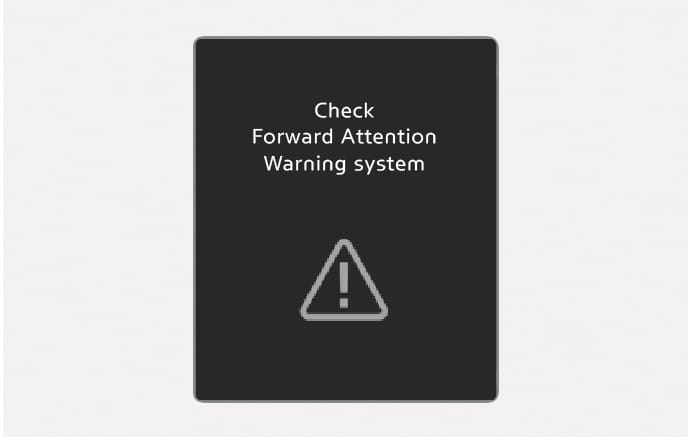
When Forward Attention Warning is not working properly, the "Check Forward Attention Warning system" warning message appears on the instrument cluster for several seconds, the
2C_ForwardAttentionLimitedCamera
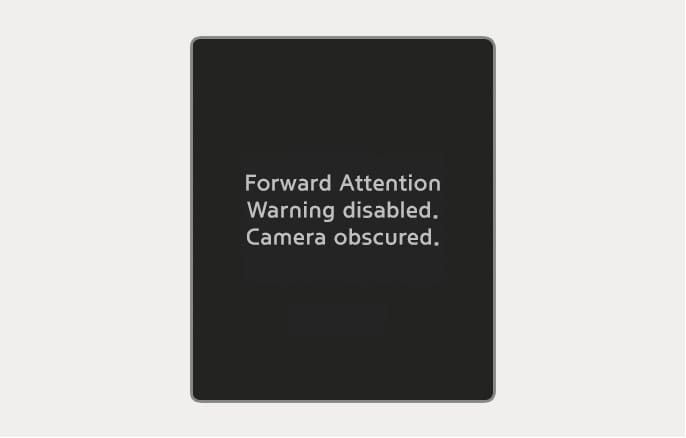
If there is an object right in front of the in-cabin camera or between you and the camera for a certain period of time Forward Attention Warning does not operate properly.
The "Forward Attention Warning disabled. Camera obscured." warning message appears on the instrument cluster for several seconds, the
If the object is removed or the camera is able to detect the your face, the function operates normally.
If Forward Attention Warning does not operate properly after the object is removed, have your vehicle inspected by an authorized HYUNDAI dealer.
Forward Attention Warning may not operate normally, or it may operate unexpectedly if:
-
You wear sunglasses, special glasses, infrared cutoff glasses, refracting glasses or thick glasses.
-
You have heavy eye makeup (eyeliner, mascara, color makeup, false eyelash) or eye piercing.
-
Your view is blocked by hair, hat, etc.
-
You are winking or wearing an eye patch on one eye.
-
Your face is covered partially by a mask, muffler, etc.
-
Your view is blocked by incoming light from outside of the vehicle.
-
Light from outside, sunlight or infrared LED light of the camera is reflected by glasses or sunglasses.
-
You have turned or lowered your head so that your face or an eye is hidden from the camera.
-
You shake your head up and down, or adverse road conditions cause excessive vehicle vibrations while driving.
-
You are improperly positioned in the your seat so that the your face is not detected.
-
You are too tall or short.
-
The camera is blocked by the your grip on the steering wheel.
-
More than two people are looking at the instrument cluster simultaneously from the driver's seat.
-
Squinting due to laughing or sun glare.
-
A picture or mannequin that has a similar size to your face is misrecognized.
-
There are other devices using infrared light in the vehicle.
-
Do not impact the surface of the camera or around the camera. If the in-cabin camera is damaged, Forward Attention Warning may not work properly.
-
Do not place anything on the camera or in front of the camera while driving. The in-cabin camera may not operate properly.
-
When cleaning the camera, wipe with a soft and clean cloth to prevent damages on the surface of the camera lens. In addition, you should not use sharp tools near the camera, or use chemicals to clean the camera.
-
Always keep the camera and around the area of the in-cabin camera clean and dry.
-
Do not apply foreign objects, such as a sticker, around the infrared LED located near the camera.
Two red lights may appear on the camera in the following conditions when:
-
The outside brightness is dim or driving at night.
-
The vehicle drives inside a building, such as a basement parking lot, garage or tunnel.
-
The camera case is partially broken.
Do not look toward the camera within 20 cm (8 in.) for longer than a minute.