Manual heating and air conditioning
The heating and cooling system can be controlled manually by pushing buttons other than the AUTO button. In this case, the system works sequentially according to the order of buttons selected. When pressing any button except the AUTO button while using automatic operation, the functions not selected will be controlled automatically.
-
Start the engine.
-
Set the mode to the desired position. For improving the effectiveness of heating and cooling, select:
-
Heating:
Î -
Cooling:
Í
-
-
Set the temperature control to the desired position.
-
Set the air intake control to fresh mode.
-
Set the fan speed control to the desired speed.
-
If air conditioning is desired, turn the air conditioning system on.
-
Press the AUTO button to convert to full automatic control of the system.
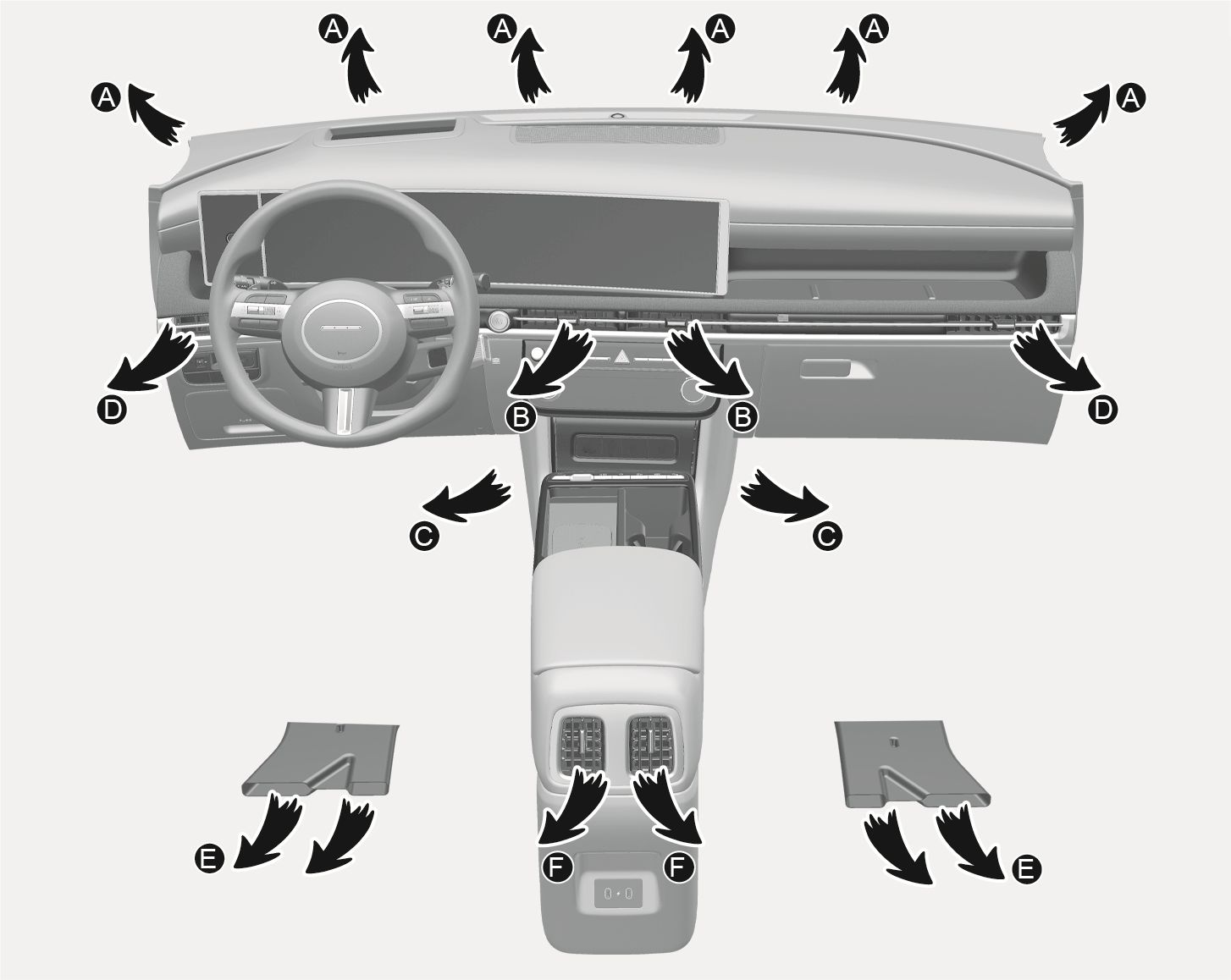
1C_AirconModeSelectionOverview
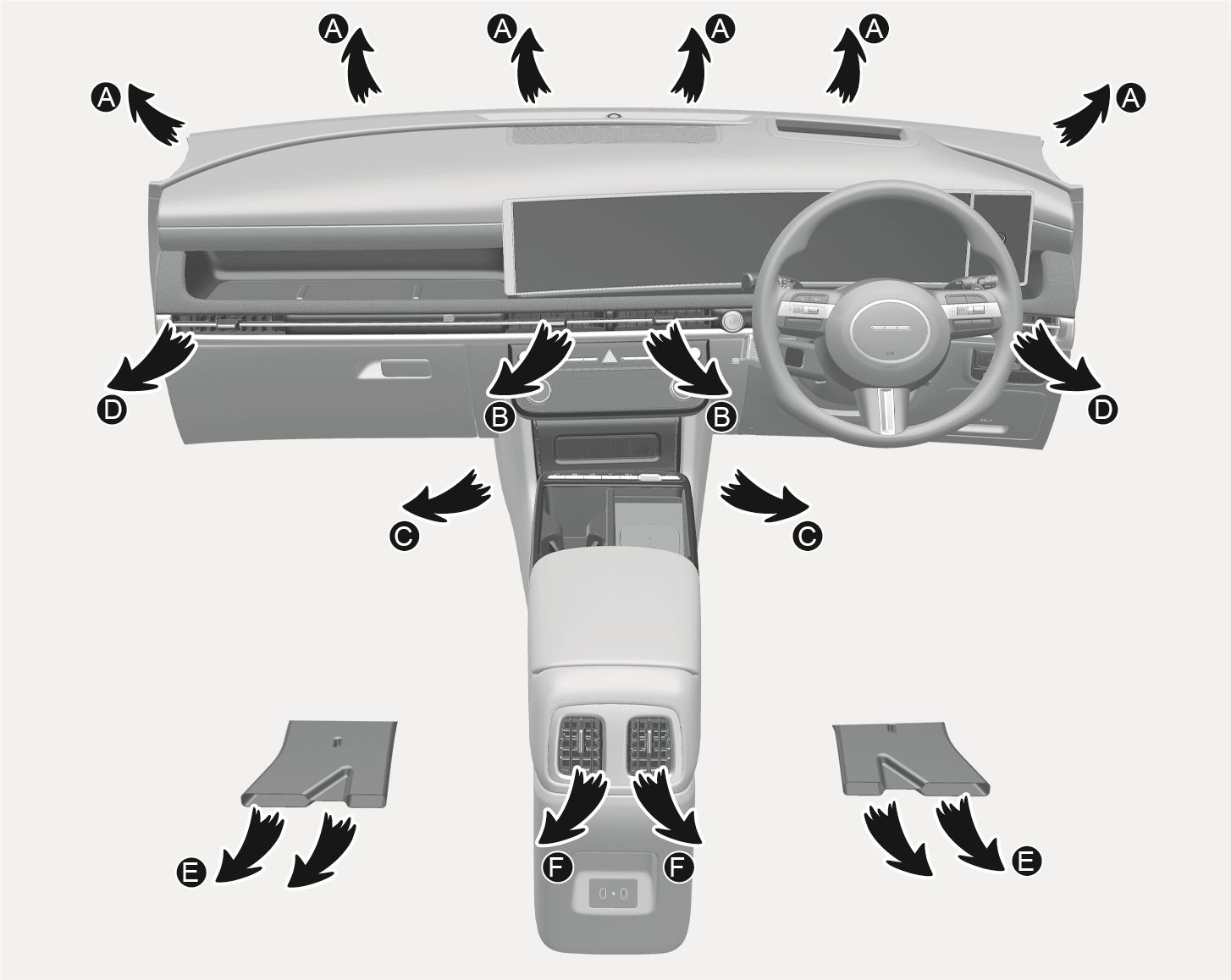
1C_AirconModeSelectionOverview_RHD
The actual shape of air conditioner may differ from the illustration.
|
Symbol |
Operation |
Direction |
|
|
Air flow is directed toward the upper body and face. Additionally, each outlet can be controlled to direct the air discharged from the outlet. |
B, D, F |
|
|
Air flow is directed toward the face and the floor. |
B, C, D, E, F |
|
|
Most of the air flow is directed to the floor, with a small amount of the air being directed to the windshield and side window defrosters. |
A, C, D, E |
|
|
Most of the air flow is directed to the floor and the windshield with a small amount directed to the side window defrosters. |
A, C, D, E |
Front windshield defroster [A], [D]
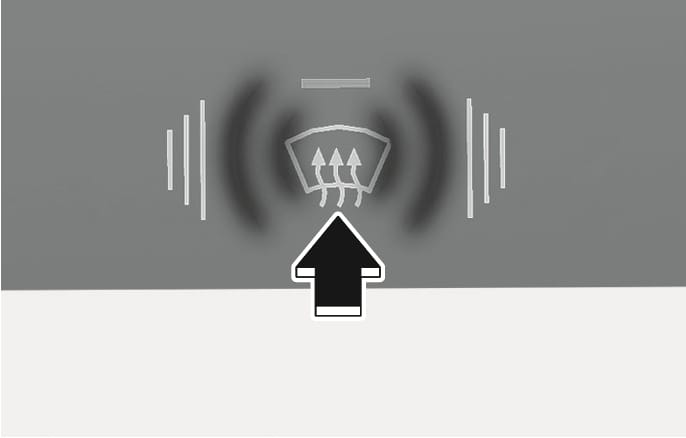
2C_AirconFrontDefrostButton
Press the A/C button to manually turn on the system on (indicator light ON) and off.
Press the front windshield defroster button (indicator light ON) to turn on the front windshield defroster. If the windshield defogging is set, outside (fresh) mode is automatically selected and the air conditioning turns on according to the detected ambient temperature
Press the front windshield defroster button once more (indicator light OFF) to turn the function off. Each climate control setting reverts to the setting prior to selecting the front windshield defrost.
Instrument panel vents
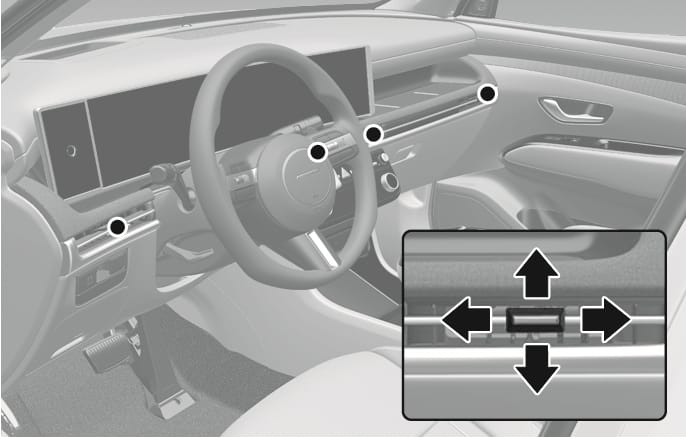
2C_FrontVent
2C_RearVent
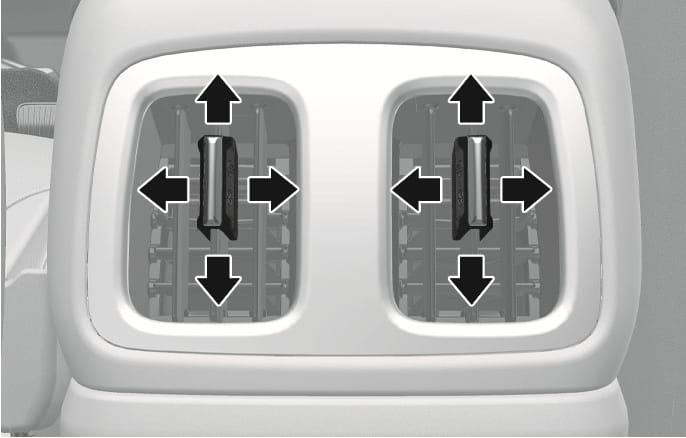
The instrument panel vent air flow can be directed up/down or left/right using the vent adjustment lever.
The outlet vents can be opened or closed separately using the vent control lever. If you move the vent control lever to the left end, the outlet vents can be closed.
2C_AirconTempButton
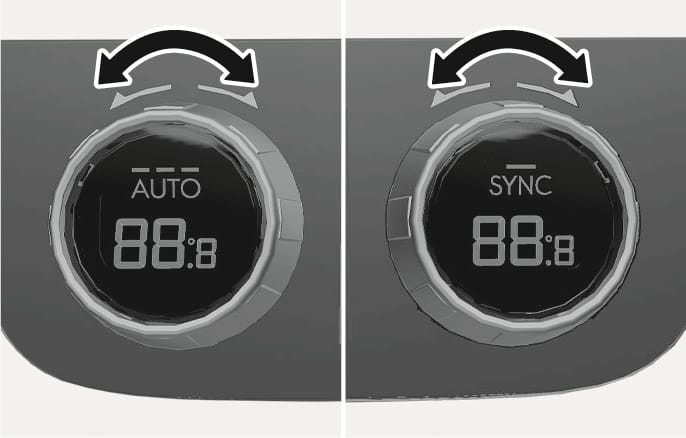
Turn the knob to the right to increase the temperature. Turn the knob to the left to decrease temperature.
Temperature conversion (°C ↔ °F)
To change the temperature unit from °C to °F or °F to °C:
-
Press the MODE button more than 3 seconds within 5 seconds after pressing A/C button for 3 seconds.
-
Select Settings > General > Unit > Temperature unit > °C/°F in the infotainment system.
2C_AirconSYNCButton
Adjusting the temperature and air flow direction equally
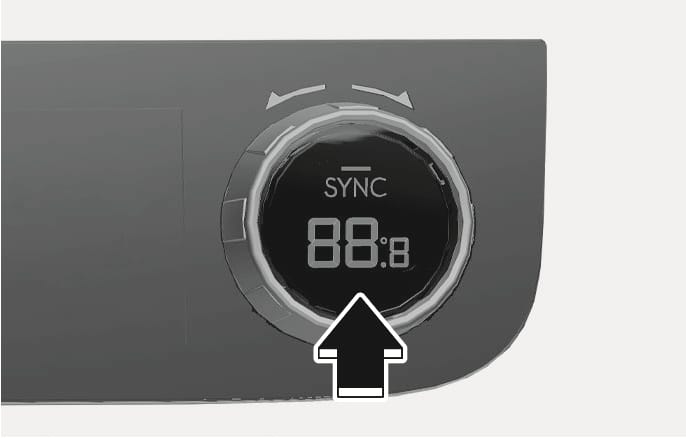
Press the SYNC button (indicator light ON) to adjust the driver and passenger side temperature and air flow direction equally.
Adjusting the temperature individually
Press SYNC button (indicator light OFF) again to adjust the driver and passenger side temperature individually.
Recirculation mode
WL_RecirculationButton
With the recirculated air selected, air from the passenger compartment is drawn through the climate control system.
Outside (fresh) mode

WL_AirIntakeButton
With the outside (fresh) air selected, air enters the vehicle from outside and is drawn through the climate control system.
To prevent serious injury or death:
-
Continued climate control system operation in the recirculated air position may allow humidity to increase inside the vehicle that could fog the windshield and the side windows and obscure visibility.
-
Do not sleep in a vehicle with the air conditioning or heating system on.
-
Continued climate use of recirculated air may cause drowsiness or sleepiness, and loss of vehicle control. Set the air intake control to the outside (fresh) air position while driving.
Using the system in the fresh air position is recommended.
Prolonged operation of the heater in the recirculated air position (without air conditioning selected) can cause fogging of the windshield and side windows and the air within the passenger compartment will become stale.
In addition, prolonged use of the air conditioning with the recirculated air position selected will result in excessively dry air in the passenger compartment.
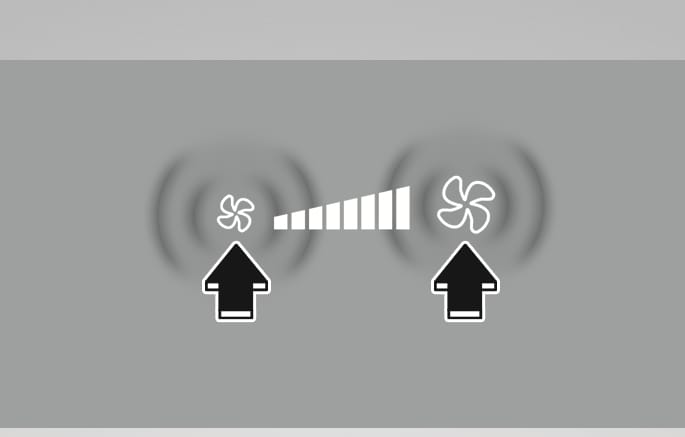
2C_AirconFanSpeedButton
The fan speed can be set as desired by pressing the fan speed control button. More air is delivered with higher fan speeds.
Pressing the OFF button turns off the fan.
Operating the fan speed when the Engine Start/Stop button is in the ON position may cause the battery to discharge.
2C_AirconAirconButton
Press the A/C button to manually turn on the system on (indicator light ON) and off.
2C_AirconOffButton
Press the OFF button to turn the climate control system off. You can still operate the mode and air intake buttons as long as the Engine Start/Stop button is in the ON position.