Gauges and meters
2C_Speedmeter
2C_Speedmeter_2
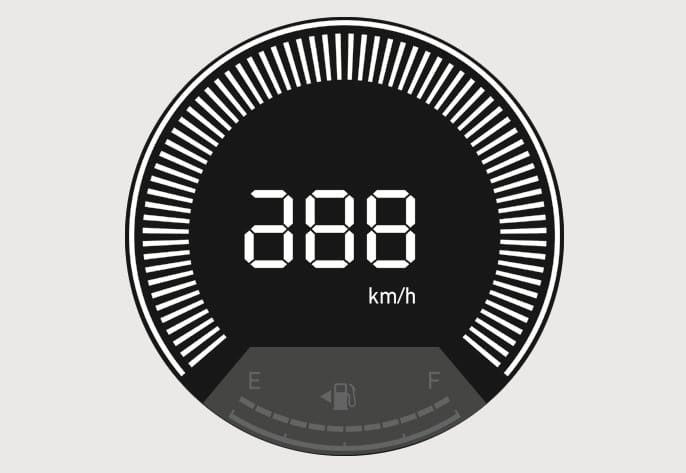
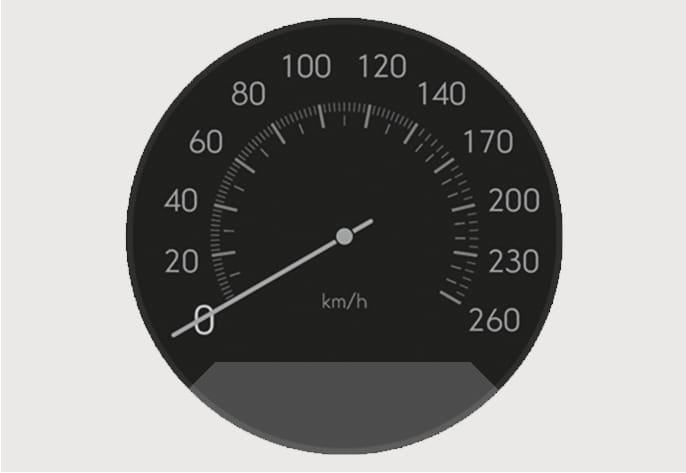
The speedometer indicates the speed of the vehicle and is calibrated in kilometers per hour (km/h) and/or miles per hour (MPH).
2C_Tachometer
2C_TachometerTypeB
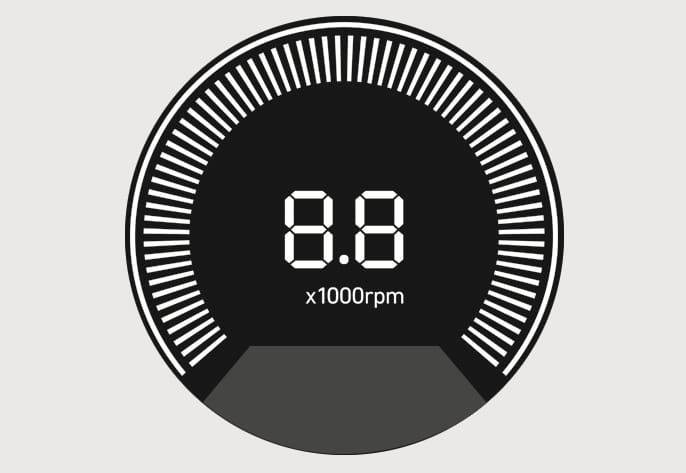
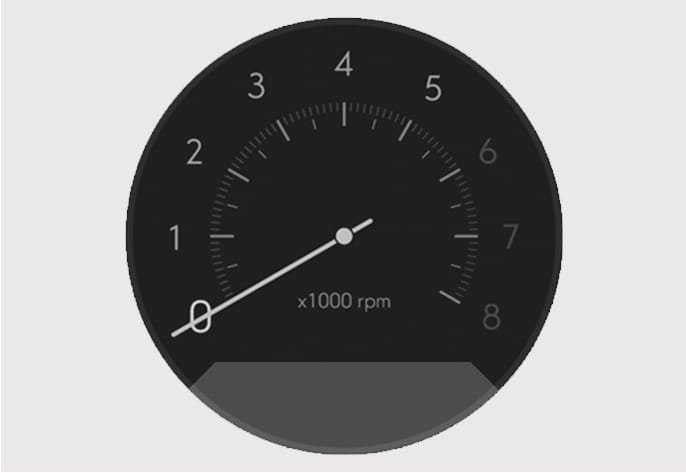
The tachometer indicates the approximate number of engine revolutions per minute (rpm).
Use the tachometer to select the correct shift points and to prevent lugging and/or over-revving the engine.
Do not operate the engine within the tachometer's RED ZONE. This may cause severe engine damage.
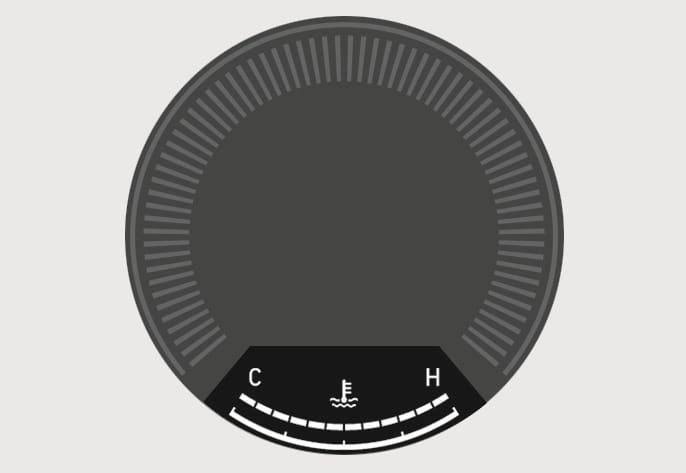
2C_EngineCoolantTempGauge
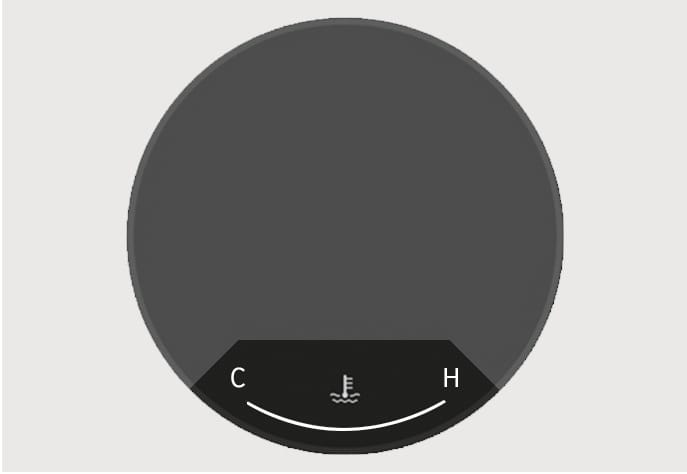
2C_EngineCoolantTempGauge_2
This gauge indicates the temperature of the engine coolant when the ignition switch is in the ON position.
If the gauge pointer moves beyond the normal range area toward the "H (Hot) or 130" position, it indicates overheating that may damage the engine.
Do not continue driving with an overheated engine. If your vehicle overheats, refer to "If the engine overheats" section in chapter 8.
Never remove the engine coolant reservoir cap when the engine is hot. The engine coolant is under pressure and could cause severe burn. Wait until the engine is cool before adding coolant to the reservoir.
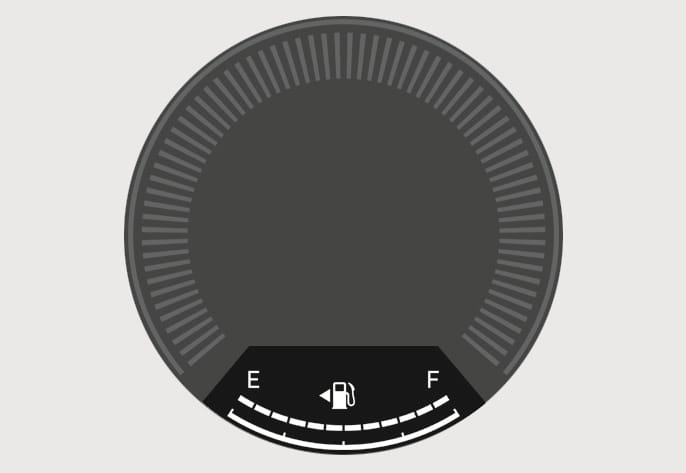
2C_FuelGauge
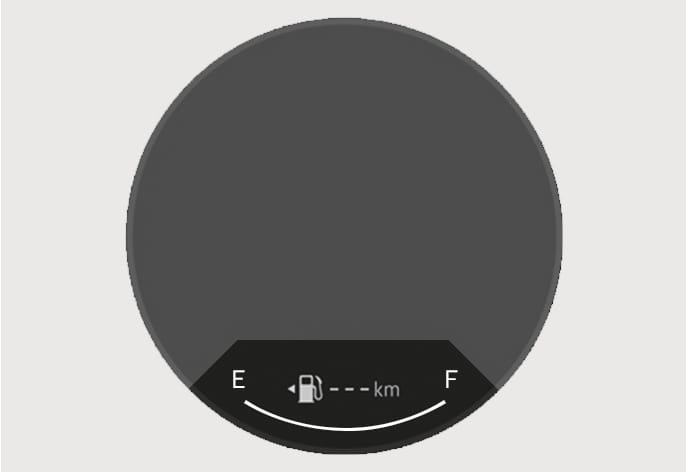
2C_FuelGauge_2
This gauge indicates the approximate amount of fuel remaining in the fuel tank.
Always refuel the vehicle as soon as possible after the warning light comes on or when the gauge indicator comes close to the E (Empty) level.
Avoid driving with an extremely low fuel level. Running out of fuel could cause the engine to misfire damaging the catalytic converter.
-
The fuel tank capacity is given in chapter 2.
-
The fuel gauge is supplemented by a low fuel warning light, which will illuminate when the fuel tank is nearly empty.
-
On inclines or curves, the fuel gauge pointer may fluctuate or the low fuel warning light may come on earlier than usual due to the movement of fuel in the tank.

2C_OutsideTemp

2C_OutsideTemp_2
The outside ambient temperature appears in the lower portion of the cluster display. The temperature reads in Fahrenheit or Celsius depending on the units selected from the Settings menu in the infotainment system.
The temperature indicated on the instrument cluster may not change as quickly as the outside temperature. Select:
-
Settings > General > Unit > Temperature Unit > °C/°F
Both the temperature unit on the cluster display and climate control information screen is changed.
The infotainment system may change after software updates. For more information, refer to the manual provided in the infotainment system and the quick reference guide.

2C_Odometer

2C_Odometer_2
The odometer indicates the total distance that the vehicle has been driven and should be used to determine when periodic maintenance should be performed.
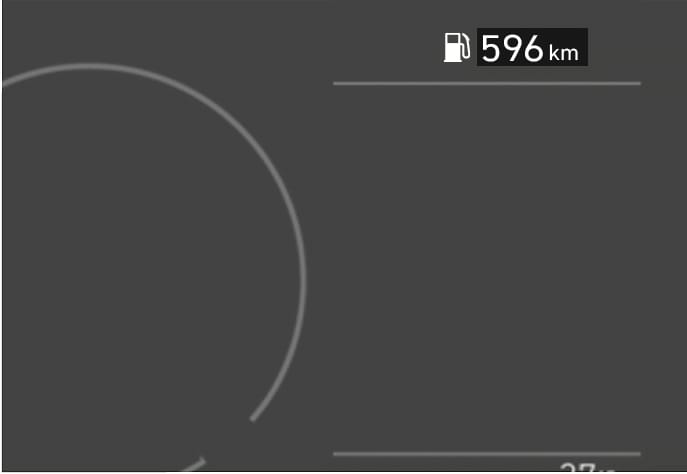
2C_DistanceToEmpty
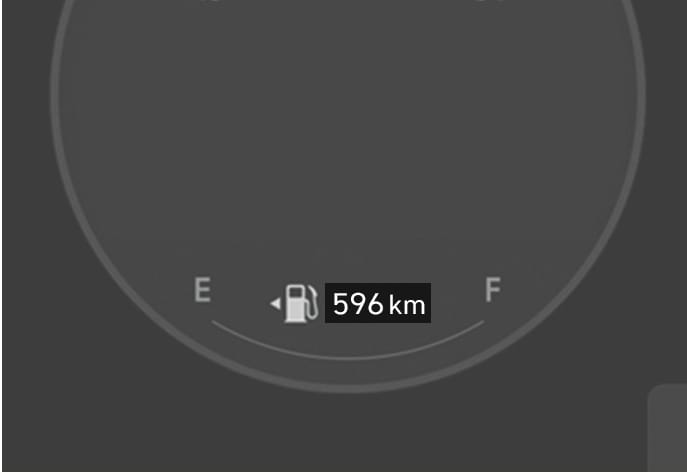
2C_DistanceToEmpty_2
The distance to empty is the estimated distance the vehicle can be driven with the remaining fuel.
If the estimated distance is below 1 km (1 mi.), the trip computer displays '---' as the distance to empty. When this occurs, refuel the vehicle immediately.
-
The distance to empty may differ from the actual driving distance because it is only an estimate of the available driving distance.
-
The distance to empty may differ significantly based on driving conditions, driving habits, and condition of the vehicle.
-
If the vehicle is not on level ground or the battery power has been interrupted, the distance to empty function may not operate correctly.
-
The distance to empty indicator may not change accurately if less than 6 liters of fuel are added to the vehicle.
If the shift gear is not 'P' (Park) or 'N' (Neutral) during refueling, the refueling may not be recognized and the fuel amount and distance to empty may be displayed abnormally.