System settings
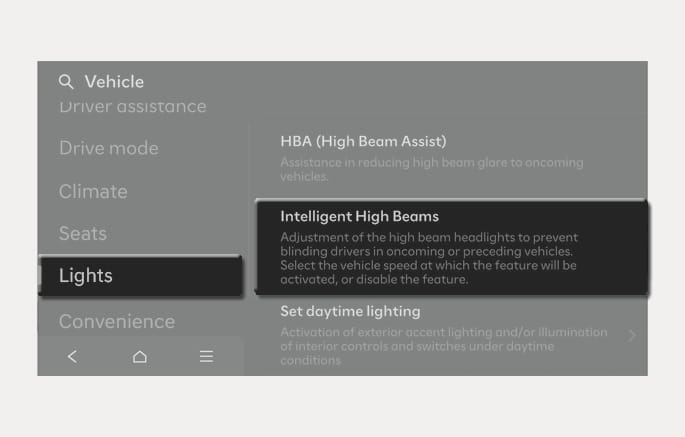
2C_IFSSystemSettings
With the Engine Start/Stop button in the ON position, select Setup > Vehicle > Lights > Intelligent High Beams (or Smart High Beam) from the Settings menu to turn on Intelligent Front-Lighting System and deselect to turn off the system.
Only change the settings after parking your vehicle at a safe location.
The infotainment system may change after software updates. For more information, refer to the manual provided in the infotainment system and the quick reference guide.
For Europe
Travel Mode must be turned on for the headlight on the driver's side to turn off when driving from a left-hand drive country to a right-hand drive country and vice versa.
To turn on the Travel mode, select Setup > Vehicle > Light > Travel Mode from the infotainment system.