Cluster display control
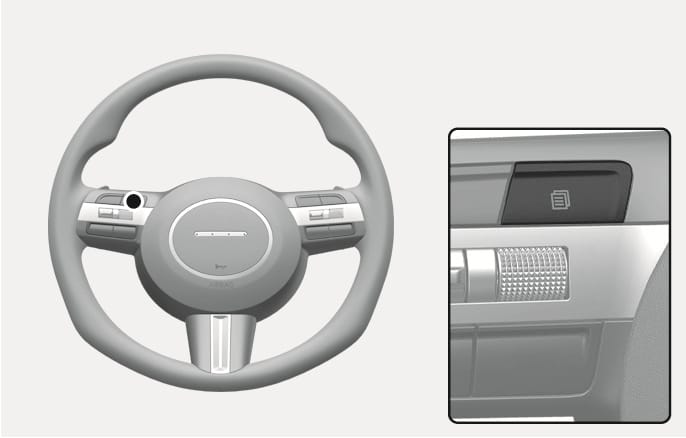
2C_ClusterMenuSwitch
The cluster display modes can be changed by using the control buttons.
|
Switch |
Function |
|
|
MODE button for changing modes |
|
|
MOVE switch for changing items |
|
OK |
SELECT/RESET button for setting or resetting the selected item |
If equipped with an infotainment system, only the Settings menu in the infotainment system is supported and not the instrument cluster.