Automatic heating and air conditioning
With the engine turned ON, do the following
-
Press the AUTO (automatic control) button. The indicator light will illuminate, and the temperature will be automatically adjusted based on the set temperature.
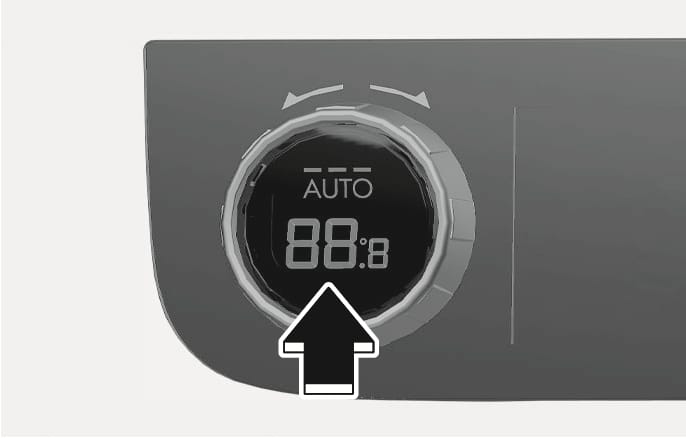
2C_AirconAutoButton
In automatic mode, press the AUTO button to select the fan speed from level 1 to 3.
Mode selection
AUTO Button
Fan speed range
HIGH

2-8
MEDIUM

1-6
LOW

1-5
-
Adjust the temperature control knob to change the set temperature.
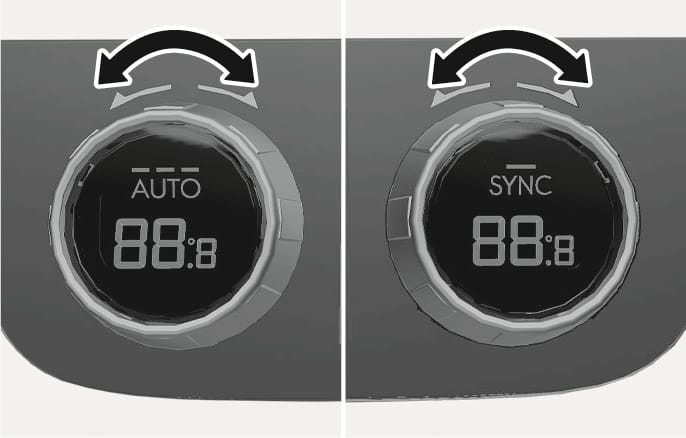
2C_AirconTempButton
-
We recommend that you use the AUTO (automatic control) button to keep indoor air pleasant, regardless of the season. Normally, set the temperature to 22 ℃. The AUTO (automatic control) button will not illuminate once you select the following functions. The selected function of the following will be activated while AUTO system remains operating.
-
Fan speed control
-
Air conditioning
-
Air flow direction
-
Front windshield defroster button
(The AUTO sign will illuminate once again if you press the button to deselect the function)
-
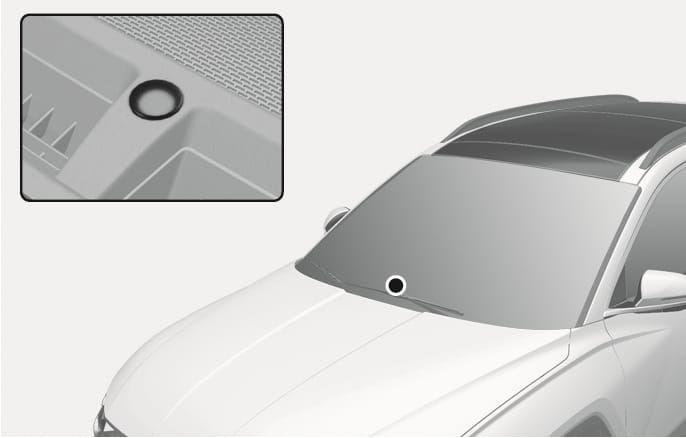
2C_SolarRadiationSensor
This vehicle is equipped with a solar radiation sensor located on the upper portion of the dashboard. With the air conditioning set to AUTO, the sensor will detect the solar radiation and adjust the indoor temperature automatically. Avoid placing any object on the solar radiation sensor for indoor temperature control.