Lighting control
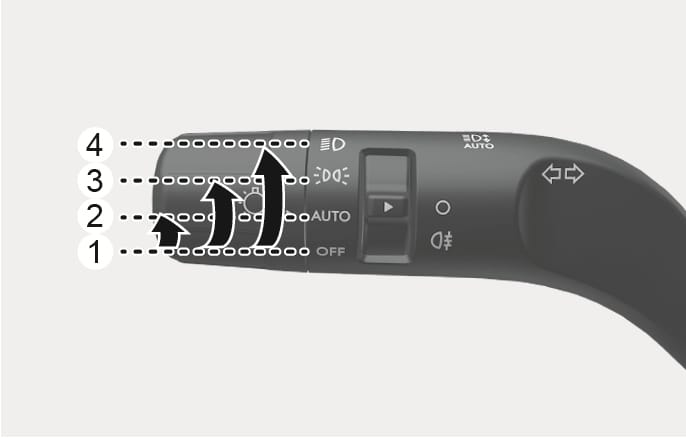
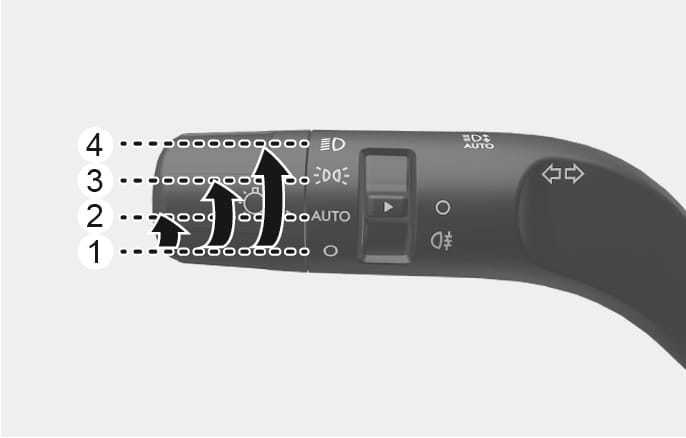
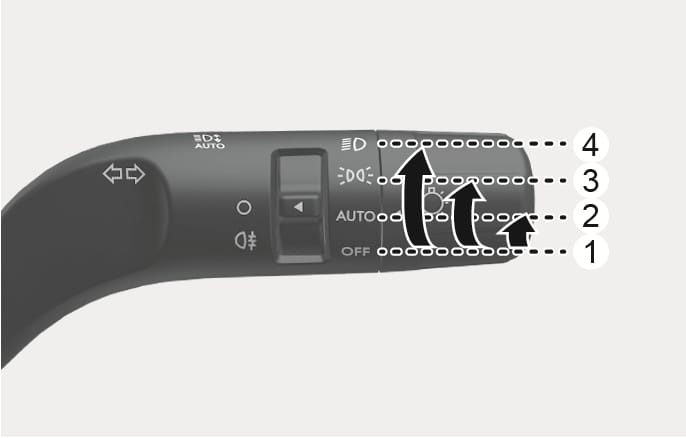
To operate the lights, turn the knob at the end of the control lever to one of the following positions:
2C_LightSwitchOverview
2C_LightSwitchOverview_2
2C_LightSwitchOverview_3
- OFF
- AUTO light (if equipped)
- Position light
- Headlight
2C_LightSwitchAutoPosition
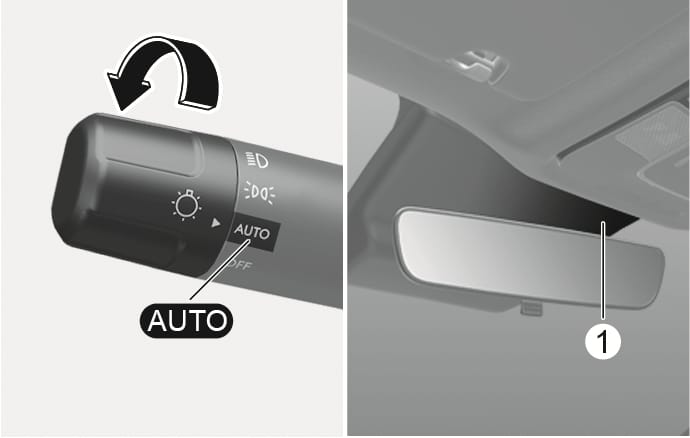
The position light and headlight are turned ON or OFF automatically depending on the amount of daylight as measured by the ambient light sensor (1) in front of the instrument panel.
Even with the AUTO headlight feature in operation, it is recommended to manually turn ON the headlights when driving at night or in a fog, driving in the rain, or when you enter dark areas, such as tunnels and parking facilities.
-
Do not cover or spill anything on the sensor (1) located in front of the instrument panel.
-
Do not clean the sensor using a window cleaner, the cleanser may leave a light film which could interfere with sensor operation.
-
If your vehicle window tint or other types of metallic coating on the front windshield, the AUTO headlight system may not work properly.
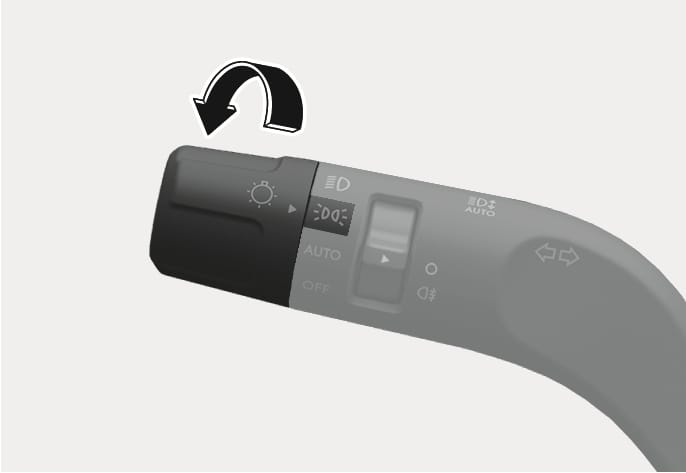
2C_TailLampOn
The position light, license plate light, and instrument panel light are turned ON.
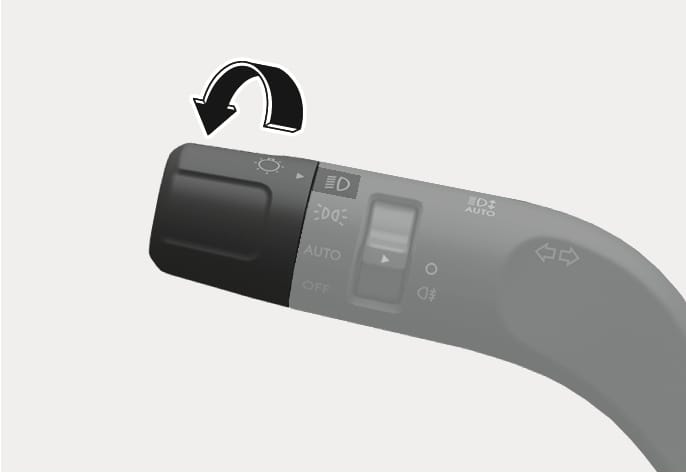
2C_headlightOn
The headlight, position light, license plate light and instrument panel light are turned ON.
The Engine Start/Stop button must be in the ON position to turn on the headlight.