Lane Following Assist operation
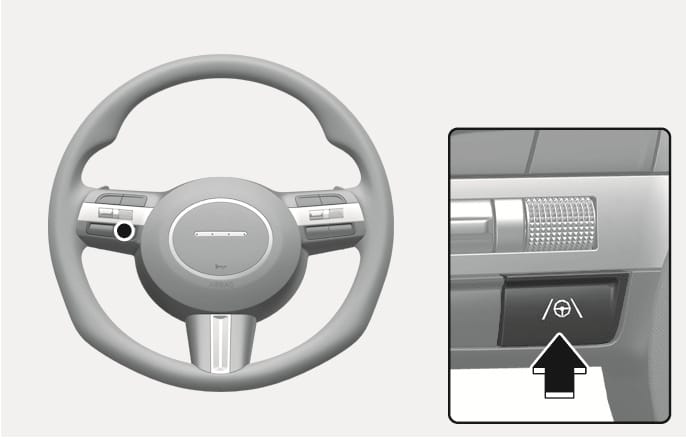
2C_LKAButton
With the vehicle on, shortly press the Lane Driving Assist (
Press the button again to turn off the function.
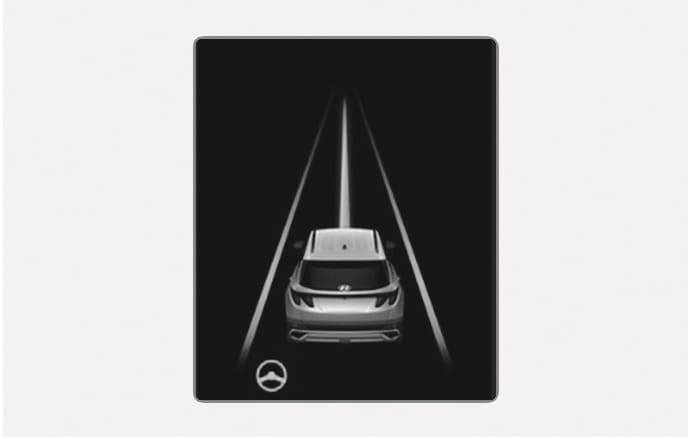
2C_LKALaneDetectInfo
If the vehicle ahead and/or both lane markings are detected and your vehicle speed is below 180 km/h (112 mph), the green (
When the steering wheel is not assisted, the white (
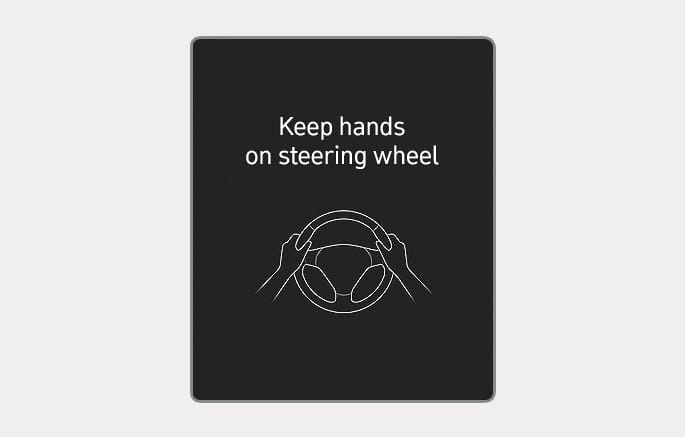
2C_HandOffWarningInfo
If the driver takes their hands off the steering wheel for several seconds, the Keep hands on steering wheel warning message will appear with a warning sound in stages.
-
First stage: Warning message
-
Second stage: Warning message (red steering wheel) with a warning sound
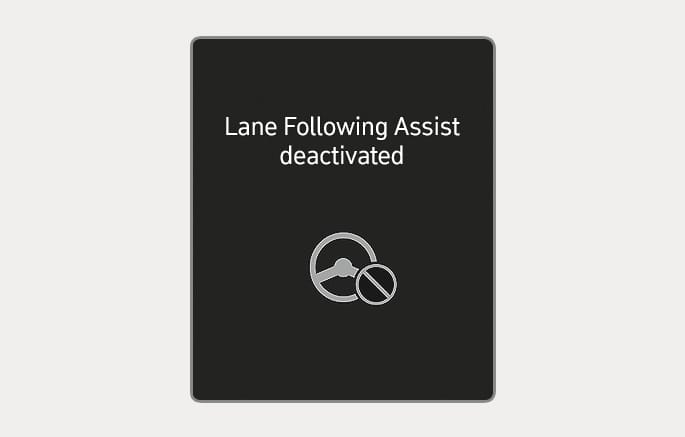
2C_DisableLFAInfo
If the driver still does not have their hands on the steering wheel after the hands-off warning, the "Lane Following Assist deactivated" warning message will appear and Lane Following Assist will be automatically canceled.
-
The steering wheel may not be assisted if the steering wheel is held very tight or the steering wheel is steered over a certain degree.
-
Lane Following Assist does not operate at all times. It is the responsibility of the driver to safely steer the vehicle and to maintain the vehicle in its lane.
-
The hands-off warning message may appear late depending on road conditions. Always have your hands on the steering wheel while driving.
-
If the steering wheel is held very lightly the hands-off warning message may appear because Lane Following Assist may not recognize that the driver has their hands on the steering wheel.
-
If you attach objects to the steering wheel, the hands-off warning may not work properly.
-
For more information on instrument cluster settings, refer to the "Cluster display" section in chapter 4.
-
When both lane markings are detected, the lane lines on the cluster will change from grey to white.
Lane undetected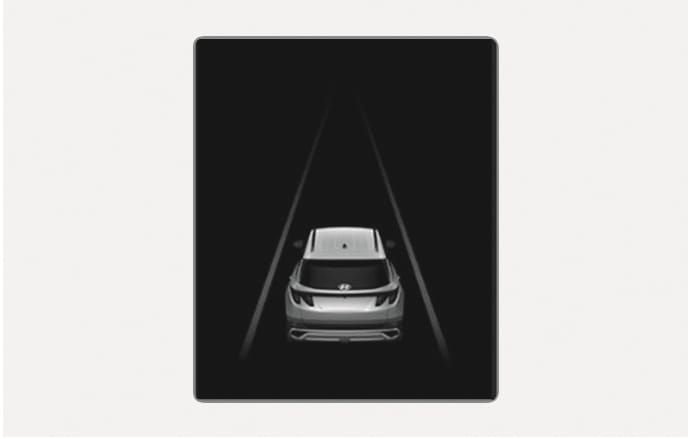
2C_LaneDetectionInfo
Lane detected
2C_LKALaneDetectInfo
-
The images and colors in the cluster may differ depending on the cluster type or theme selected from the settings menu.
-
If lane markings are not detected, steering wheel control by Lane Following Assist can be limited depending on whether a vehicle is in front or the driving conditions of the vehicle.
-
Even though the steering is assisted by Lane Following Assist, the driver may control the steering wheel.
-
The steering wheel may feel heavier or lighter when the steering wheel is assisted by Lane Following Assist than when it is not.