Smart regeneration level settings
2C_SmartRehabilitationBrakingIconInfo
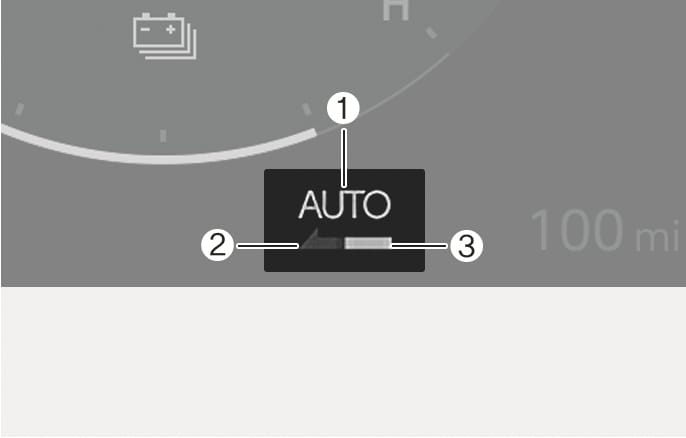
When the smart regeneration system is ON, the regenerative braking level appears as "AUTO" on the instrument cluster. The "AUTO" appears in grey in the ready state. The system automatically controls the regenerative braking level (2) according to the smart regeneration system operating conditions. If the front radar detects a vehicle in front, the indicator light (3) appears in green.
The default braking level of the smart regeneration system can be changed. Set the default braking level to the lowest and let the system adjust the braking intensity automatically.
To change the smart regeneration default setting, pull the left or right paddle shifter to adjust the level from 1 to 3 while the smart regeneration system is ON.