Trip computer (4.2-inch)
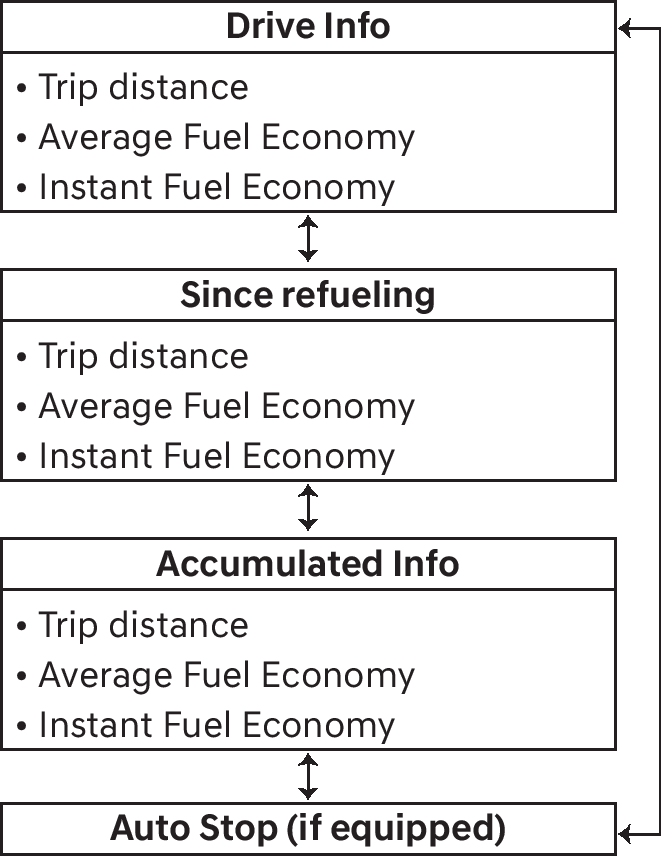
The trip computer is a microcomputer-controlled driver information system that displays information related to driving.
Some driving information stored in the trip computer (for example Average Vehicle Speed) resets if the battery is disconnected.
OUS4041014
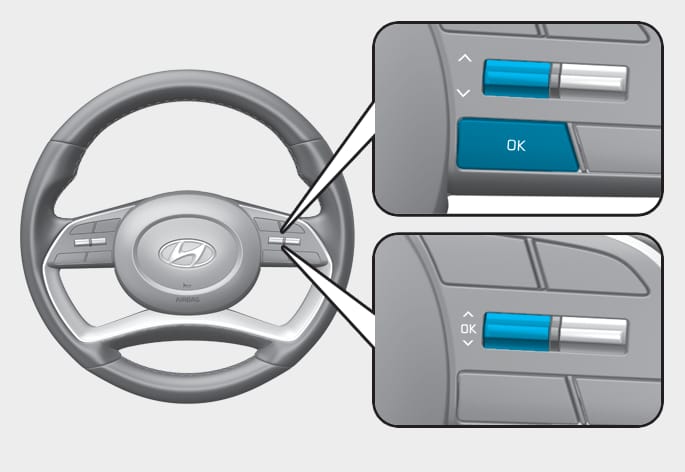
To change the trip mode, toggle the " ,
,  " switch on the steering wheel.
-
Manual reset
To clear the average fuel economy manually, press the OK switch on the steering wheel for more than 1 second when the Average Fuel Economy is displayed.
-
Automatic reset
To automatically reset the average fuel economy, select between 'After Ignition' or 'After Refueling' from the Settings menu in the instrument cluster.
-
After Ignition: When the engine has been OFF for 3 minutes or longer the average fuel economy will reset automatically.
-
After Refueling: The average fuel economy will reset automatically after adding 6 liters (1.6 gallons) of fuel or more and after driving speed exceeds 1 km/h (1 mph).
-
OTM040063L
OTM040064L
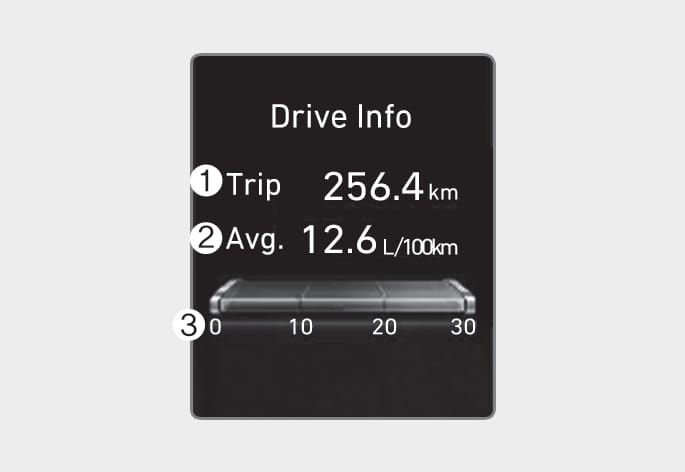
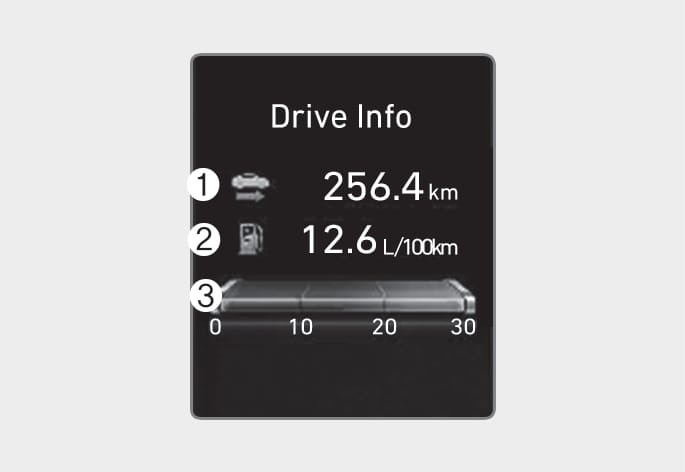
Drive info
Trip distance (1), average fuel economy (2), and instant fuel economy (3) are displayed.
The information is combined for each ignition cycle. However, when the engine has been OFF for 3 minutes or longer the Drive Info screen will reset.
To reset manually, press the OK switch on the steering wheel for more than 1 second when 'Drive Info' is displayed.
OTM040065L
OTM040066L
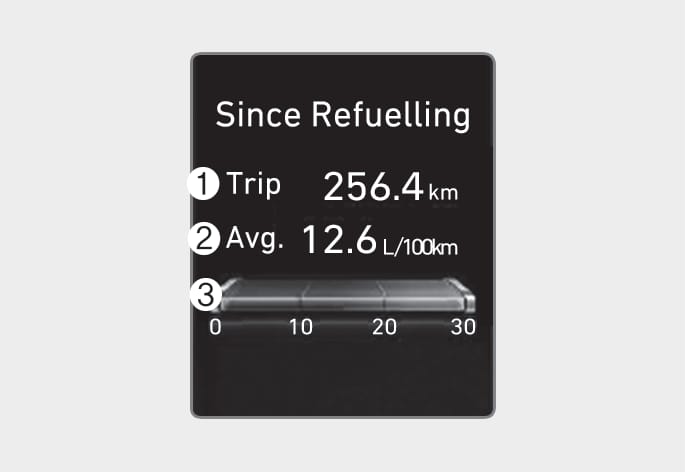
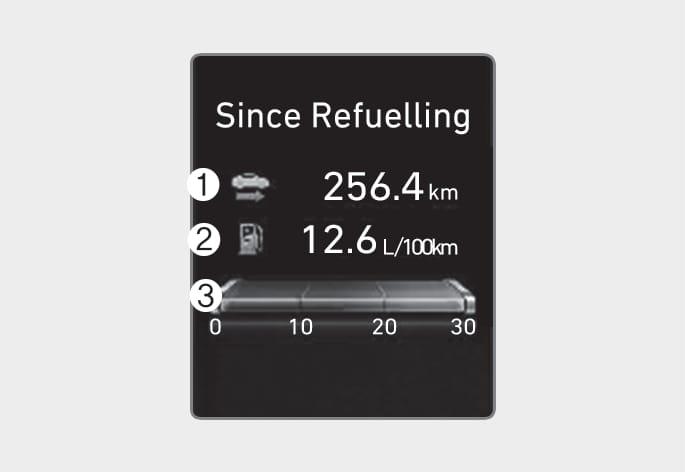
Since refuel(l)ing
Trip distance (1), average fuel economy (2), and instant fuel economy (3) after the vehicle has been refueled are displayed.
To reset manually, press the OK switch on the steering wheel for more than 1 second when 'Since Refueling' is displayed.
OTM040067L
OTM040068L
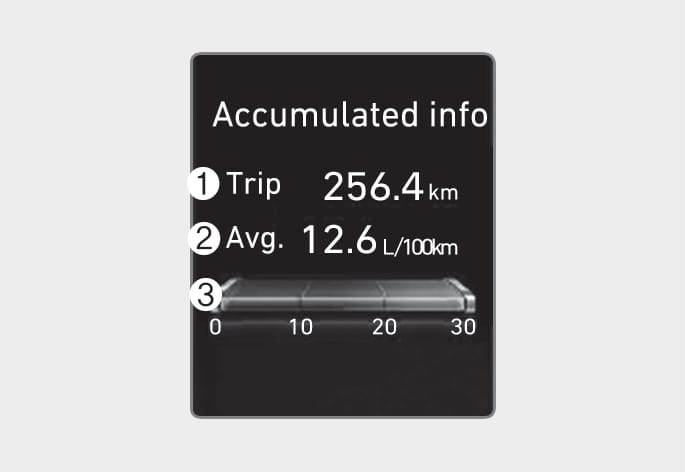
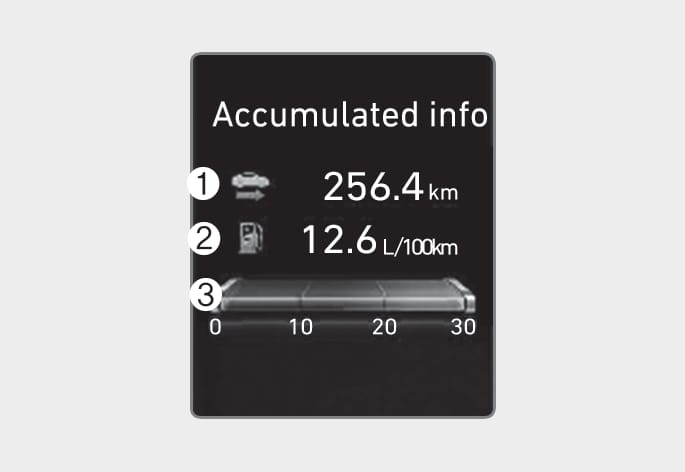
Accumulated info
Accumulated trip distance (1), average fuel economy (2), and instant fuel economy (3) are displayed.
The information is accumulated starting from the last reset.
To reset manually, press the OK switch on the steering wheel for more than 1 second when 'Accumulated Info' is displayed.
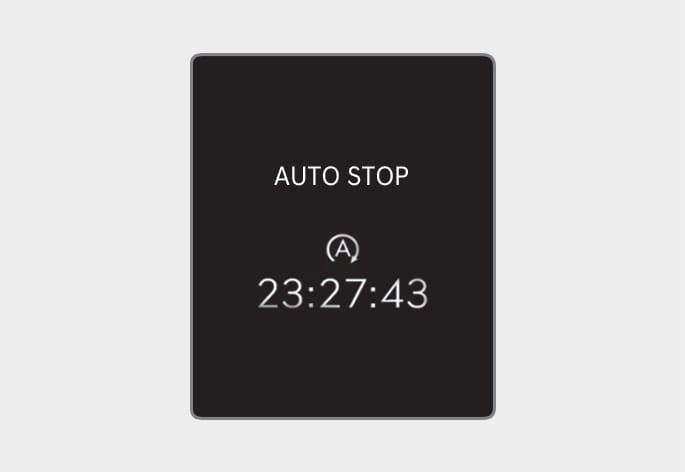
OJK040027
Auto stop
AUTO STOP display shows the elapsed time of engine stop by Idle Stop and Go system.
For more details, refer to "Idle Stop and Go (ISG)" section in chapter 6.