Highway Driving Assist operation
Display and control
You can see the status of the Highway Driving Assist operation in the Driving Assist mode on the cluster. Refer to "Cluster display modes" section in chapter 4.
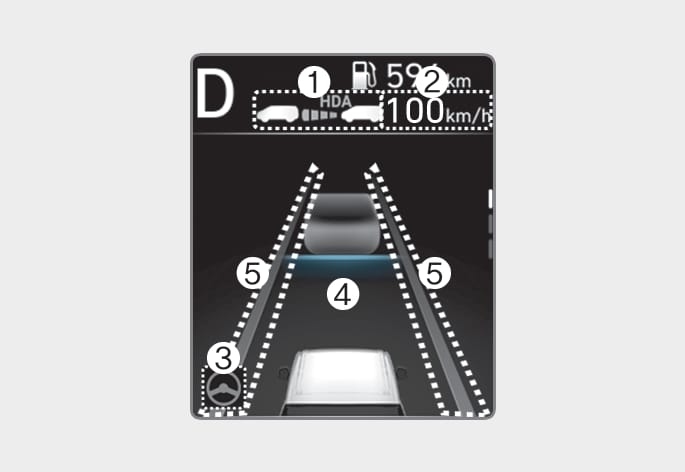
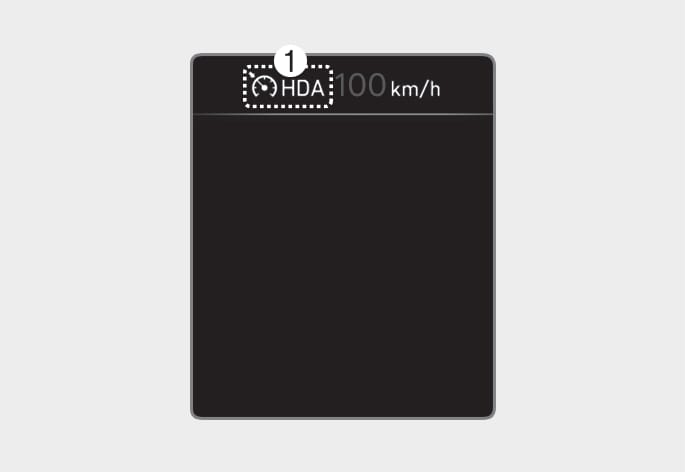
Highway Driving Assist will be displayed as below depending on the status of the function.
OUS4071134
OTM070165
(1) Highway Driving Assist indicator, whether there is a vehicle ahead and the selected distance level
* Highway Driving Assist indicator
-
Green
 : Operating state
 -
Grey
: Standby state -
White
blink: Accelerator depressed state
(2) Set speed
(3) Lane Following Assist indicator
(4) Whether there is a vehicle ahead and the selected headway
(5) Whether the lane is detected or not
For more details on the display refer to "Smart Cruise Control (SCC)" and "Lane Following Assist (LFA)" sections in this chapter.
Highway Driving Assist operating
Highway Driving Assist will operate when entering or driving on the main road of highways (or motorways), and satisfying all the following conditions:
-
Lane Following Assist is operating
-
Smart Cruise Control is operating
-
While driving on the highway (or motorway), if Smart Cruise Control starts operating, Highway Driving Assist will operate.
-
When entering the main roads of highways (or motorways) while Smart Cruise Control is operating, Driving Assist will not turn on if Lane Following Assist is turned off.
-
Restarting after stopping
OUS4071078L
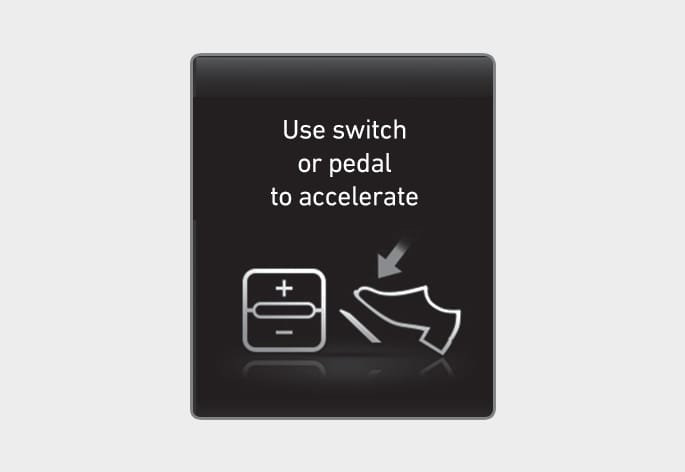
When Highway Driving Assist is operating, your vehicle will stop if the vehicle ahead of you stops. Also, if the vehicle ahead of you starts moving within 30 seconds after the stop, your vehicle will start as well. In addition, after the vehicle has stopped and 30 seconds have passed, the 'Use switch or pedal to accelerate' message will appear on the cluster. Depress the accelerator pedal or push the + switch, - switch or
 switch to start driving.
 -
Hands-off warning
OUS4071018L
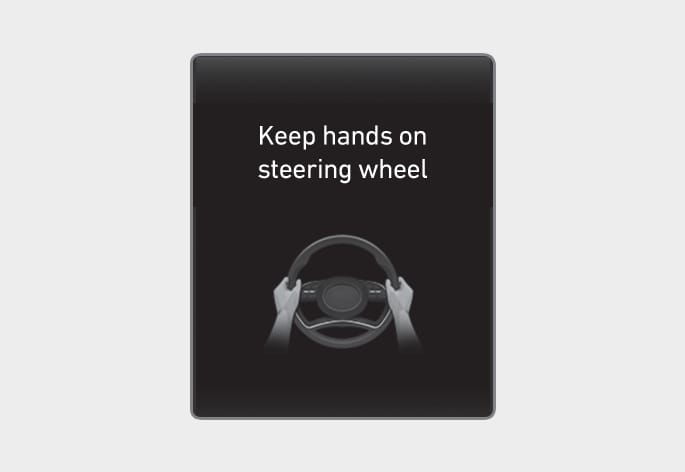
If you take your hands off the steering wheel for several seconds, the 'Keep hands on the steering wheel' warning message will appear and an audible warning will sound in stages.
First stage : Warning message
Second stage : Warning message (red steering wheel) and audible warning
Type A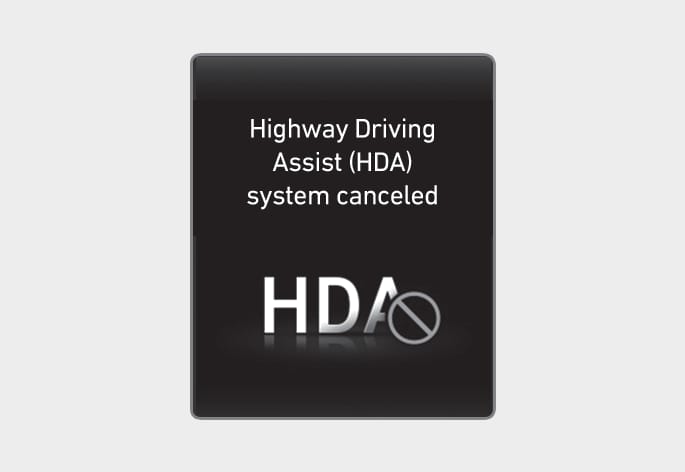
OUS4071096L
Type B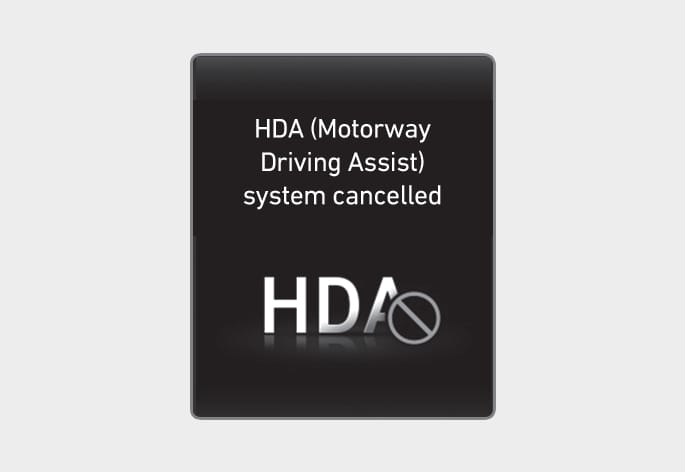
OUS4071181L
If the driver still does not have their hands on the steering wheel after the hands-off warning, the 'Highway Driving Assist (HDA) canceled' (or 'HDA (Highway Driving Assist) cancelled') warning message will appear and Highway Driving Assist and Lane Change Assist will be automatically canceled.
-
Driving speed limit
OUS4071169L
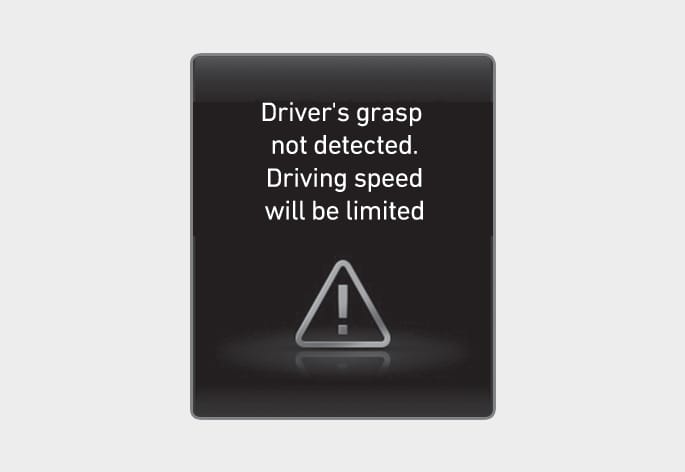
When Highway Driving Assist is canceled by the hands-off warning, The driving speed will be limited.
While Driving Speed Limit function is operating, the 'Driver's grasp not detected. Driving speed will be limited' warning message will appear on the cluster, and an audible warning will sound continuously.
Highway Driving Assist standby
When the Smart Cruise Control is temporarily canceled while Highway Driving Assist is operating, Highway Driving Assist will be in the standby state. At this time, Lane Following Assist will operate properly.
-
Driving Speed Limit helps you drive below 60 km/h (40 mph). At this time, the vehicle decelerates due to the vehicle ahead. After the vehicle has decelerated, it cannot automatically accelerate.
-
Driving Speed Limit will cancel in the following circumstances:
-
When the driver grabs the steering wheel again
-
When the driver turns on Lane Following Assist by pressing the Lane Driving Assist button
-
When Smart Cruise Control switch +, -,
or  button is pushed, or the accelerator pedal or the brake pedal is depressed
-