Trip computer
Some driving information stored in the trip computer resets if the battery is disconnected.
OCN7043100N
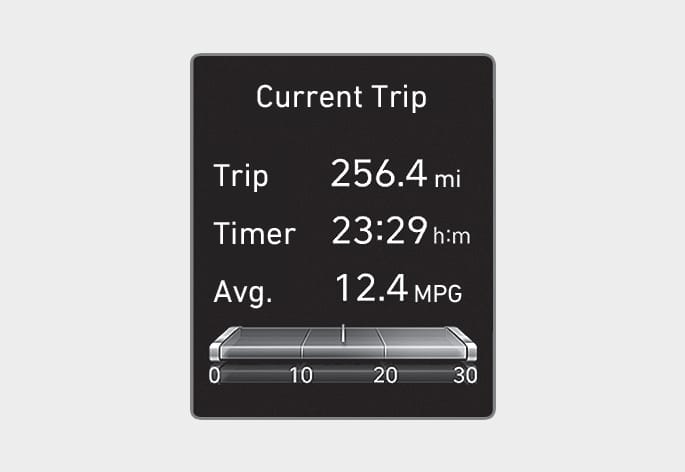
The trip computer mode displays information related to vehicle driving parameters including fuel economy, tripmeter information, and vehicle speed.
OCN7043112N
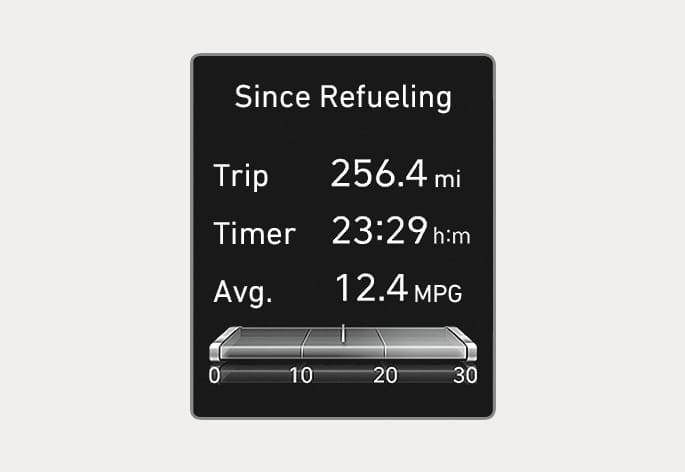
After the vehicle has been refueled, the trip distance, total driving time and average fuel economy appear.
To reset manually, press the OK button on the steering wheel for more than 1 second when "Since Refueling" appears.
OCN7043113N
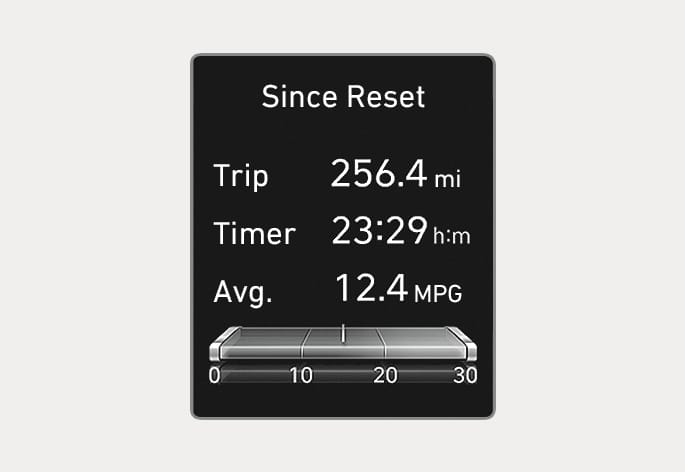
Accumulated trip distance, total driving time, and average fuel economy appear.
The information is accumulated starting from the last reset.
To reset manually, press the OK button on the steering wheel for more than 1 second when "Since Reset" appears.
OIK047151N
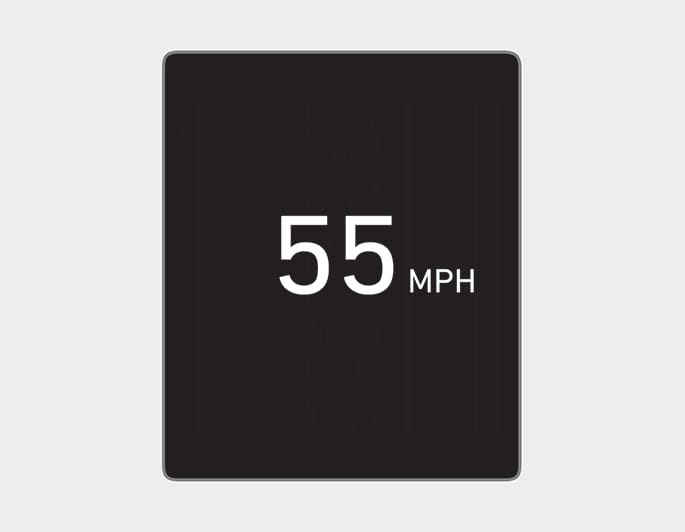
Displays the speed of the vehicle.
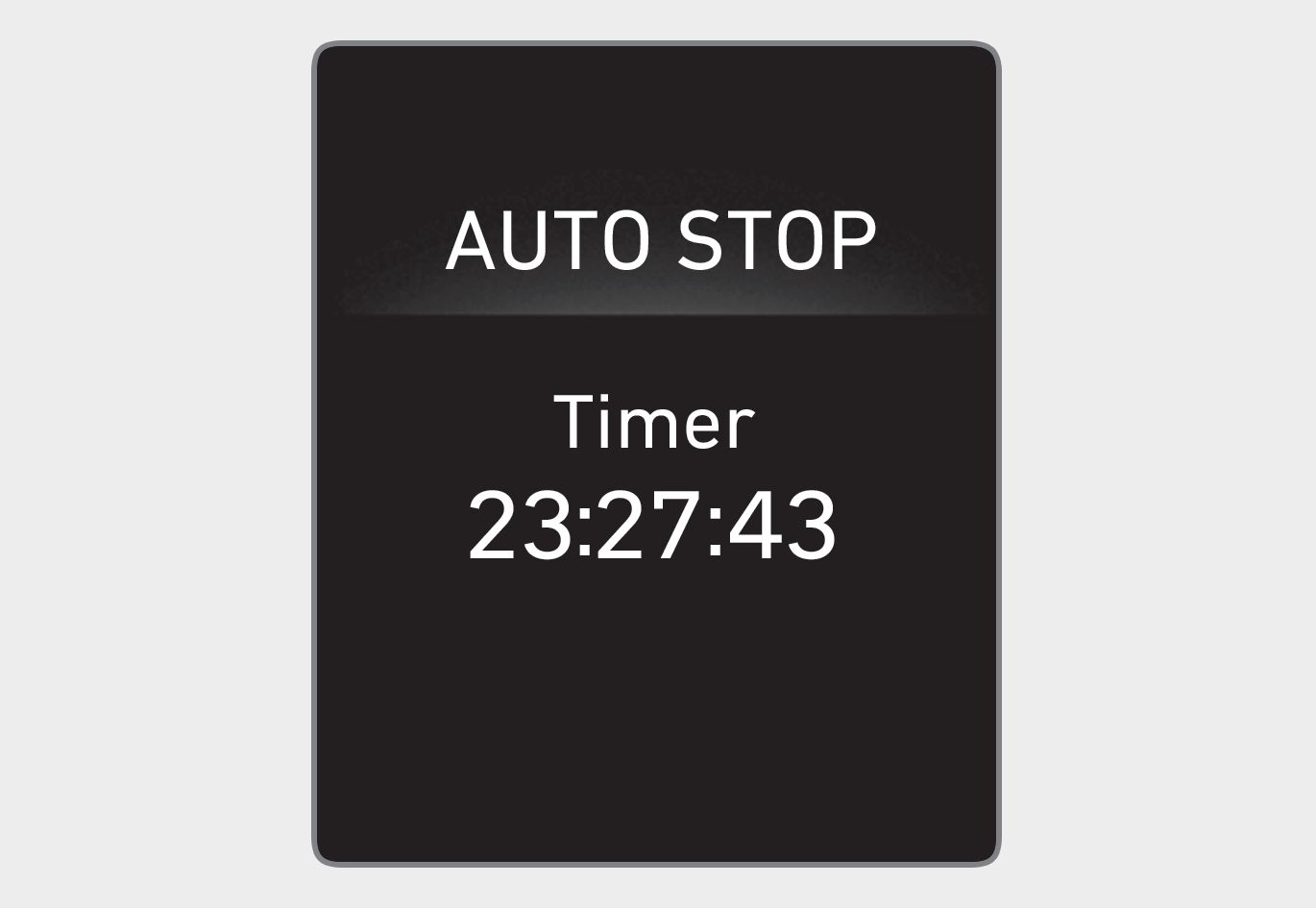
ODN8A049036
Displays the elapsed time of engine stop by the Idle Stop and Go system.
For more information, refer to the "Idle Stop and Go (ISG) system" section in chapter 6.