Gauges and Meters
2C_Speedmeter
2C_Speedmeter_2
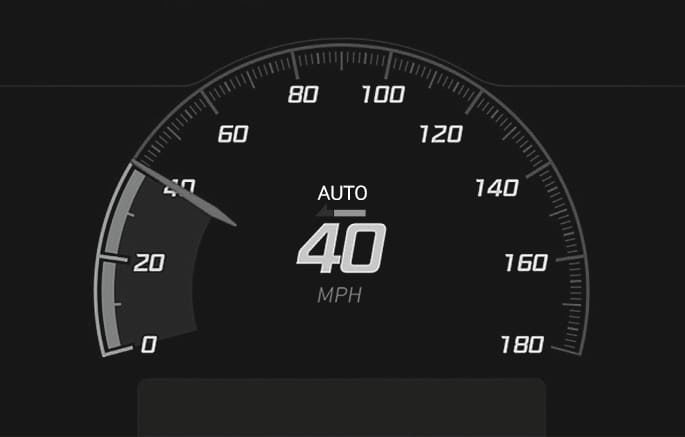
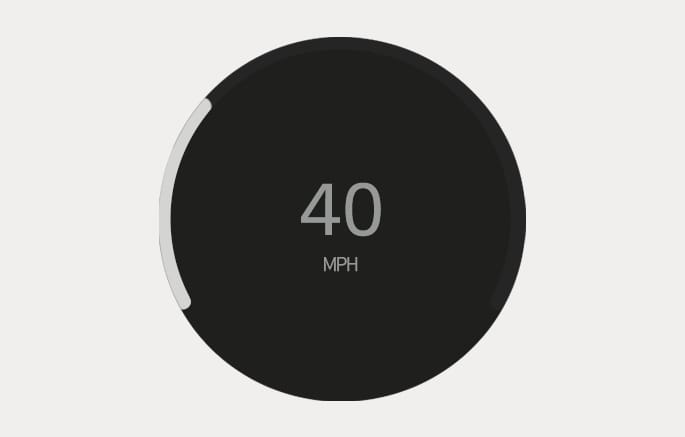
The speedometer indicates the speed of the vehicle and is calibrated in mi. per hour (MPH).
2C_PowerChargeGauge
2C_PowerChargeGauge_2
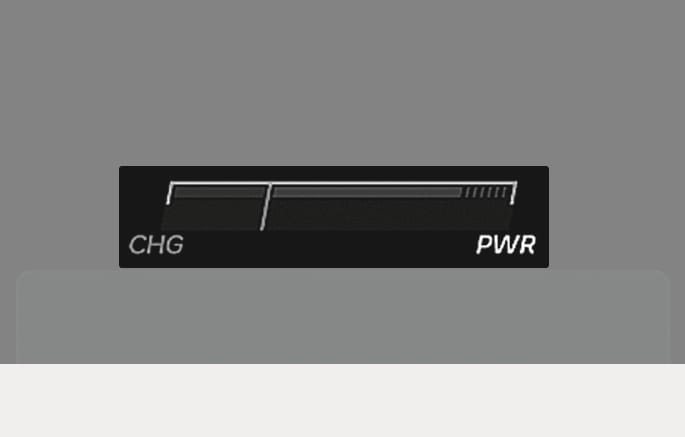
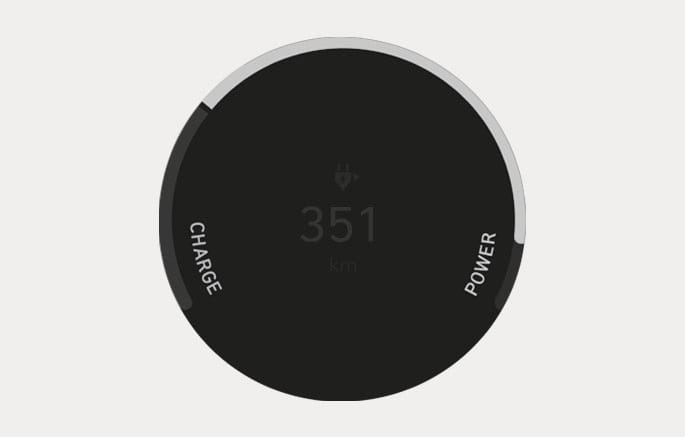
The Power/Charge gauge shows the energy consumption rate of the vehicle and the charge/discharge status of the regenerative brakes.
-
POWER: It shows the energy consumption rate of the vehicle when driving uphill or accelerating. The more electric energy is used, the higher the gauge level.
-
CHARGE: It shows the charging status of the battery when it is being charged by the regenerative brakes (decelerating or driving on a downhill road). The more electric energy is charged, the lower the gauge level.
2C_BatteryLevelGauge_2
2C_BatteryLevelGauge
-
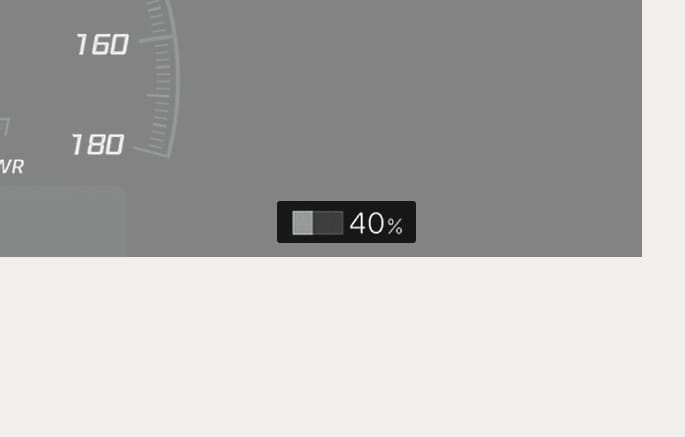
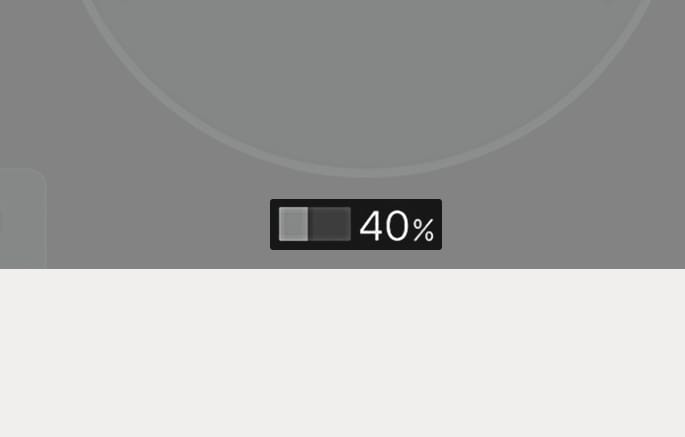
The SOC gauge shows the charging status of the high voltage battery.
-
The low percentage number on the indicator indicates that there is not enough energy in the high voltage battery. 100 % indicates that the high voltage battery is fully charged.
-
When driving on highways, make sure to check in advance if the high voltage battery is charged enough.
-
When the remaining battery is lower than 15 % on the SOC gauge, the High Voltage Battery Level (
ª ) warning light Illuminates, to alert you of the battery level. -
When the High Voltage Battery Level (
ª ) warning light Illuminates, the vehicle can drive an additional 18-25 mi. (30-40 km) depending on the driving speed, heater/air conditioner, weather, driving style, and other factors. Charging is required.
When the high voltage battery level is low, the Power Down (
Charge the battery immediately since your vehicle may not be driven, or may roll back on a slope with the indicator light illuminated.
2C_OutsideTemp_2
2C_OutsideTemp
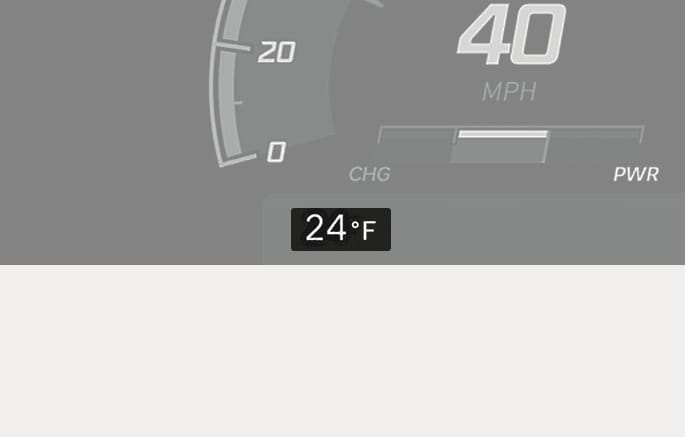
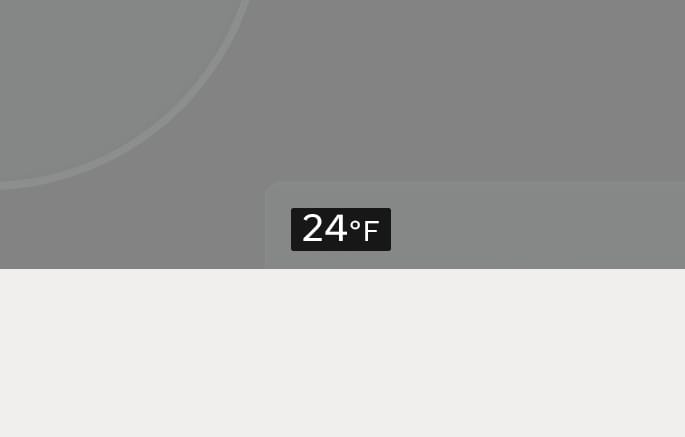
The temperature reads in Fahrenheit or Celsius depending on the units selected from the infotainment system. The temperature indicated on the instrument cluster may not change as quickly as the outside temperature.
Select Setup > General > Units > Temperature Unit.
Both the temperature unit on the instrument cluster and climate control screen is changed.
The infotainment system may change after software updates. For more information, refer to the user's manual provided in the infotainment system and the quick reference guide.
2C_Odometer_2
2C_Odometer
The odometer indicates the total distance that the vehicle has been driven and should be used to determine when periodic maintenance is required.
2C_DistanceToEmpty
2C_DistanceToEmpty_2
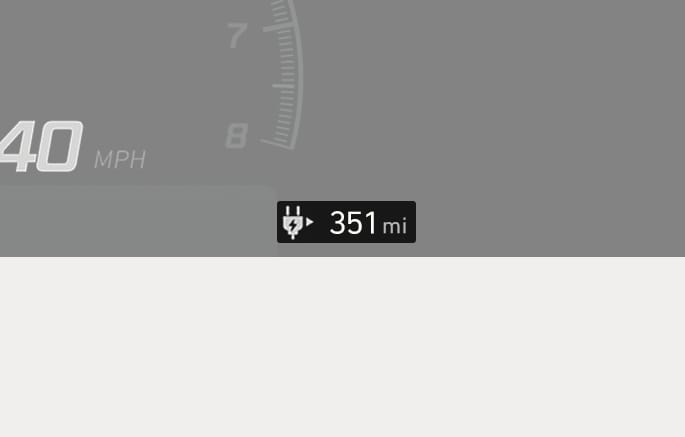
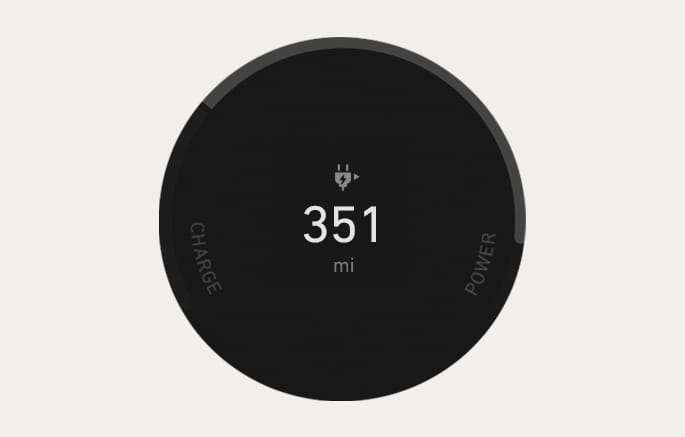
The distance to empty is the estimated distance the vehicle can be driven with the remaining electric energy.
-
The distance to empty differs depending on which drive mode (ECO/NORMAL/SPORT) is selected.
For more information, refer to the "Factors affecting the distance to empty" section in chapter 1.
-
The distance to empty may differ from the actual driving distance because it is only an estimate as it is an estimate of the available driving distance.
-
The distance to empty may differ significantly based on driving conditions, driving habits, and condition of the vehicle.
-
If the vehicle is not on level ground or the battery power has been interrupted, the distance to empty function may not operate correctly.
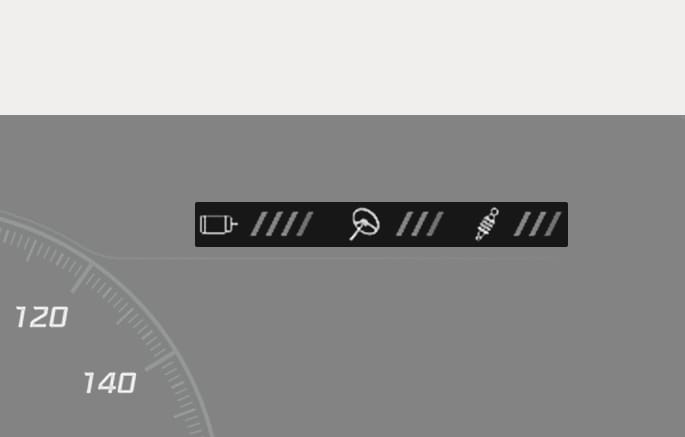
2C_CustomModeSetting
The main settings of CUSTOM mode is displayed at the top of the cluster. The CUSTOM mode can be set on the infotainment system.
For more details on the CUSTOM mode, refer to the "N Mode" section in chapter 6.