View Modes
|
View modes |
Symbol |
Explanation |
|
Driving Assist |

|
This mode displays the state of:
For more information, refer to “Lane Keeping Assist (LKA)”, “Smart Cruise Control (SCC)”, “Highway Driving Assist (HDA)” in chapter 7. |
|
Trip Computer |

|
This mode displays driving information such as the tripmeter, fuel economy, etc. For more details, refer to “Trip computer mode” in this chapter. |
|
Turn By Turn (TBT) |

|
This mode displays the state of the navigation. |
|
Warning/Vehicle Information |

|
This mode displays warning messages related to the lamp malfunction, etc. This mode displays information related to the tire pressure monitoring system (TPMS), the state of driving force distribution (AWD) and the amount of remaining urea solution. |
|
Tire Pressure Setting |

|
In this mode, you can reset the tire pressure monitoring system (TPMS). If warning occurs, the symbol changes to the warning mode symbol. |
The information provided may differ depending on which functions are applicable to your vehicle.
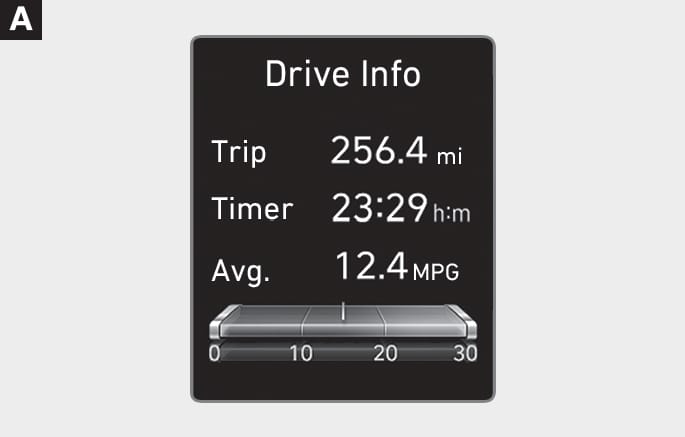
B0091EU04
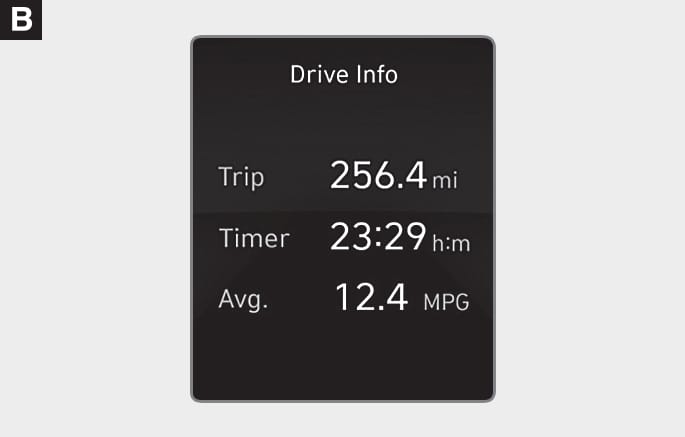
B0091EU05
The trip computer mode displays information related to vehicle driving parameters including fuel economy, tripmeter information and vehicle speed.
For more information, refer to “Trip Computer (Type A)” in this chapter.
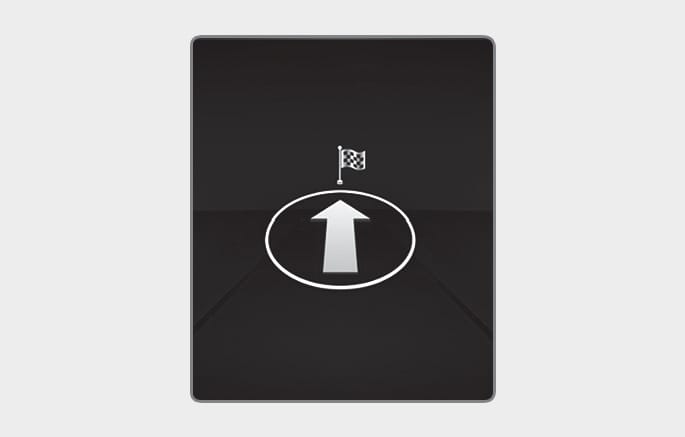
B0091KO03
Turn-by-turn navigation, distance/time to destination information is displayed when Turn by Turn view is selected.
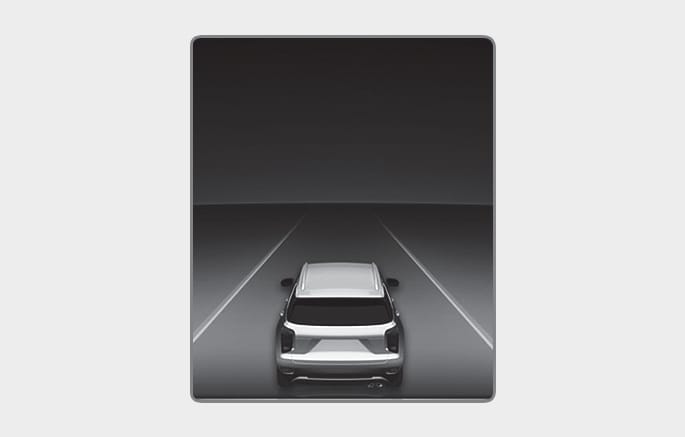
B0091KO02
LKA/SCC/HDA
This mode displays the state of Lane Keeping Assist, Smart Cruise Control, and Highway Driving Assist.
For more details, refer to each system information in chapter 7.
B0091KO15
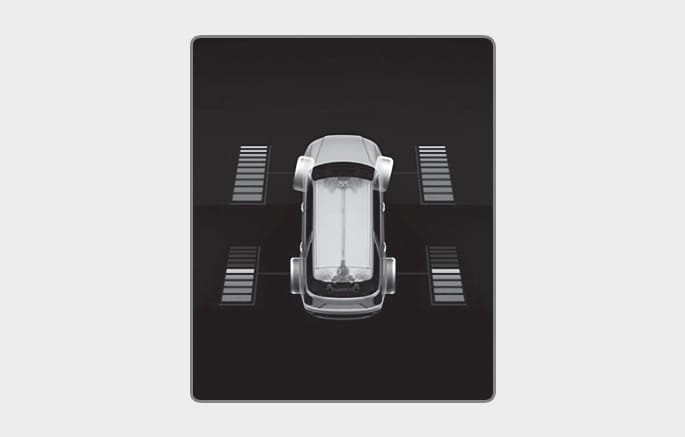
Driving force distribution (AWD)
This mode displays information related to AWD driving force.
If the vehicle is in AWD lock state, this mode is not displayed.
For detailed information, refer to the “All Wheel Drive (AWD)” in the chapter 6.
B0091EU12
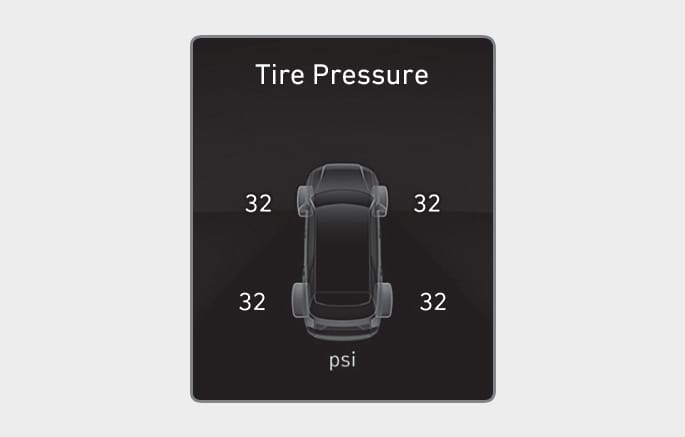
Tire Pressure
This mode displays information related to Tire Pressure.
For more details, refer to “Tire Pressure Monitoring System (TPMS)” in chapter 8.