SEA Settings
Safe exit
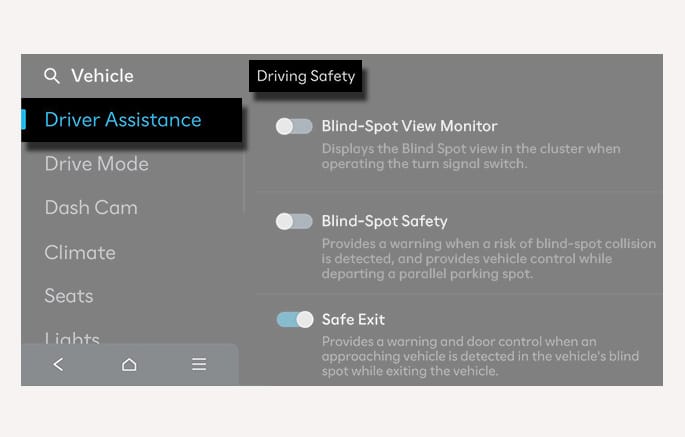
2C_ExitSafetySettings
With the vehicle on, select Setup > Vehicle > Driver Assistance > Driving Safety > Safe Exit from the Settings menu to turn on SEA and deselect to turn off the function.
If Safe Exit is deselected, SEA cannot assist you. The driver should always be aware of his or her surroundings.
If your vehicle is equipped with a dedicated trailer-detection component or feature, the functionality of the driver assistance system may be limited when a trailer is detected as attached. Please read the details in Driver assistance system limitations, and always drive carefully.
Warning methods
You can set the following Warning methods for SEA:
-
Warning volume
-
Driving safety priority
For more information, refer to Driver Assistance System Settings.