Driver Assistance System Warnings and Indicators
The driver assistance system warnings and indicators appear on the cluster display.
-
The images and colors in the instrument cluster may differ depending on the cluster type or theme selected from the settings menu.
-
For more information, refer to Cluster Display View Modes.
The driver assistance system operating status appears at the top area of the cluster display.
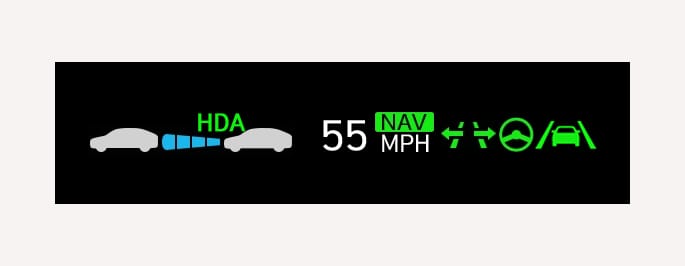
2C_ADASclusterdisplay
The Manual Speed Limit Assist, Intelligent Speed Limit Assist, Lane Keeping Assist, Smart Cruise Control, Navigation-based Smart Cruise Control, Lane Following Assist, and Highway Driving Assist indicator always appears when each function is operating. For more information, refer to each system information in this chapter.
The current status of the driver assistance system appears when the Driving Assist view is selected from the cluster display view modes.
-
The operation status of driver assistance system also appears on the Head-Up Display (if equipped). For more information, refer to Head-Up Display (HUD).
The warning messages of driver assistance system appears on the cluster display.
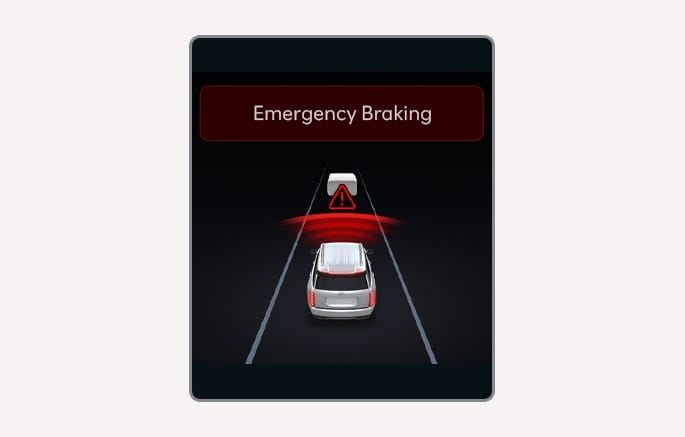
2C_FCABasicEmergencyBrakingInfo
The warning lights of each operating system (Forward Safety
2C_CheckDrivingAssistWarning
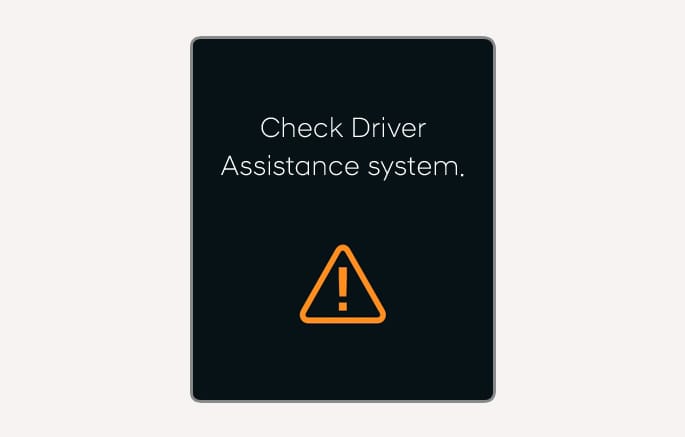
When the driver assistance system is not working properly, a warning message appears, the master
-
You can check the warning message in the Utility view mode on the cluster display.
2C_CameraDisableWarning
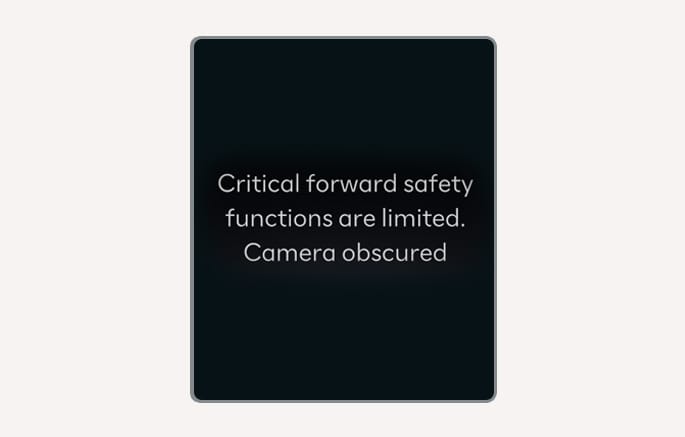
When the front windshield where the front view camera is located, radar cover, bumper (if equipped), or ultrasonic sensor is covered with foreign material, such as snow or rain, it can reduce the detecting performance and temporarily limit or disable the driver assistance system.
If this occurs, a warning message and the master
-
You can check the warning message in the Utility view mode on the cluster display.
If the system does not operate properly after it is removed, have your vehicle inspected by an authorized HYUNDAI dealer.

2C_PDWInfo_2
-
When the Rear Cross-Traffic Collision-Avoidance Assist, Parking Distance Warning, and Reverse Parking Collision-Avoidance Assist is operating, if the function is not operating properly or the ultrasonic sensor is obscured, the
X warning light may illuminate in the direction of the corresponding sensor.
-
Even though the warning message or warning light does not appear on the instrument cluster, driver assistance system may not properly operate.
-
Driver assistance system may not operate properly in open areas where no objects are detected (for example, open terrain, empty parking lot, etc.) or when the detecting sensors are obscured right after the vehicle is turned on.
-
With the condition of blockage or malfunctioning maintained, driver assistance system may not operate properly even if the vehicle is restarted.