Gauges and meters
2C_Speedmeter
2C_Speedmeter_2
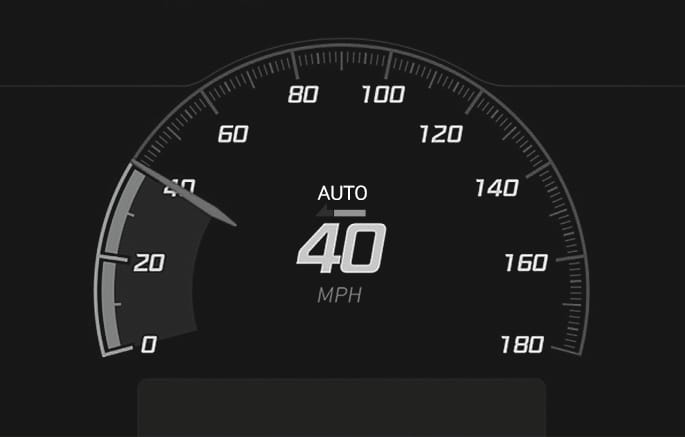
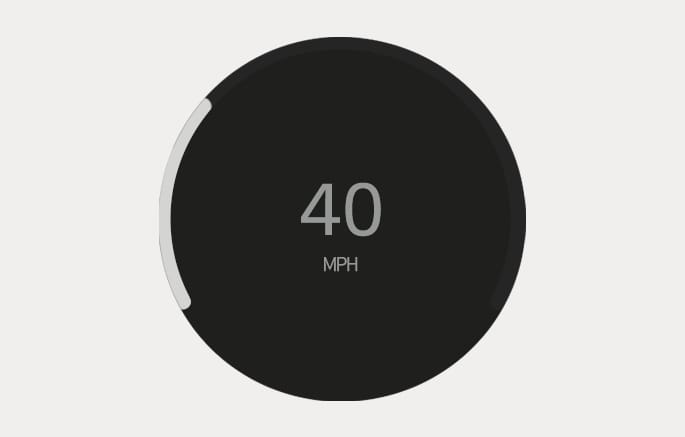
The speedometer indicates the speed of the vehicle and is calibrated in miles per hour (MPH).
2C_PowerChargeGauge
2C_PowerChargeGauge_2
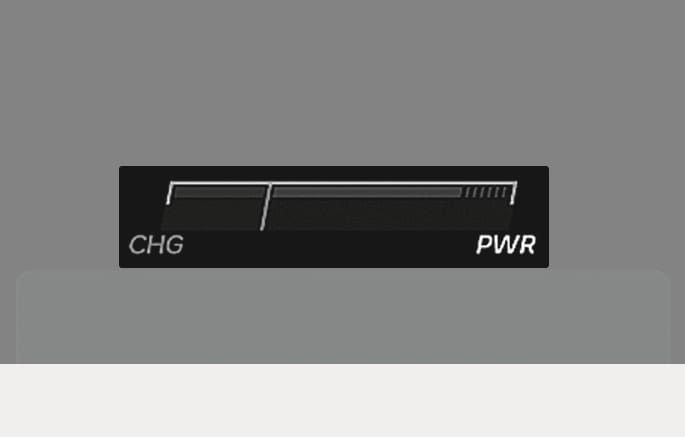
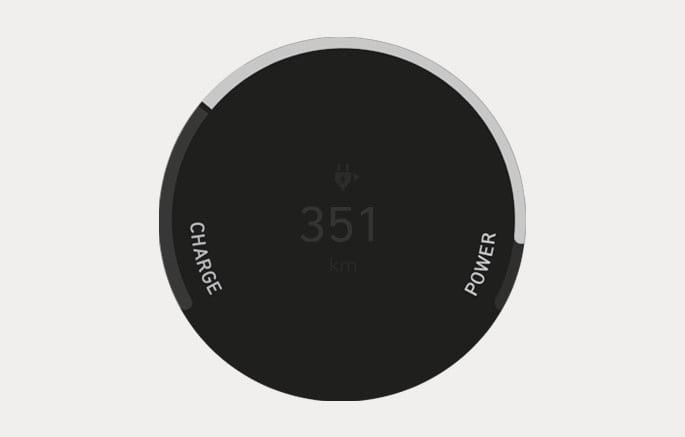
The Power/Charge Gauge shows the energy consumption rate of the vehicle and the charge/discharge status of the regenerative brakes.
-
POWER: It shows the energy consumption rate of the vehicle when driving uphill or accelerating. The more electric energy is used, the higher the gauge level.
-
CHARGE: It shows the charging status of the battery when it is being charged by the regenerative brakes (decelerating or driving on a downhill road). The more electric energy is charged, the lower the gauge level.
2C_BatteryLevelGauge_2
2C_BatteryLevelGauge
-
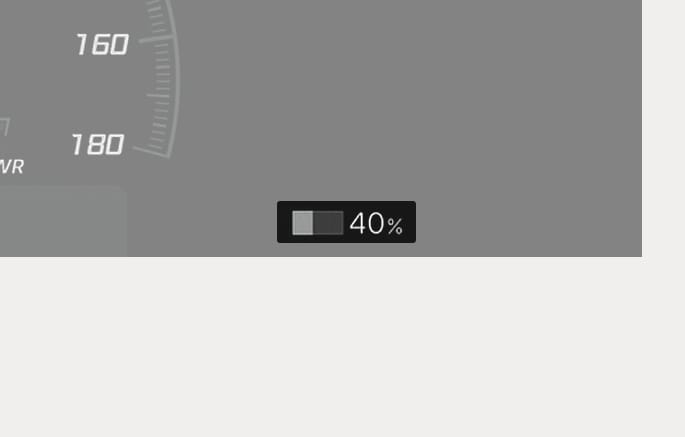
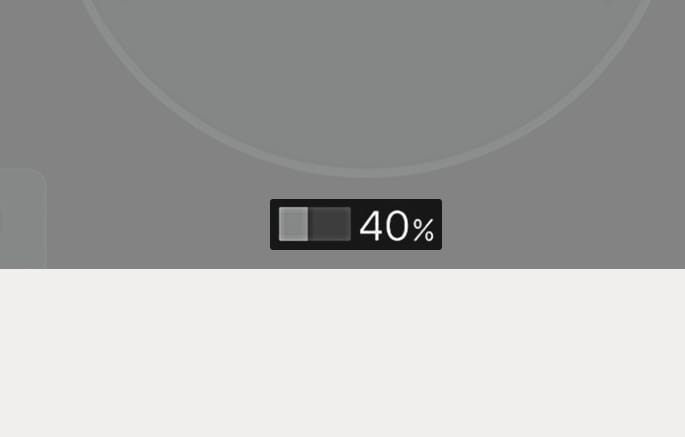
The SOC gauge shows the charging status of the high voltage battery.
-
The low percentage number on the indicator indicates that there is not enough energy in the high voltage battery. 100 % indicates that the driving battery is fully charged.
-
When driving on highways or motorways, make sure to check in advance if the driving battery is charged enough.
When the remaining battery is lower than 15 % on the SOC gauge, the High Voltage Battery Level (
When the High Voltage Battery Level (
When the high voltage battery level is low, the Power Down indicator light illuminates and the vehicle power is limited.
Charge the battery immediately since your vehicle may not be driven, or may roll back on a slope with the indicator light illuminated.
2C_OutsideTemp_2
2C_OutsideTemp
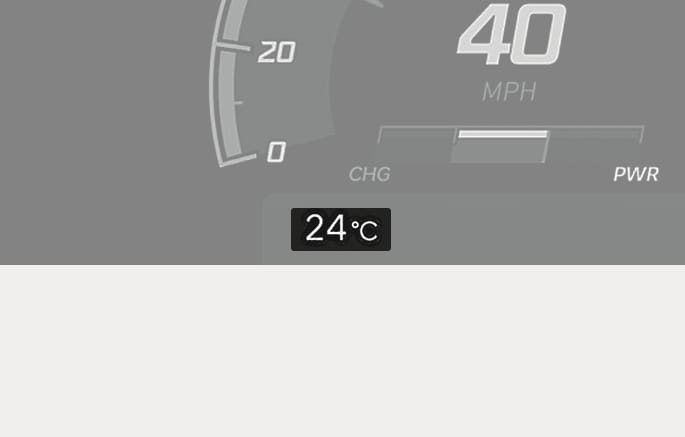
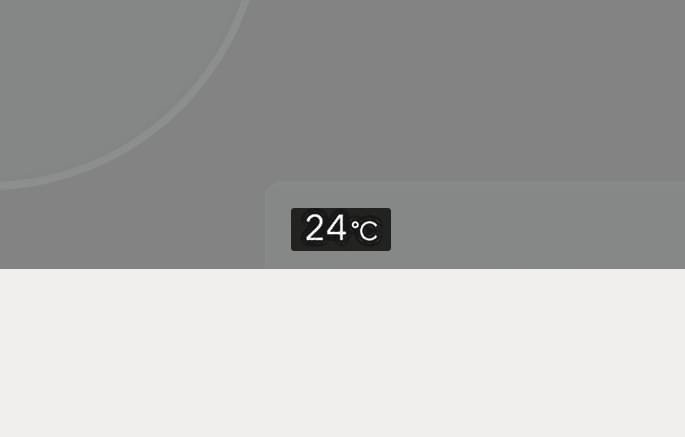
The outside ambient temperature appears in the lower portion of the cluster display. The temperature reads in Celsius or Fahrenheit depending on the units selected in the infotainment system.
Select Settings> General > Unit > Temperature unit.
Both the temperature unit on the cluster display and climate control screen will change.
The infotainment system may change after software updates. For more information, refer to the manual provided in the infotainment system and the quick reference guide.
2C_Odometer_2
2C_Odometer
The odometer indicates the total distance that the vehicle has been driven and is used to determine when periodic maintenance is required.
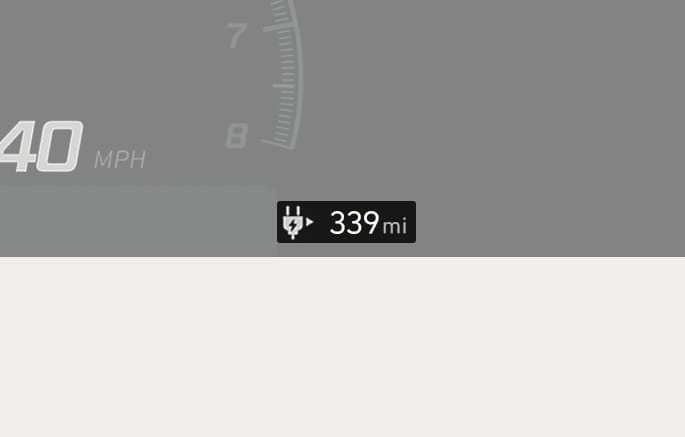
2C_DistanceToEmpty
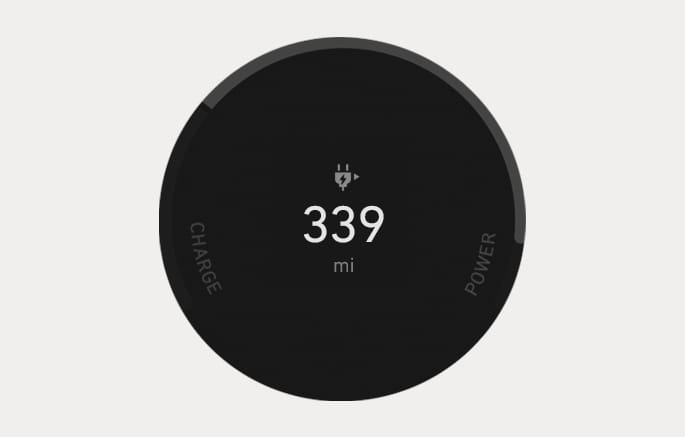
2C_DistanceToEmpty_2
The distance to empty is the estimated distance the vehicle can be driven with the remaining electric energy.
-
The distance to empty differs depending on which drive mode (ECO/NORMAL/SPORT) is selected.
For more information, refer to the "Factors affecting the distance to empty" section in chapter 1.
-
The distance to empty may differ from the actual driving distance as it is an estimate of the available driving distance.
-
The distance to empty may differ significantly based on driving conditions, driving habits, and condition of the vehicle.
-
If the vehicle is not on level ground or the battery power has been interrupted, the distance to empty function may not operate correctly.
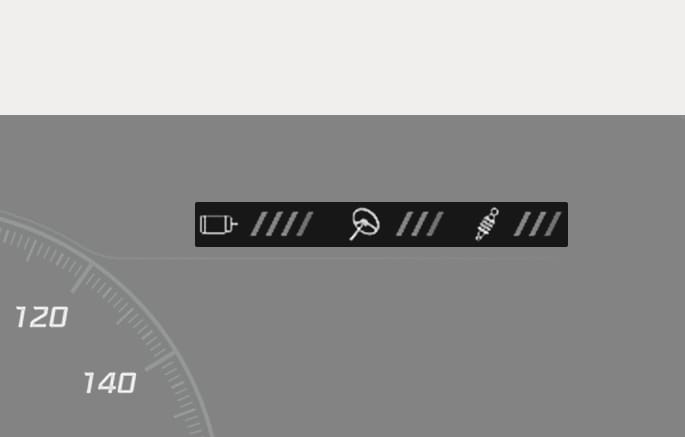
2C_CustomModeSetting
The main settings of CUSTOM mode is displayed at the top of the cluster. The CUSTOM mode can be set on the infotainment system.
For more details on the CUSTOM mode, refer to the "N Mode" section in chapter 6.