View modes
|
View modes |
Explanation |
|
Utility |
This mode displays driving information such as the trip distance, electric energy economy and etc. |
The information provided may differ depending on which functions are applicable to your vehicle.
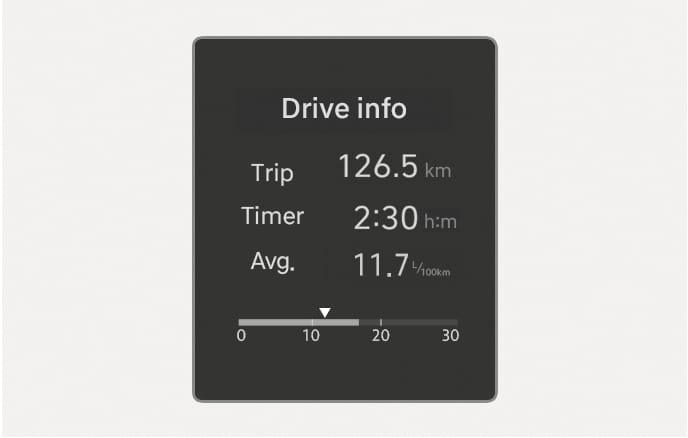
Current trip
2C_DrivingInfo
The trip computer mode displays information related to vehicle driving parameters including fuel economy, tripmeter information, and vehicle speed.
Current trip is initialized when the vehicle is turned off and the driver's door is open, or when the vehicle is turned on 3 minutes after the vehicle is turned off.
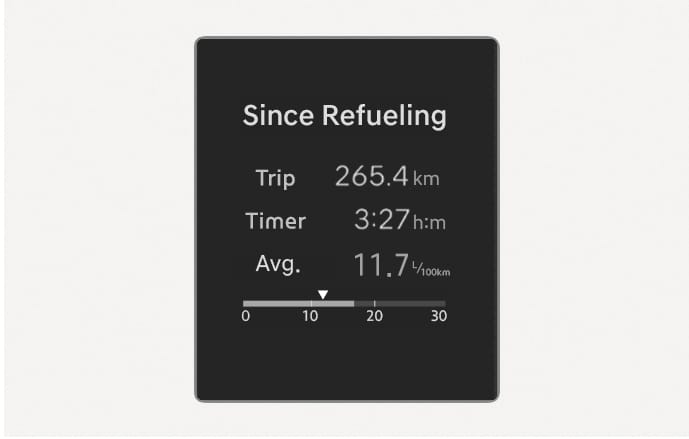
Since refuelling
2C_InfoAfterRefuel
After the vehicle has been refueled, the trip distance, total driving time and average fuel economy appear.
To reset manually, press the OK button on the steering wheel for more than 1 second when 'Since Refuelling' appears.
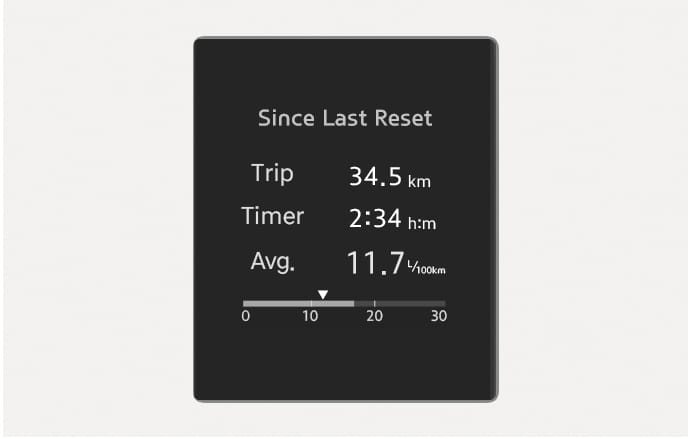
Since Last Reset
2C_AccumulatedInfo
Accumulated trip distance, total driving time, and average fuel economy appear.
The information is accumulated starting from the last reset.
To reset manually, press the OK button on the steering wheel for more than 1 second when 'Since Last Reset' appears.
Auto stop
![2025 Hyundai Tucson Auto Stop display image. The screen shows 'AUTO STOP', 'Time', and '1:50 m:s' indicating elapsed time. The bottom displays '[OK] Hold : Reset'. It explains the feature showing the elapsed time of engine stop by the Idle Stop and Go system.](images/2C_ISGAcuumResetInfo.jpg.png)
2C_ISGAcuumResetInfo
AUTO STOP display shows the elapsed time of engine stop by Idle Stop and Go system.
For more details, refer to "Idle Stop and Go (ISG)" section in chapter 6.
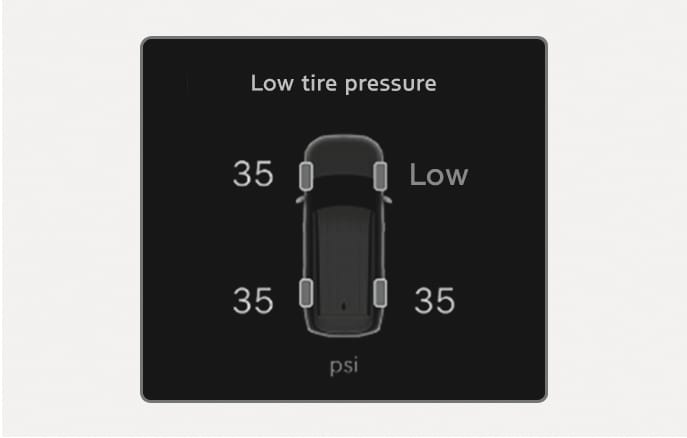
Tire pressure (except Europe)
2C_TireLowPressureWarning
The tire pressure of each tire appears.
For more information, refer to "Tire pressure monitoring system (TPMS)" section in chapter 8.
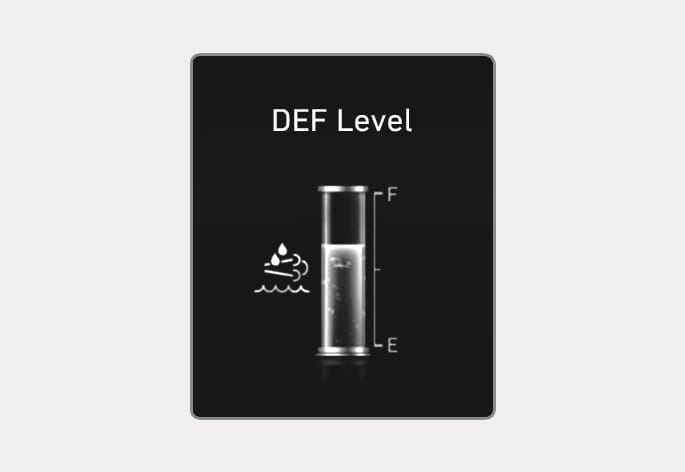
OTM090070L
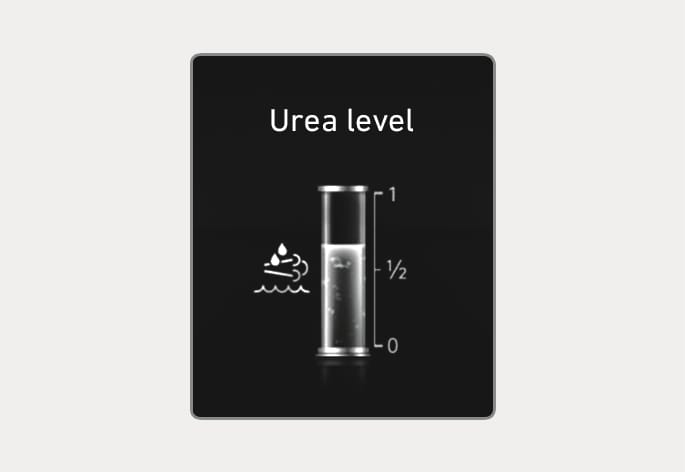
OTM090071L
This mode displays the approximate amount of remaining urea solution inside the urea solution tank.
Add the urea before the level indicates [E].
For more details, refer to "Selective catalytic reduction (SCR) (for diesel engine)" in chapter 9.
The mild hybrid system informs the drivers its energy flow in various operating modes. While driving, the current energy flow is specified in 3 modes.
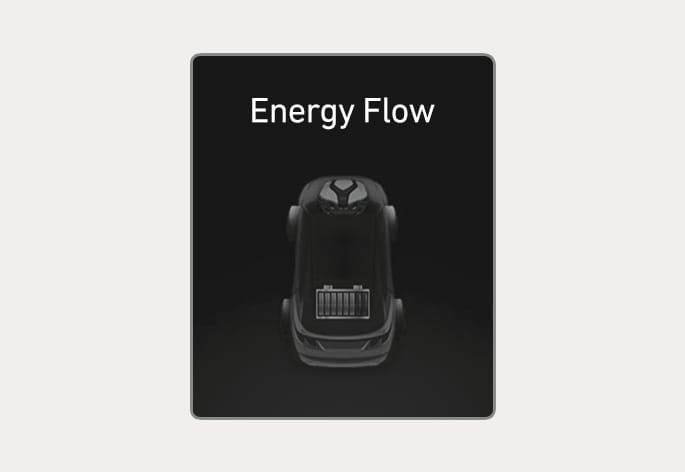
ONX4E040024
Vehicle stop
The vehicle is stopped.
(No energy flow)
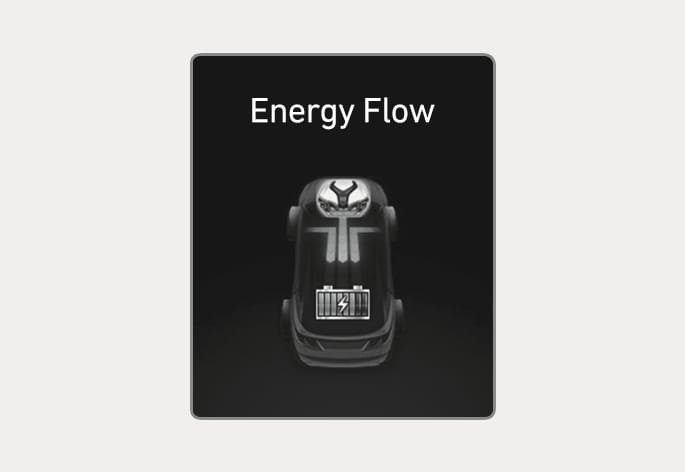
ONX4E040025
Engine Generation / Regeneration
The engine and regenerative brake system charges up the high-voltage battery.
(Engine & Wheel > Battery)
Driver assistance
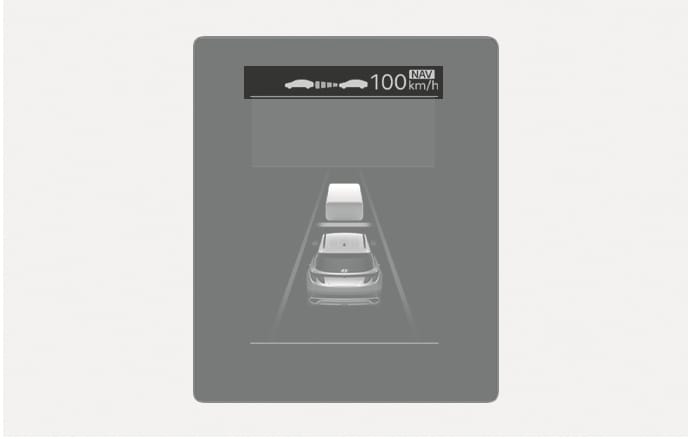
2C_ADASInfo
The current operation condition of Manual Speed Limit Assist, Smart Cruise Control, Lane Following Assist, etc. appears.
Master warning light illuminates if one or more of the following occurs:
-
Forward Collision-Avoidance Assist malfunction (if equipped)
-
Forward Collision-Avoidance Assist radar blocked (if equipped)
-
Blind-Spot Collision-Avoidance Assist malfunction (if equipped)
-
Blind-Spot Collision-Avoidance Assist radar blocked (if equipped)
-
LED headlight malfunction (if equipped)
-
High Beam Assist malfunction (if equipped)
-
Smart Cruise Control malfunction (if equipped)
-
Smart Cruise Control radar blocked (if equipped)
-
Tire Pressure Monitoring System (TPMS) malfunction