Cluster display modes
|
Modes |
Symbol |
Explanation |
|
Trip Computer |

|
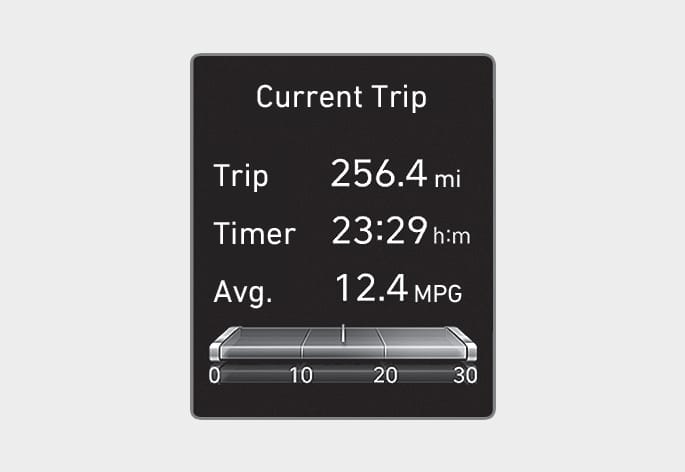
This mode displays driving information such as the tripmeter, fuel economy, etc. |
|
Turn By Turn (TBT) |

|
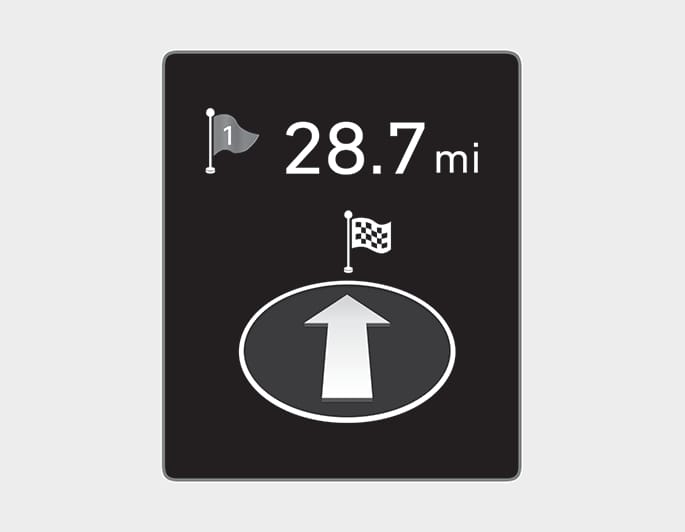
This mode displays the navigation guidance. |
|
Driving Assist |

|
This mode displays:
|
|
User Settings |

|
In this mode, you can change settings of the doors, lights, etc. |
|
Warning |

|
|
The information provided may differ depending on which functions are available to your vehicle.
OCN7043100N
The trip computer mode displays information related to vehicle driving parameters including fuel economy, trip meter information, and vehicle speed.
For more information, refer to the "Trip computer" section in this chapter.
OIK047147N
Turn-by-turn navigation and distance/ time to destination appear when Turn by Turn mode is selected.
LKA/SCC
OCN7043092
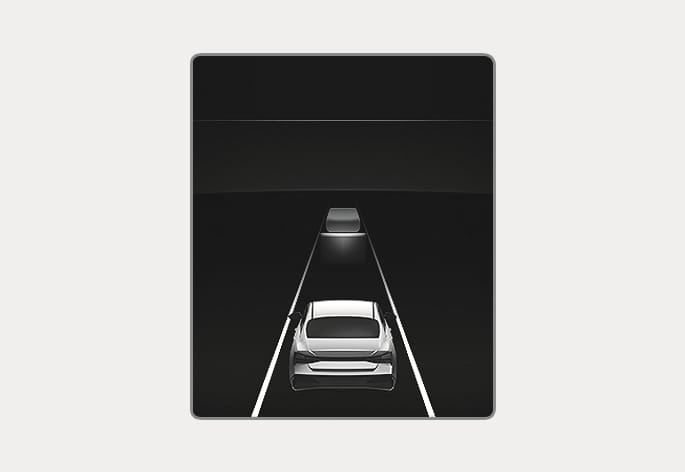
Displays the state of Smart Cruise Control (if equipped) and Lane Keeping Assist.
For more information, refer to the each function information in chapter 7.
OTM050218N
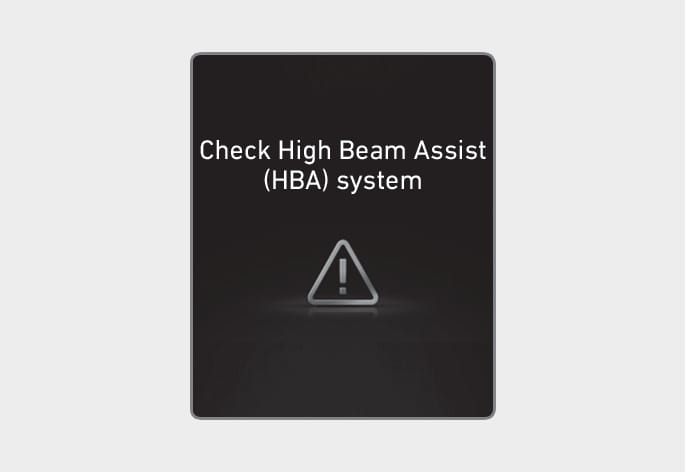
The Master Warning Light illuminates if one or more of the following occurs:
-
Forward Collision-Avoidance Assist system malfunction
-
Forward Collision-Avoidance Assist radar blocked (if equipped)
-
Blind-Spot Collision-Avoidance Assist malfunction (if equipped)
-
Blind-Spot Collision-Avoidance Assist radar blocked (if equipped)
-
High Beam Assist malfunction
-
Lamp malfunction (if equipped)
-
Smart Cruise Control malfunction (if equipped)
-
Tire Pressure Monitoring System (TPMS) malfunction (if equipped)
If the issue is resolved, the Master Warning Light and the Master Warning icon are turned off.
Tire Pressure
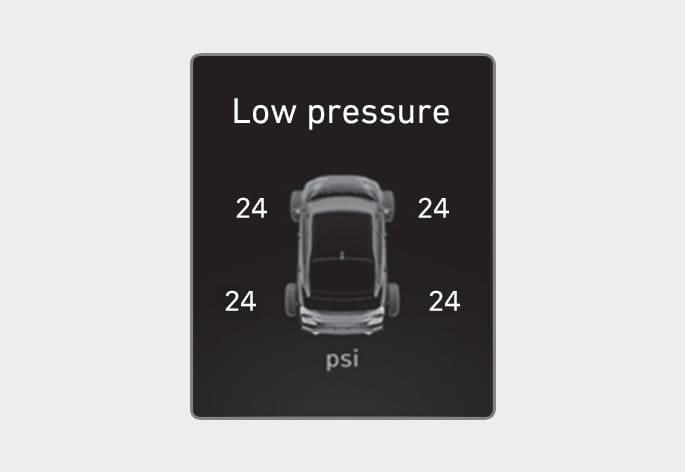
OCN7080056N
For more information, refer to the "Tire Pressure Monitoring System (TPMS)" section in chapter 8.