DAW Malfunction and Limitations
When DAW or a related component malfunctions, a warning message, the Master
For more information, refer to Driver Assistance System Warnings and Indicators.
DAW uses the following sensor:
-
Front view camera
For more information, refer to Driver Assistance System Settings and FCA Malfunction and Limitations.
DAW may not work properly in the following situations:
-
The camera is damaged, obstructed by foreign material, or its detection performance is reduced due to the surroundings.
-
The vehicle is driven violently
-
The vehicle intentionally crosses over lanes frequently
-
The vehicle is controlled by driver assistance system, such as Lane Keeping Assist (LKA)
-
Lanes are blurred or erased
Leading Vehicle Departure Alert may not work properly in the following situations:
-
When a vehicle cuts in front of your vehicle
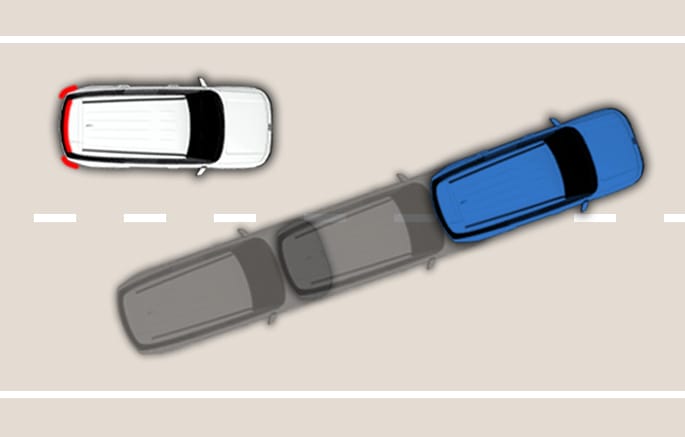
2C_DAWVCutIn
-
When the vehicle (3) cuts in between your vehicle (1) and the vehicle (2) ahead
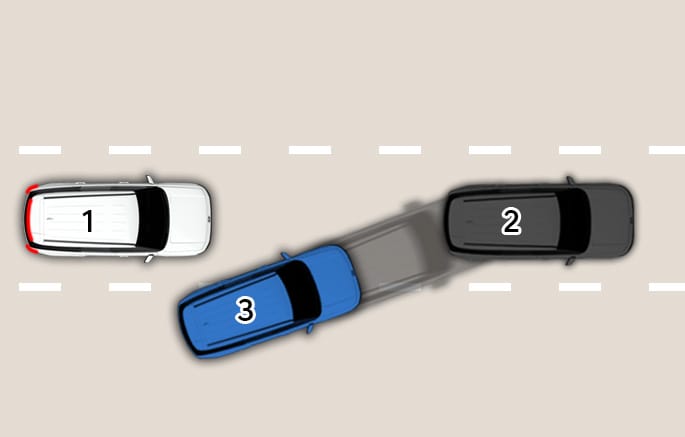
2C_DAWCutIn_2
-
When the vehicle ahead sharply steers (such as to turn left or right or make a U- turn, etc.)
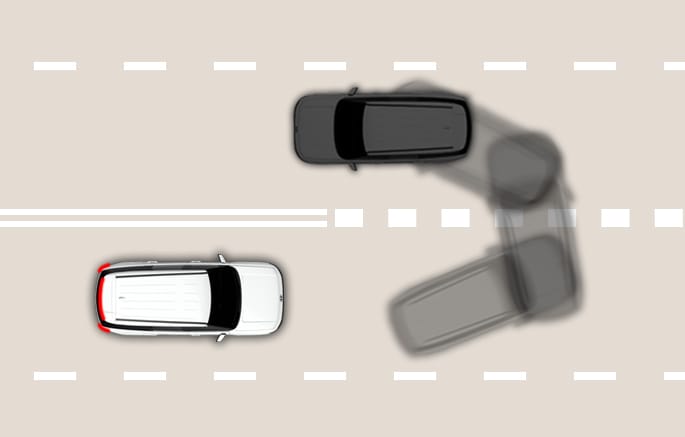
2C_DAWSharplySteer
-
When the vehicle ahead abruptly departure
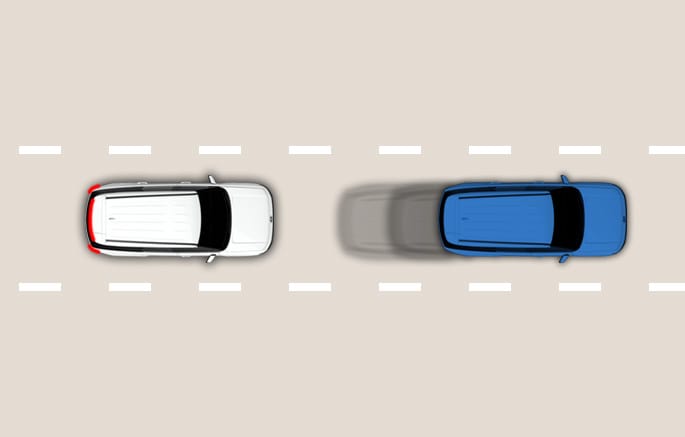
2C_DAWAbruptlyDeparture
-
When a pedestrian or bicycle is between you and the vehicle ahead
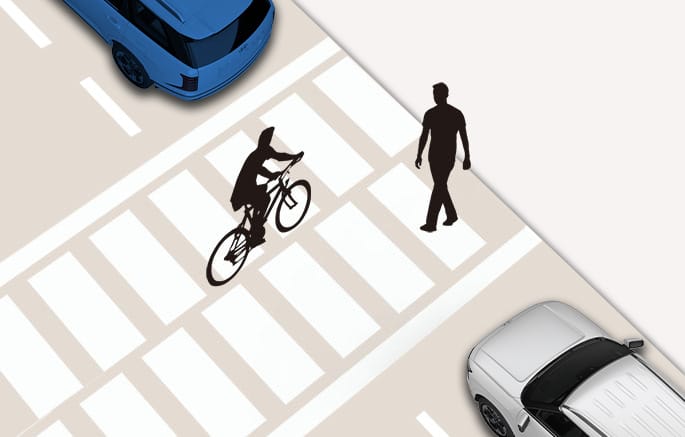
2C_DAWBetweenVehicles
-
When the vehicle detects a parked vehicle in front driving away in a parking lot
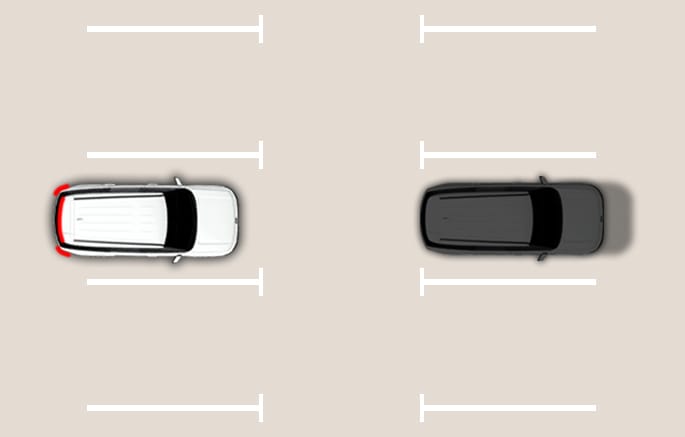
2C_DAWInParkingLot
-
When your vehicle stops at a lane that divides or merges and it is difficult to identify the vehicle ahead
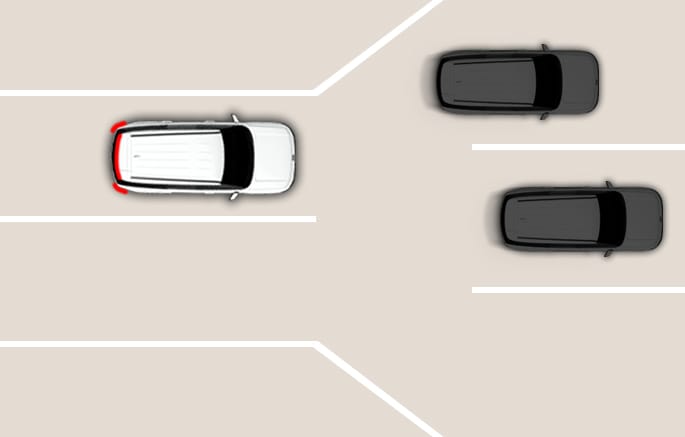
2C_DAWInTollbooth
DAW may not operate for about 15 seconds after the vehicle is started or the front view camera is initialized.