Cluster Display messages
This message is displayed if you try to turn off the vehicle without the gear in the P (Park) position.
If this occurs, the Engine Start/Stop button turns to the ACC position.
This message is displayed if the battery of the smart key is discharged while changing the Engine Start/Stop button to the OFF position.
This message is displayed if the steering wheel does not unlock normally when the Engine Start/Stop button is pressed.
You should press the Engine Start/Stop button while turning the steering wheel right and left.
This message is displayed if the steering wheel does not lock normally while the Engine Start/Stop button is pressed to the OFF position.
This message is displayed if the Engine Start/Stop button changes to the ACC position twice by pressing the button repeatedly without depressing the brake pedal.
You can start the vehicle by depressing the brake pedal and then pressing the Engine Start/Stop button.
This warning message is displayed if the Engine Start/Stop button is in the ACC position twice by pressing the button repeatedly without depressing the clutch pedal.
Depress the clutch pedal to start the engine.
This message is displayed if the smart key is not in the vehicle when you leave the vehicle with the Engine Start/Stop button in the ON or Start position.
Always turn off the engine before leaving your vehicle.
This message is displayed if you were unable to start the vehicle when the Engine Start/Stop button was pressed.
If this occurs, attempt to start the engine by pressing the Engine Start/ Stop button again.
If the warning message appears each time you press the Engine Start/Stop button, we recommend that you have the vehicle inspected by an authorized HYUNDAI dealer.
This message appears if the smart key is not detected when you press the ignition switch after accessing with the smart key.
At this time, the immobilizer indicator light blinks.
This message is displayed if the brake switch fuse is disconnected.
You need to replace the fuse with a new one before starting the engine.
If that is not possible, you can start the engine by pressing the Engine Start/Stop button for 10 seconds in the ACC position.
This message is displayed if you try to start the engine in any other position except P (Park) or N (Neutral).
You can start the engine with the gear in N (Neutral). But, for your safety, we recommend that you start the engine with the gear shifted to P (Park).
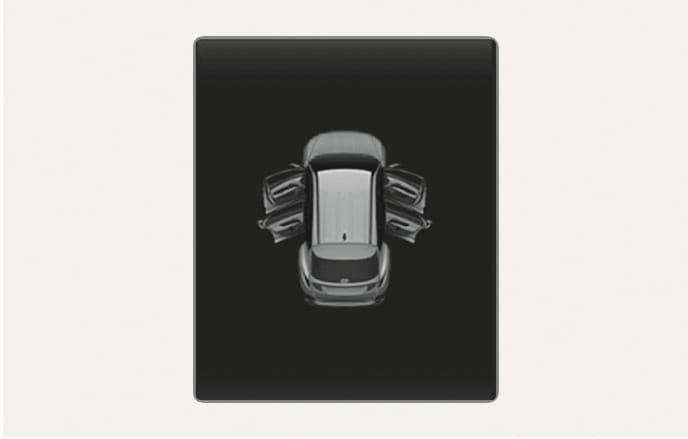
2C_DoorOpenWarning
This warning is displayed if any door or hood or tailgate is left open. The warning will indicate which door is open in the display.
Before driving the vehicle, you should confirm that the door, hood and tailgate are fully closed.
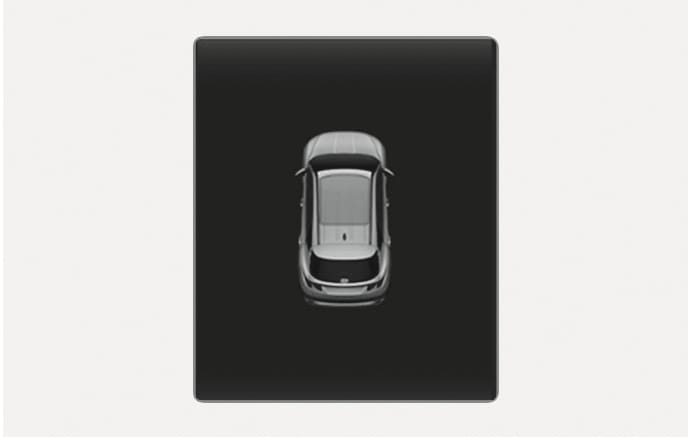
2C_SonroofOpenWarning
This warning is displayed if you turn off the engine when the sunroof is open.
Close the sunroof securely before leaving your vehicle.
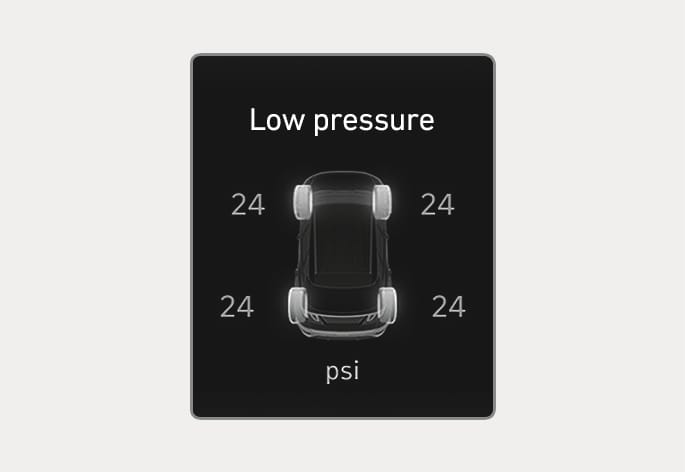
ONX4E040019
This warning message is displayed if the tire pressure is low. The corresponding tire on the vehicle will be illuminated.
For more details, refer to "Tire pressure monitoring system (TPMS)" section in chapter 8.
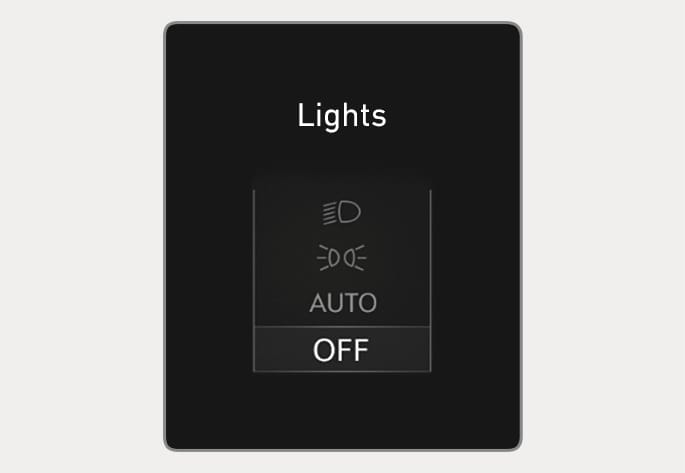
OJX1049007L
OJX1049062L
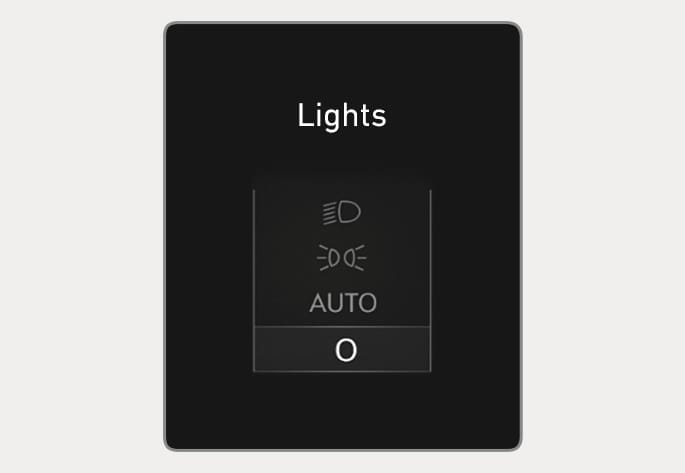
This indicator displays which exterior light is selected using the lighting control.
You can activate or deactivate Wiper/Lights display function from the Settings menu in the infotainment system. Select:
-
Settings > Cluster > Wiper/Lights display
OJX1049008L
OJX1049063L
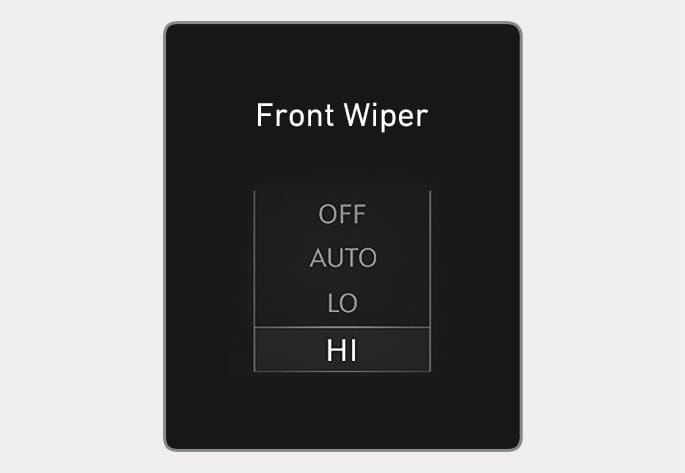
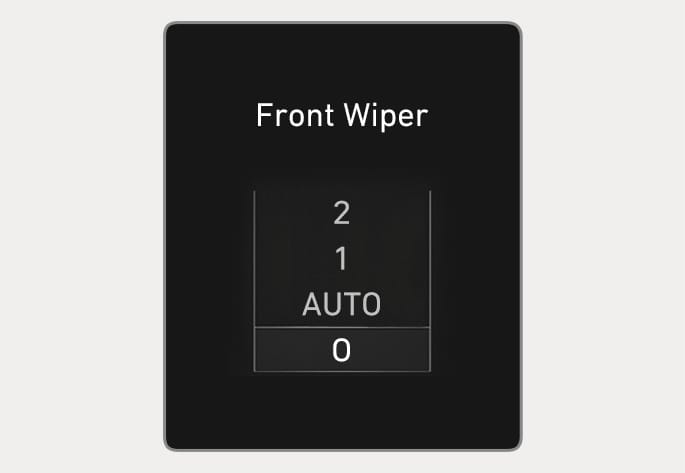
This indicator displays which wiper speed is selected using the wiper control.
You can activate or deactivate Wiper/Lights display function from the Settings menu in the infotainment system.
Select:
-
Settings > Cluster > Wiper/Lights display
This message is displayed if you turn off the heated steering wheel.
For more details, refer to "Heated steering wheel" in chapter 5.
This warning message illuminates if the fuse switch located on the fuse box under the steering wheel is OFF. You should turn the fuse switch on.
For more details, refer to "Fuses" in chapter 9.
This message is displayed if the washer fluid level in the reservoir is nearly empty.
Have the washer fluid reservoir refilled.
This message is displayed if the fuel tank is almost out of fuel.
When this message is displayed, the low fuel level warning light in the cluster will come on.
It is recommended to look for the nearest fueling station and refuel as soon as possible.
This message is displayed when the engine coolant temperature is above 120°C (248°F). This means that the engine is overheated and may be damaged.
If your vehicle is overheated, refer to "If the engine overheats" section in chapter 8.
This message is displayed if the headlights are not operating properly. A light may need to be replaced.
Make sure to replace the burned out bulb with a new one of the same wattage rating.
This message is displayed if the turn signal lights are not operating properly. A light may need to be replaced.
Make sure to replace the burned out bulb with a new one of the same wattage rating.
This message is displayed if there is a problem with the LED headlight. We recommend that you have the vehicle inspected by an authorized HYUNDAI dealer.
This warning message is displayed when the engine oil level should be checked.
If this warning message is displayed, check the engine oil level as soon as possible and add engine oil as required.
Slowly pour the recommended oil little by little into a funnel. (Oil refill capacity : approximately 0.6-1.0 L)
Use only the specified engine oil. (Refer to "Recommended lubricants and capacities" in chapter 2.)
Do not overfill the engine oil. Make sure the oil level is not above F (Full) mark on the dipstick.
If the message is displayed continuously after adding the engine oil and travelling approximately 50-100 km (31-62 mi.) after the engine warms up, we recommend that the system be checked by an authorized HYUNDAI dealer.
Even if this message is not displayed after the engine has started, the engine oil level should be periodically checked and topped up if required.
If you travel approximately 50-100 km (31-62 mi.) after the engine warms up, after adding the engine oil, the warning message will be disappeared.
This warning message illuminates if the DPF or GPF system has a malfunction. at this time, DPF or GPF warning light also blinks.
In this case, we recommend that you have the DPF or GPF system checked by an authorized HYUNDAI dealer.
DPF : Diesel Particulate Filter
GPF : Gasoline Particulate Filter
This warning message illuminates if the urea solution level in the urea solution tank is nearly empty.
-
When the SCR warning light is illuminates.
Refill urea solution as soon as possible.
For more details, refer to "Selective catalytic reduction (SCR) (for diesel engine)" in the chapter 9.
This warning message illuminates if the urea system has a malfunction.
In this case, we recommend that you have the urea system checked by an authorized HYUNDAI dealer.
For more details, refer to "Selective catalytic reduction (SCR) (for diesel engine)" in the chapter 9.